
Participant
April 5, 2023
Question

Spot Colours

  • April 5, 2023
  • 3 replies
  • 1436 views

I am trying to place a psd with 2 spot channels into illustrator. The problem is that my printer doesnt want the channels named as Pantone, he just wants them renamed as brown and black. When I try to place them into Illustrator I get these errors and it will not place the file?
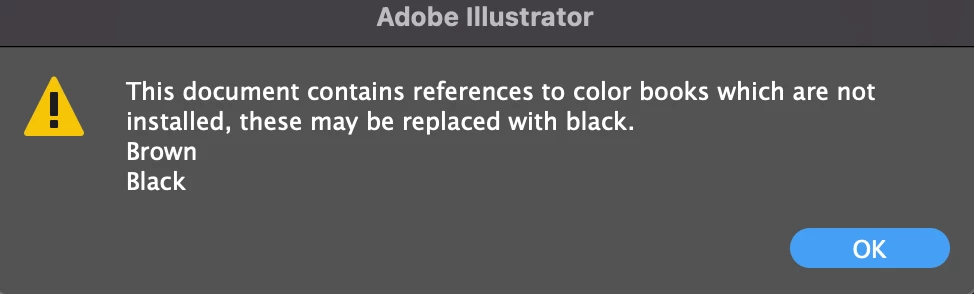
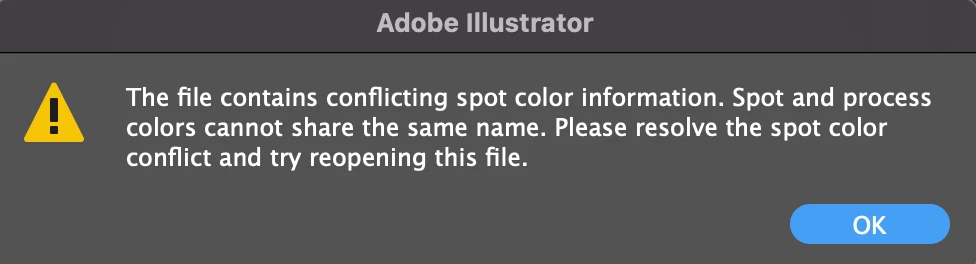
 Any ideas? Thanks

This topic has been closed for replies.

3 replies

Mike_Gondek10189183
Community Expert
Community Expert
April 5, 2023

CMYK Files already have a black, so you can copy and move the pixels from the spot channel to your black process channel, then delete the black spot channel. Unless you are doing a double hit of black and want to use the process black with an extra plate of spot black. As Ton mentioned you cannot use the "Black" for a spot channel as that is reserved for the process color. Photoshop should really fix to not allow that name.


Ton Frederiks
Community Expert
Community Expert
April 5, 2023

Also, you may want to install the missing color books:

It is easy to just install the 2022 version (while it is still available).  You don't even have to open it to copy the color books. After that you can deinstall that version.

In the Creative Cloud app select Apps > All Apps > Illustrator > click the 3 dots …  next to the Open button >  click Other Versions and select 26.5.2

Go the Illustrator 2022 Application folder > Presets > (your language folder) > Swatches > Color Books > and make a copy of PANTONE+ Solid Coated.acb and PANTONE+ Solid Uncoated.acb 

Keep them in a safe place and copy them to the same location in the Illustrator 2023 application folder.

Ton Frederiks
Community Expert
Community Expert
April 5, 2023

As the message says, you cannot use Black as the name of a spot color.

Maybe use Black2?