


Question
Spot Gaussian blurs gain a halo when edited or copy-pasted
Editing legacy artwork and if this gaussian blur is breathed upon, it freaks out and gets this halo around it. I know this has been a problem for... a while. Years. But I expected it to be fixed by now so I'm creating a new topic in hopes that it gets addressed in some future update. Our workaround right now is to try not touch it, but that might not be possible forever.
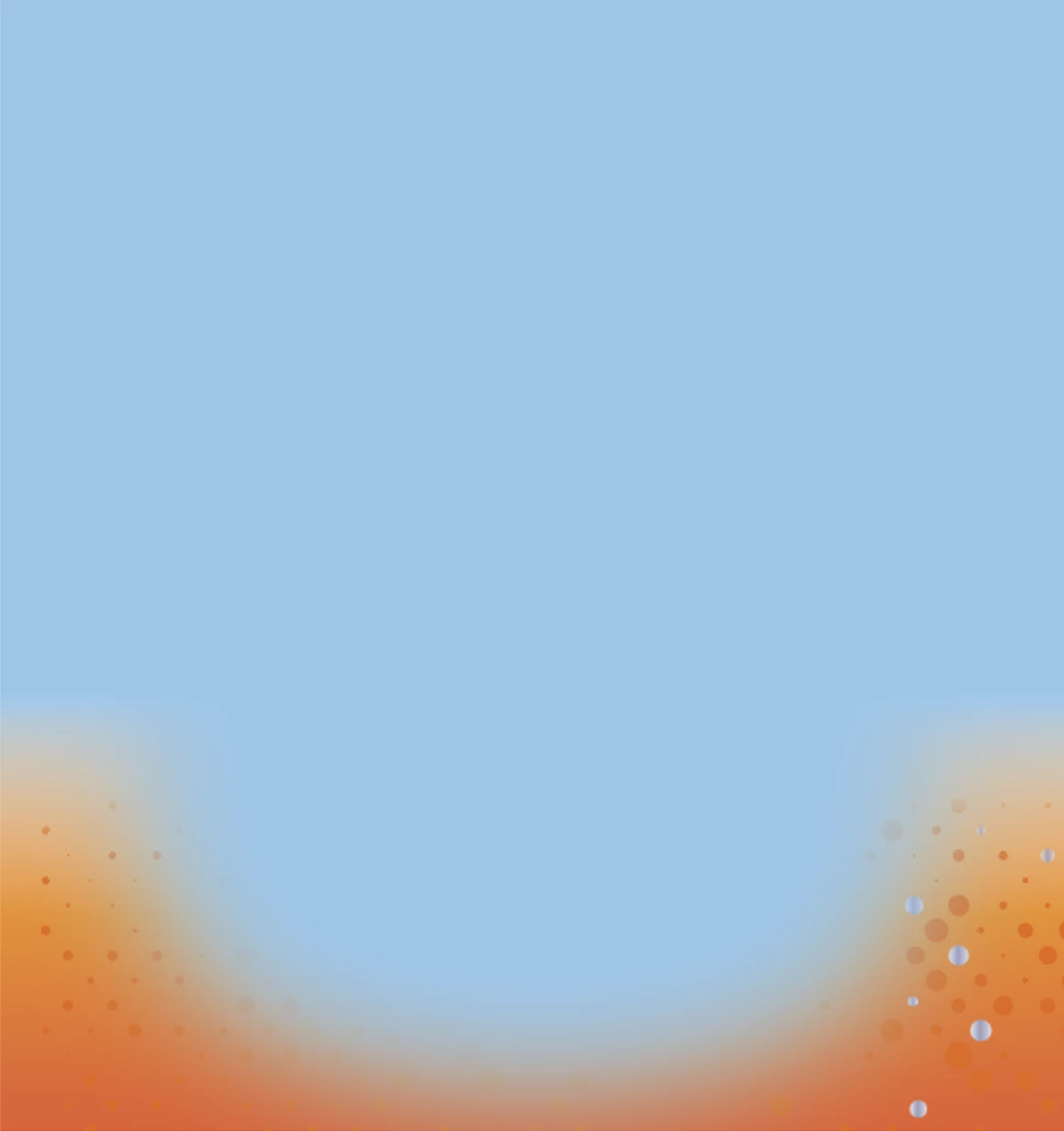
Here's what the legacy art looks like.
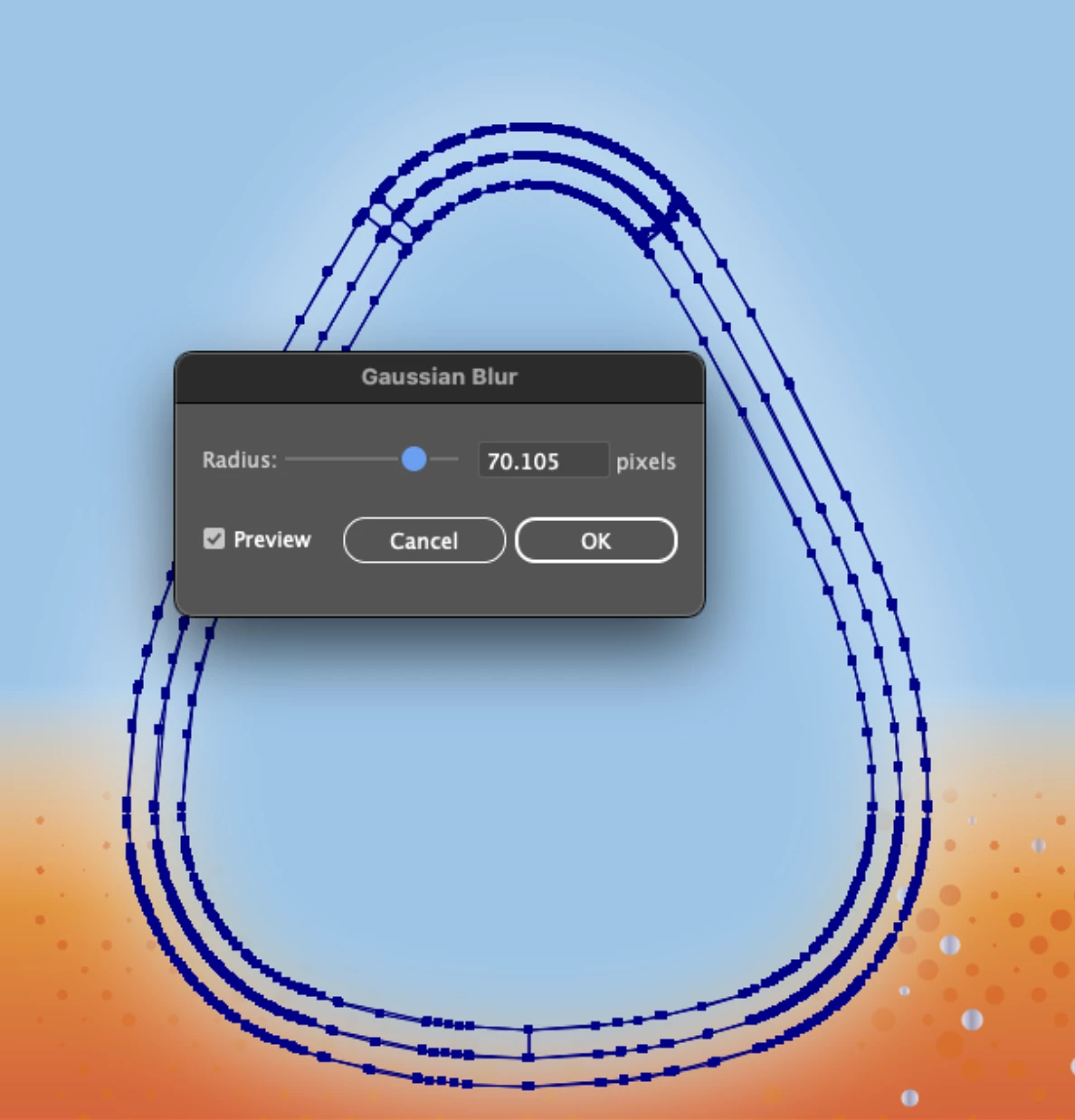
Opening the Gaussian Blur dialog to take a look at the specs.
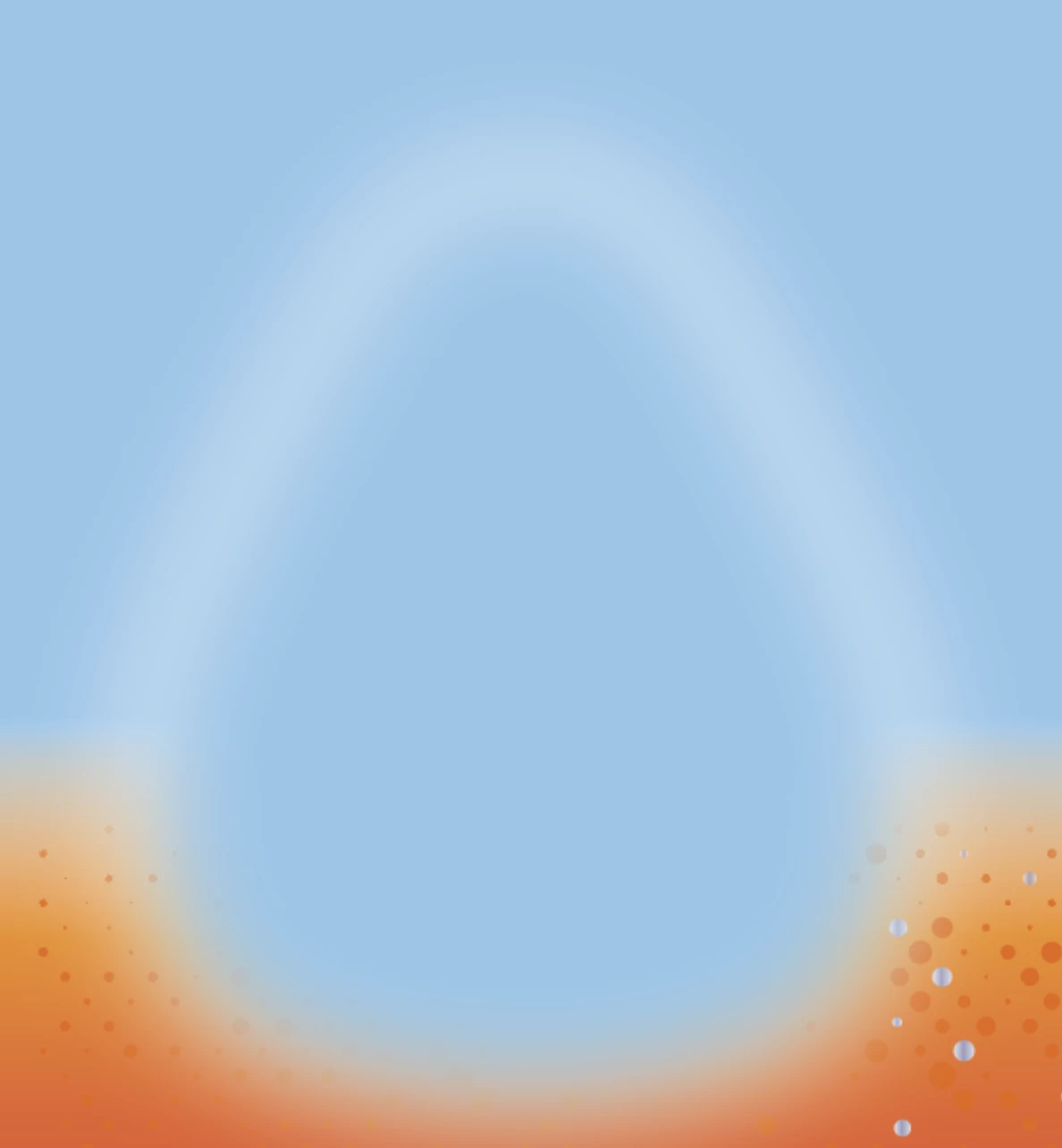
Blur gets this nice new halo around it. It won't go away... ever. Best bet when this happens is to close the file without saving and reopen.
 AdChoices