
Answered
Squares in the background of my Illustrator file
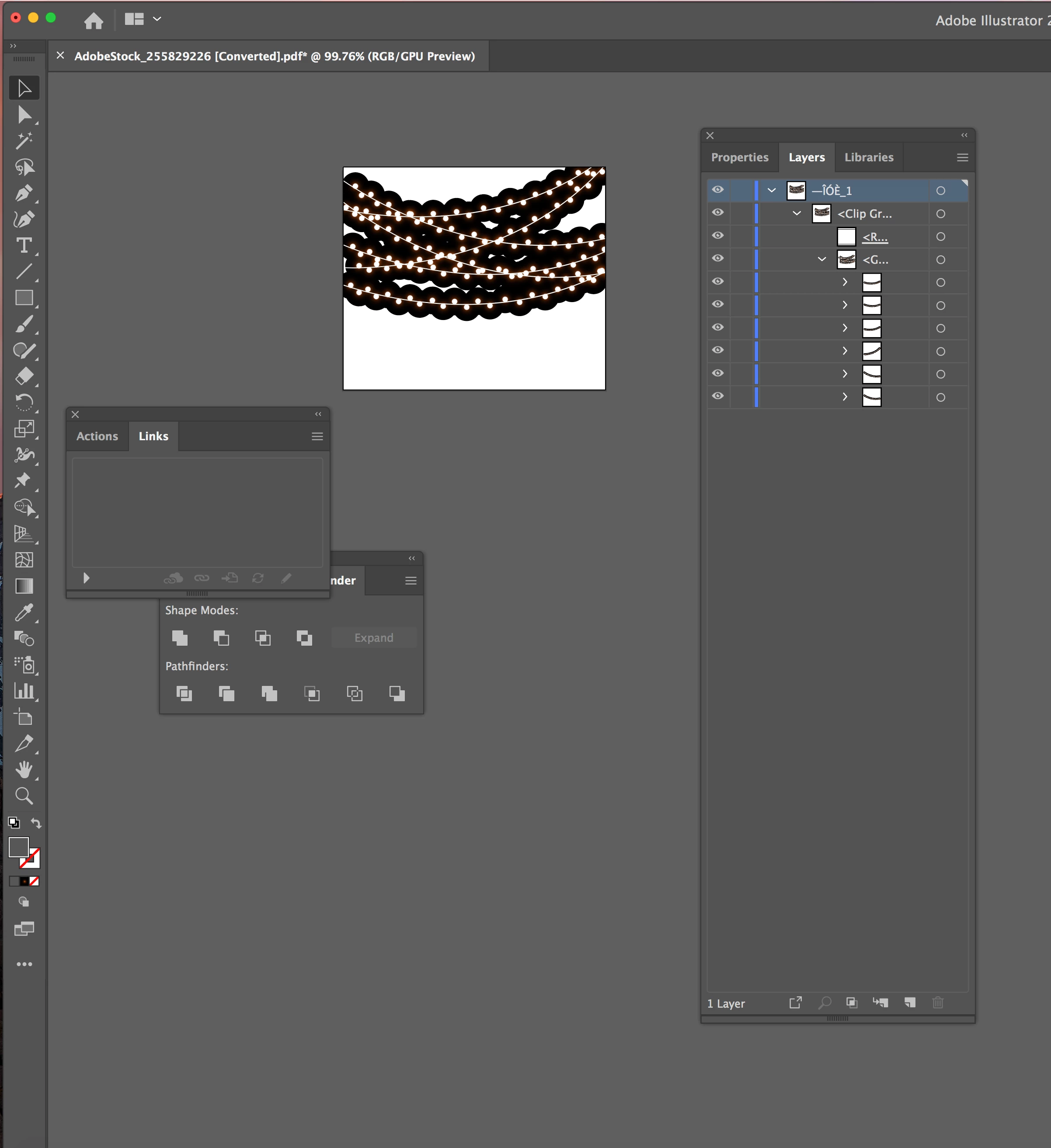
I downloaded artwork from Adobe Stock. It is an .ai file. It has the squares in the background like a transparency would in Photoshop. I can take the squares out individually, but then the rest of the artwork isn't correct. It is string lights, so it looks like the lights are glowing, until you remove the squares, then it's just circles with black outlines around them.
Is there anything i can do to correct this?
I honestly don't use Illustrator that often anymore, so not sure if it's an effect or something that can just be turned off.
Thanks for any help.
 AdChoices