
Static measure tool? Draggable?
Hi there!
First-time Illustrator user; longtime Photoshop user.
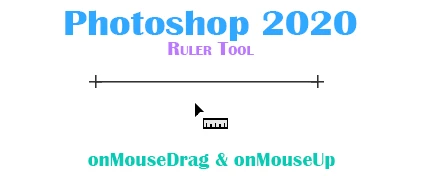
In Photoshop, I've grown accustomed to measuring a distance between two points using its Ruler tool. Once I've dragged the Ruler across and let go of the mouse button, the Ruler line remains on-screen. It can also be dragged throughout the workspace.
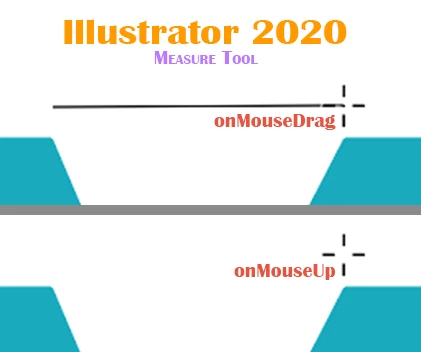
When using Illustrator's seemingly similar Measure tool, after dragging it from Point A to Point B and lifting the mouse button, the Measure line immediately disappears.
How can I use Illustrator's Measure tool in such a way that allows the measured line to remain on-screen? And is it possible to drag that line as-is within the workspace?
AI & PS screenshot comparisons attached.
Takk!
[ attachment inserted as inline image by moderator ]
 AdChoices