Known Participant
February 1, 2017
Answered

Stipple pattern

  • February 1, 2017
  • 2 replies
  • 3139 views

Hi,

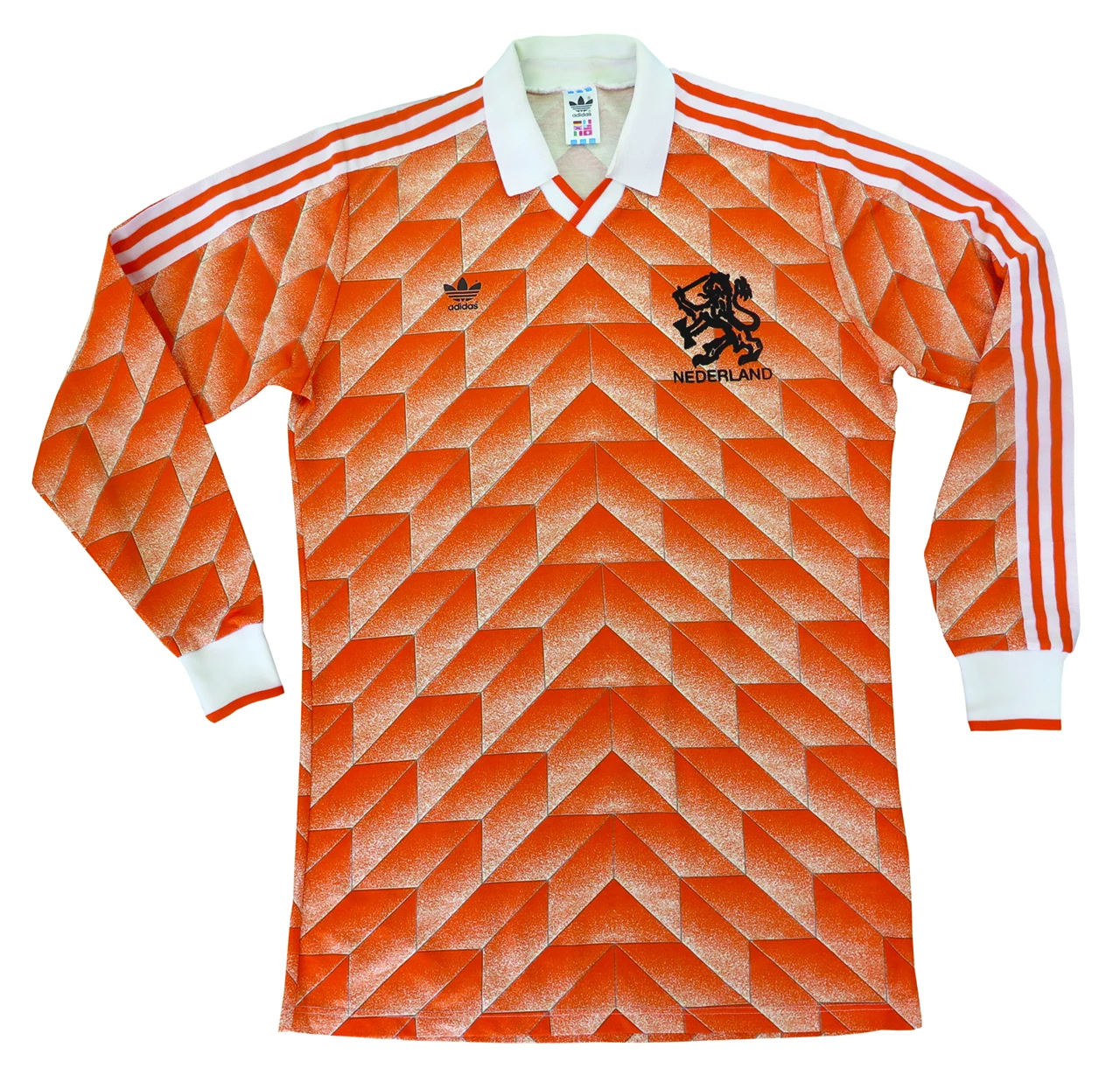
I am trying to recreate the pattern of this football shirt (please see image).

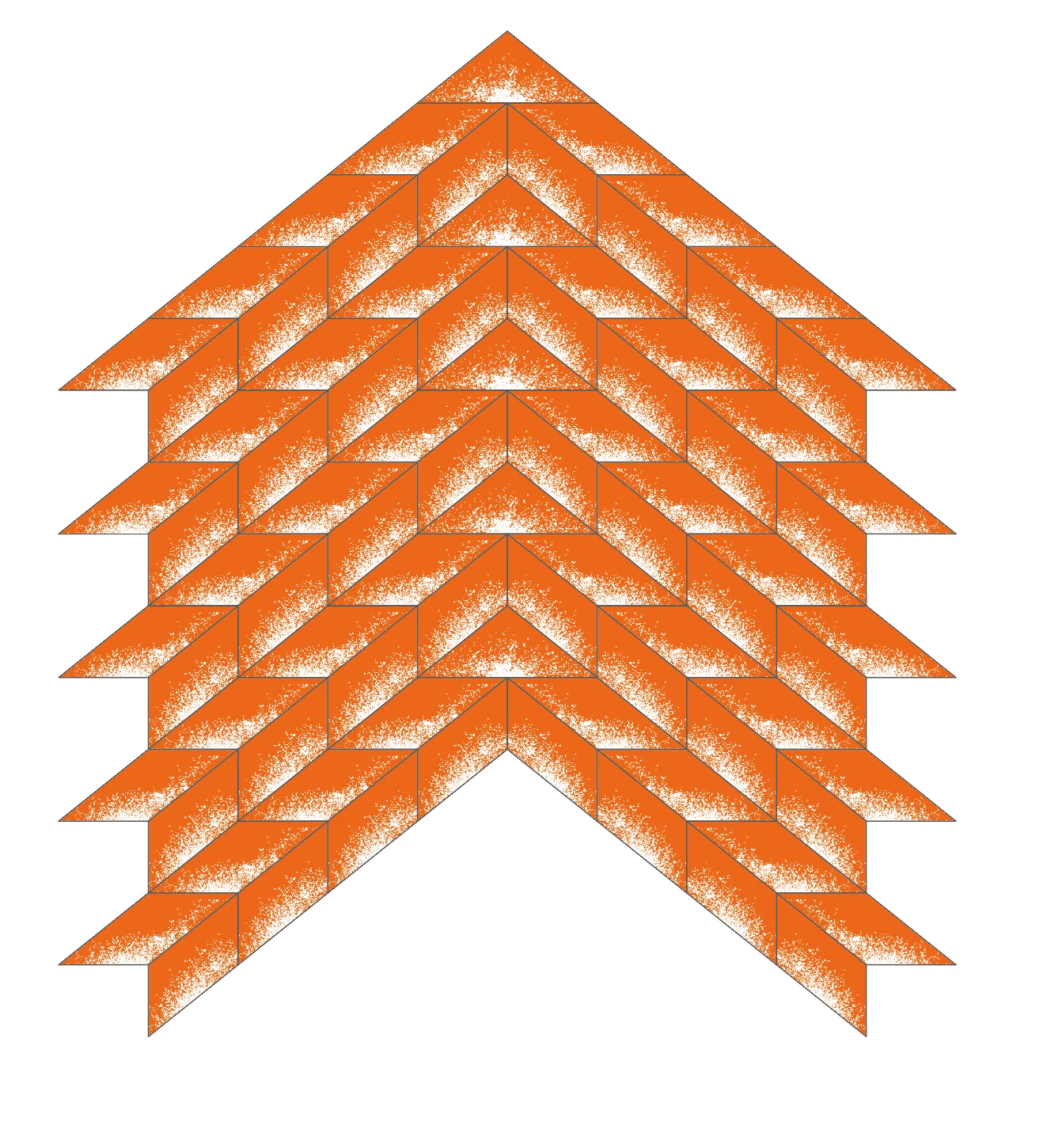
I have managed to recreate the geometric shapes and I have used clipping masks to hold the white stipple effect, but I would prefer to create a pattern swatch of the stipple effect so I can apply it to each of the shapes, but the pattern I set up did not sit correctly within the shapes.

I have also attached a screen grab of my artwork.

Any suggestions appreciated.

Thanks.
    This topic has been closed for replies.
    Correct answer Mike_Gondek10189183

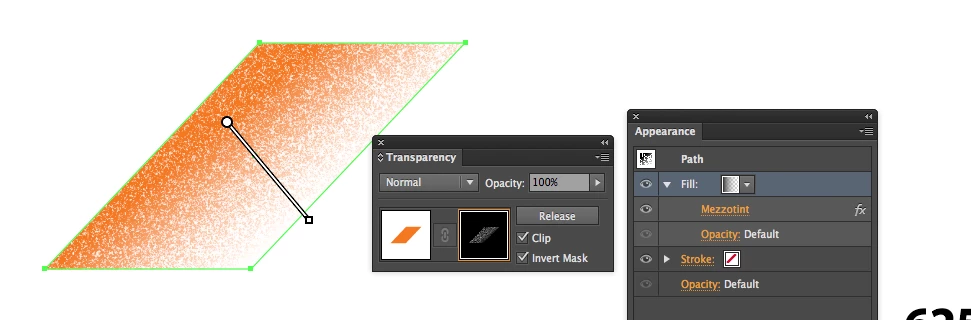
    To get that look I would use individual Rhombus shapes with a few different gradients inside them.

    The  gradient you have is more radial in comparison to the original which is more linear (except for the triangle at the top).

    Below is what I used.

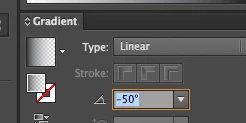
    Tweaking the angle of the gradient will be a major part of recreating this artwork, and I personally select the numeric value and use the up and down cursors (add shift for 10X increments) to tweak, as the gradient annotator cannot be moved around with precision.

    2 replies

    barbara_a7746676
    Community Expert
    Community Expert
    February 1, 2017

    I'm not understanding exactly what you want the pattern to look like. Do you want the stipple effect without the solid areas?

    Known Participant
    February 1, 2017

    Hi Barbara,

    Ideally I would like to have the stipple effect and the orange background.

    I thought it would be best to create a pattern swatch for the individual shapes.

    Thanks.

    Monika Gause
    Community Expert
    Community Expert
    February 1, 2017

    What do you expect the pattern to do?

    Also please show your pattern.

    Known Participant
    February 1, 2017

    Hi Monika,

    I only want to apply the pattern to the individual pieces (I don't think I could create a pattern for the full shirt) if that makes sense.

    I have attached a screen grab of my pattern swatch and its settings and then a screen shot of the pattern applied to a rectangle.

    Thanks.

    Monika Gause
    Community Expert
    Community Expert
    February 1, 2017

    Patterns are always applied in horizontal alignment. On top of that they are aligned to the document rulers. You would need to adjust each of the patterns to the object. That would be a lot of manual work.

    You could instead build one of these red building blocks together with the stipple (as a clipping mask) then duplicate it and align.