
Known Participant
December 9, 2021
Question

Stop Illustrator truncating file names

  • December 9, 2021
  • 2 replies
  • 1092 views

Hi, the new version 26.0.1 seems to have changed teh way my long file names are saved and it driving me nuts. Why so they do this? Very annoying. I want my file names exactly how I have them and have been able to do this for the last 30 years. Why change now?


Anyhow. How do I stop this from happening. This message comes up but i cannot find the 'pop up optimuise ' window anywhere. Where is that to be found. See below
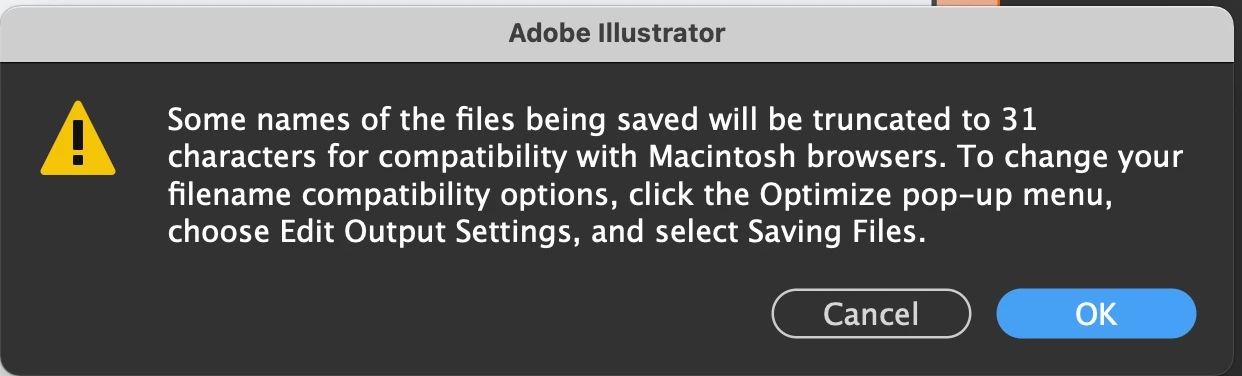
How do I fix this??

Thanks

tony

This topic has been closed for replies.

2 replies

Known Participant
August 20, 2022

Hi ther, has anyone else had this issue. It was never resolved and it is driving me crazy. I am trying to save a heap of illustrator files now and getting the same message. (I always do when I save a long file name)

It says in tyhe message to click the optimise pop up menu. Where is that. I can not for the life of me see that


This is crazy ans have always been able to save long file names in illustrator until recently. Maybe it  is becasue of the M1 chip macs?

Can anyone from Adobe help me please.

Thanks

Tony

Participant
February 15, 2024

I am having the same issue. It's driving me bonkers. I need the file names exactly as I type them for work purposes, but now I cant after the last 12 years of being able to. I can not even find the "Optimize pop-up menu" being referenced. 


Known Participant
February 15, 2024

I feel your pain. I never got a proper answer either. I cant find optimse pop up meuu either.

Doug A Roberts
Community Expert
Community Expert
December 9, 2021

Is this from Save for Web? How exactly are you saving this file?


This is a puzzle. I can't trigger this message myself no matter what I try -- and as far as I can tell the options it describes do not exist in Illustrator, only in Photoshop.

Known Participant
December 9, 2021

Hi Doug, yes it is when I 'save for web'. The fiel name is not that long.

This is the actual name

OBP Methodology Diagram - Layer 1.eps

I have never had this issue in all my time time using illustrator since illustrator 88 so this is very weird.


Any tips on how to fix it. It say to open optimise o[pop up window but can't find that. Do you know where that is. That would be a start

Doug A Roberts
Community Expert
Community Expert
December 10, 2021

As I said, as far as I can find out those options are only available in Photoshop.

Can you share a screenshot of your save for web settings?