
Strange 'fill stacking' behavior
I have had this issue for quite some time now, and I'll try to explain it the best I can.
Basically it seems like illustrator is showing two fills on top of each other where there should only be one according to the appearance panel. I think I have experienced it quite often with text, but I'm not sure if I've seen it with other types of objects as well.
As you can see below, this text appears to be black:

However, both the menu and the appearance panel say it should actually be red. When I try changing the color through either the color picker or any other way, this color changes but the text remains black.
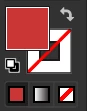
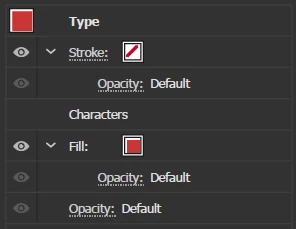
I'm not sure if you will be able to see this, but when I place a black rectangle behind it, this reveals a very thin red 'stroke' around the text, as if the black fill has a red fill behind it:


Left: the whole text, right: a closeup.
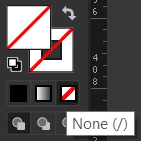
The only way I have been able to solve this was by clicking the "none" button in below the swatches twice. The first time, this would remove the red fill, and the black fill would appear, and the second time the black fill would also disappear. After this it continues to function as it should.
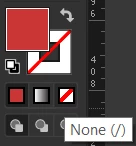
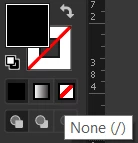
I hope I was clear enough, and hopefully someone has a solution because it is getting pretty annoying.
Thanks in advance!
 AdChoices