
Participant
September 25, 2016
Answered

Strange font pop-up

  • September 25, 2016
  • 21 replies
  • 46372 views

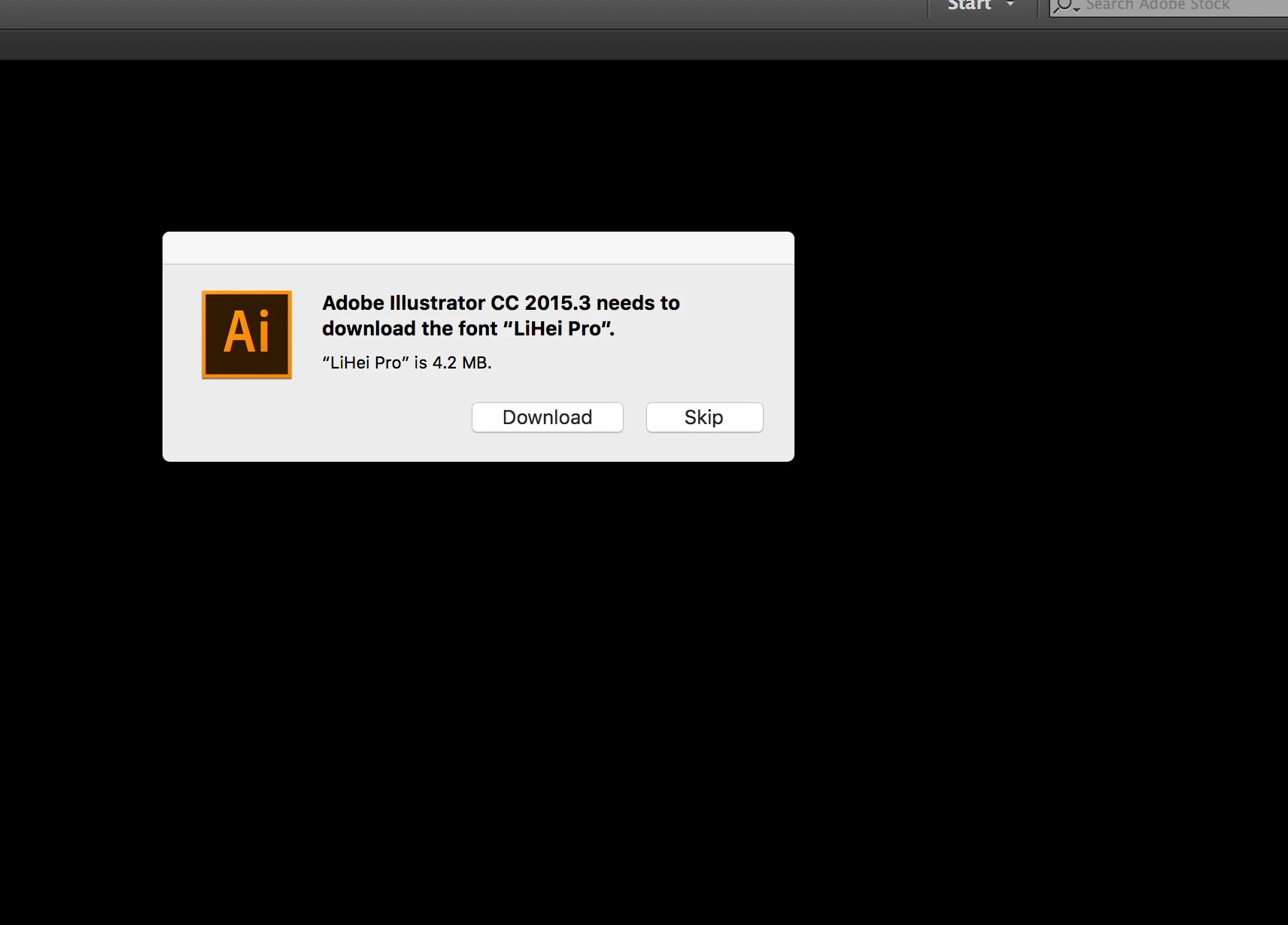
Today I started to get this strange pop-up telling me that I need to install a font I never use and isn't in the document Im working on. I have to click not to install it about 3/4 times before the message goes away. Does anyone know if this is real or some scam? Here is the message I get:

Adobe Illustrator CC 2015.3 needs to download the font “LiHei Pro”
This topic has been closed for replies.
Correct answer SHEPHERDclif

Man you gave in?! HA I came in with the same problem as well as with a fix!

I wasn't just getting this in Illustrator but same messages for the same fonts from MS Word. It is CERTAINLY related to the install of Mac OS Sierra as that was immediately after that it started. However, when I updated my font management software Suitcase Fusion to version 18.1.2 the problem went away.

Actually, in all previous version of OS I would remove the unused foreign fonts from the system folder up until they locked down the root. I've yet to do the Terminal commands to turn that off to remove the unwanted fonts, and turn it back on.

21 replies

Monika Gause
Community Expert
Community Expert
September 25, 2016

Do you have any font management installed?

Which system is this?

Did you create that document?

Participant
September 25, 2016

No management installed, this is on my 2015Macbook pro. This is my document yet i notice that i get this pop-up every time i open illustrator, even though i never use this font on any project, and sometimes i have to force quick the application because the pop-up wont go away any other way. 

Monika Gause
Community Expert
Community Expert
September 25, 2016

Which system is this?

Which language are you in?

Did it ever work?