Answered
Strange fuzzy lines around edges
There are these strange fuzzy lines around the edges of everything in Illustrator.
It happens with text, shapes, lines, everything vector.
Any ideas how to make this stop?
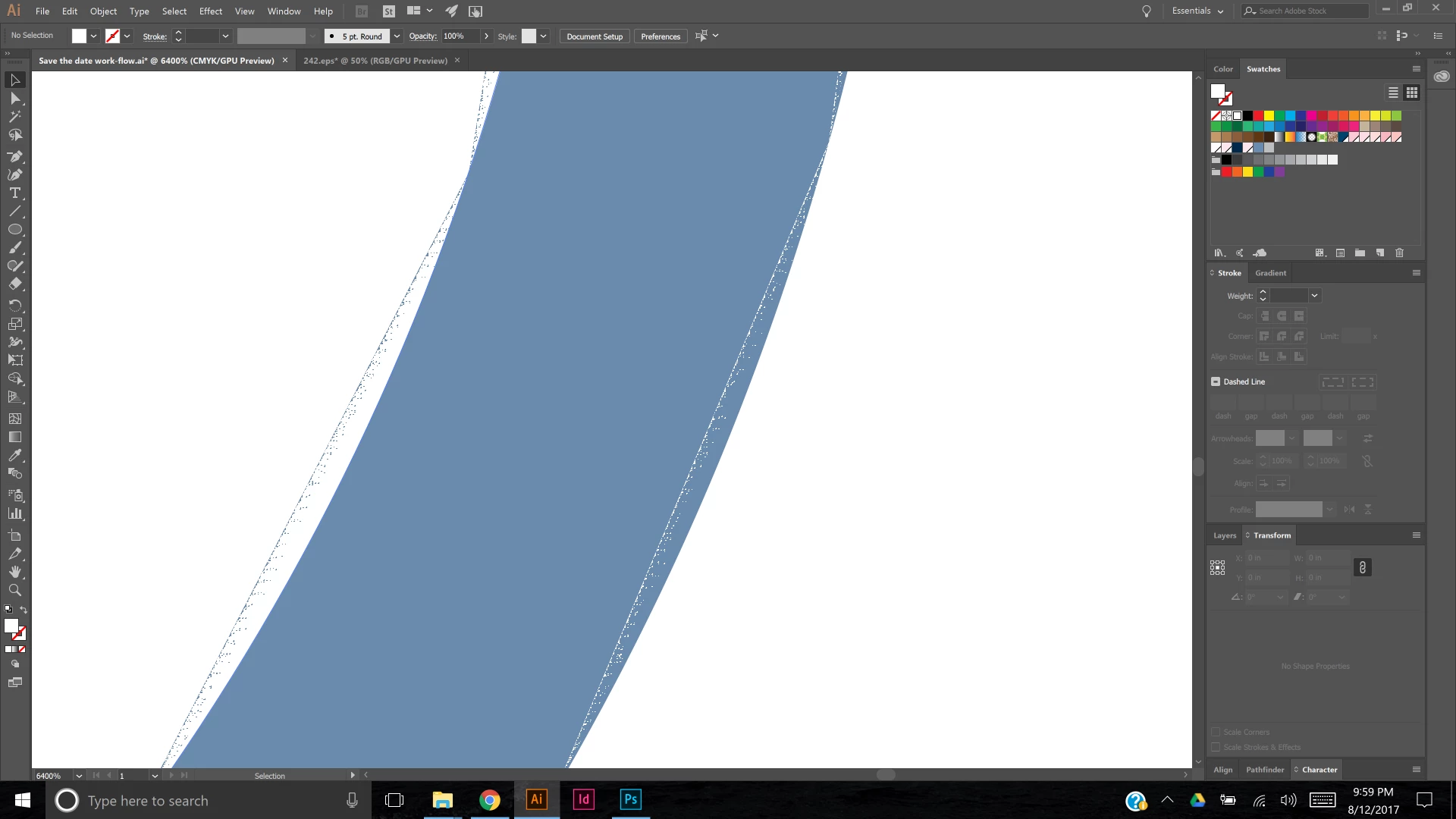

There are these strange fuzzy lines around the edges of everything in Illustrator.
It happens with text, shapes, lines, everything vector.
Any ideas how to make this stop?
Try disabling GPU Performance and see if it makes a difference.


Already have an account? Login
Enter your E-mail address. We'll send you an e-mail with instructions to reset your password.
 AdChoices