kosteaz50942064
Participating Frequently
November 7, 2018
Answered

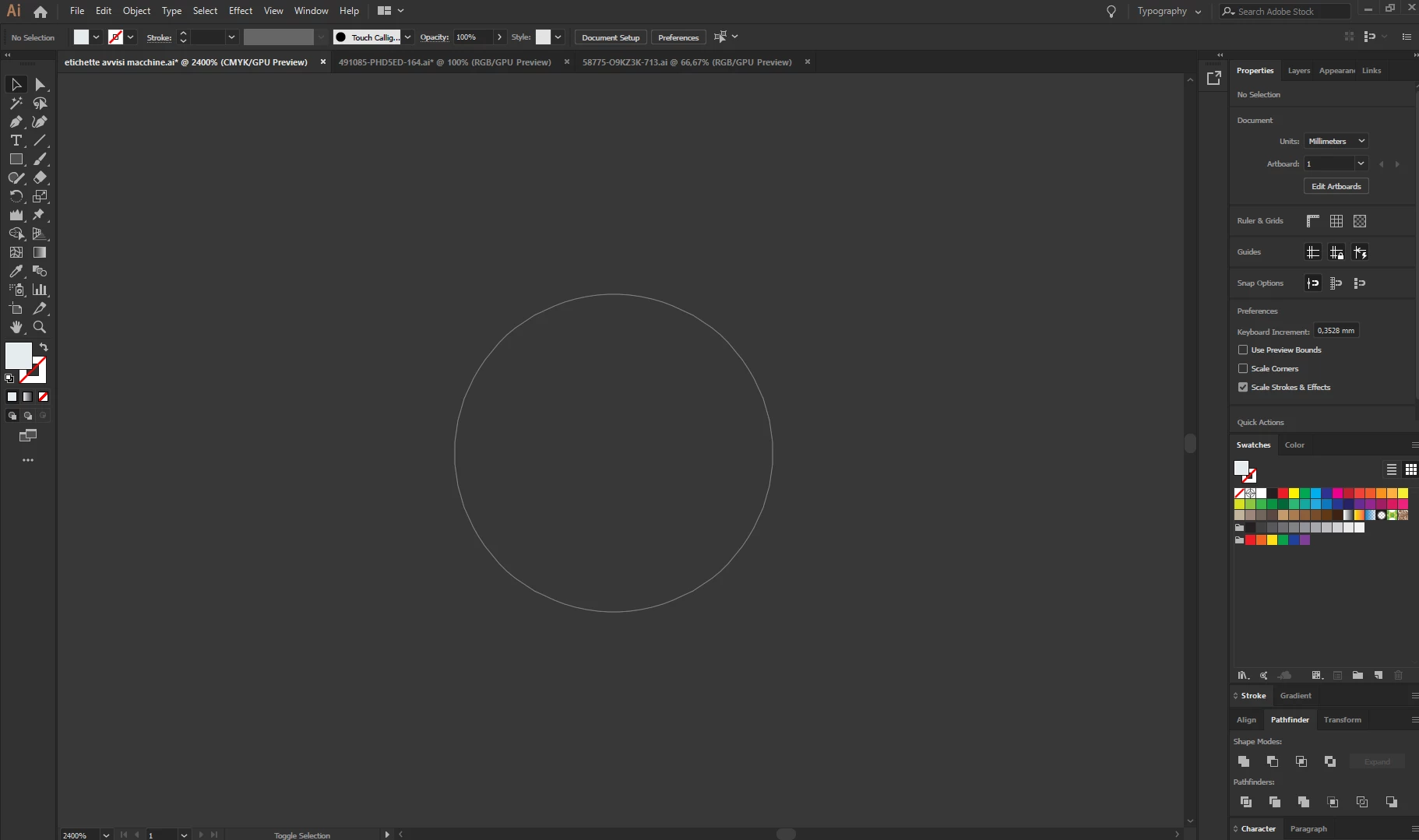
Strange grey circle

  • November 7, 2018
  • 3 replies
  • 8324 views

Good evening,

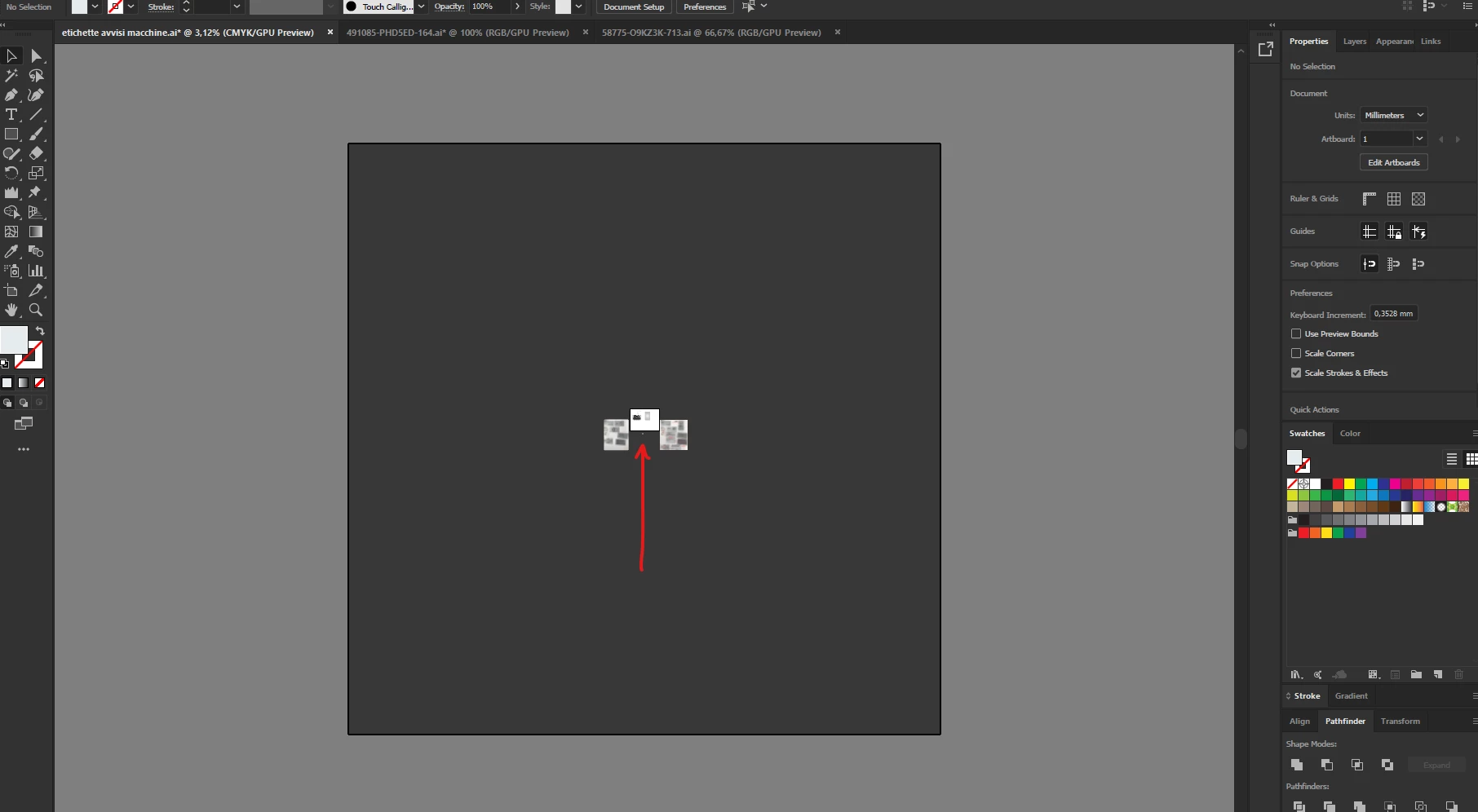
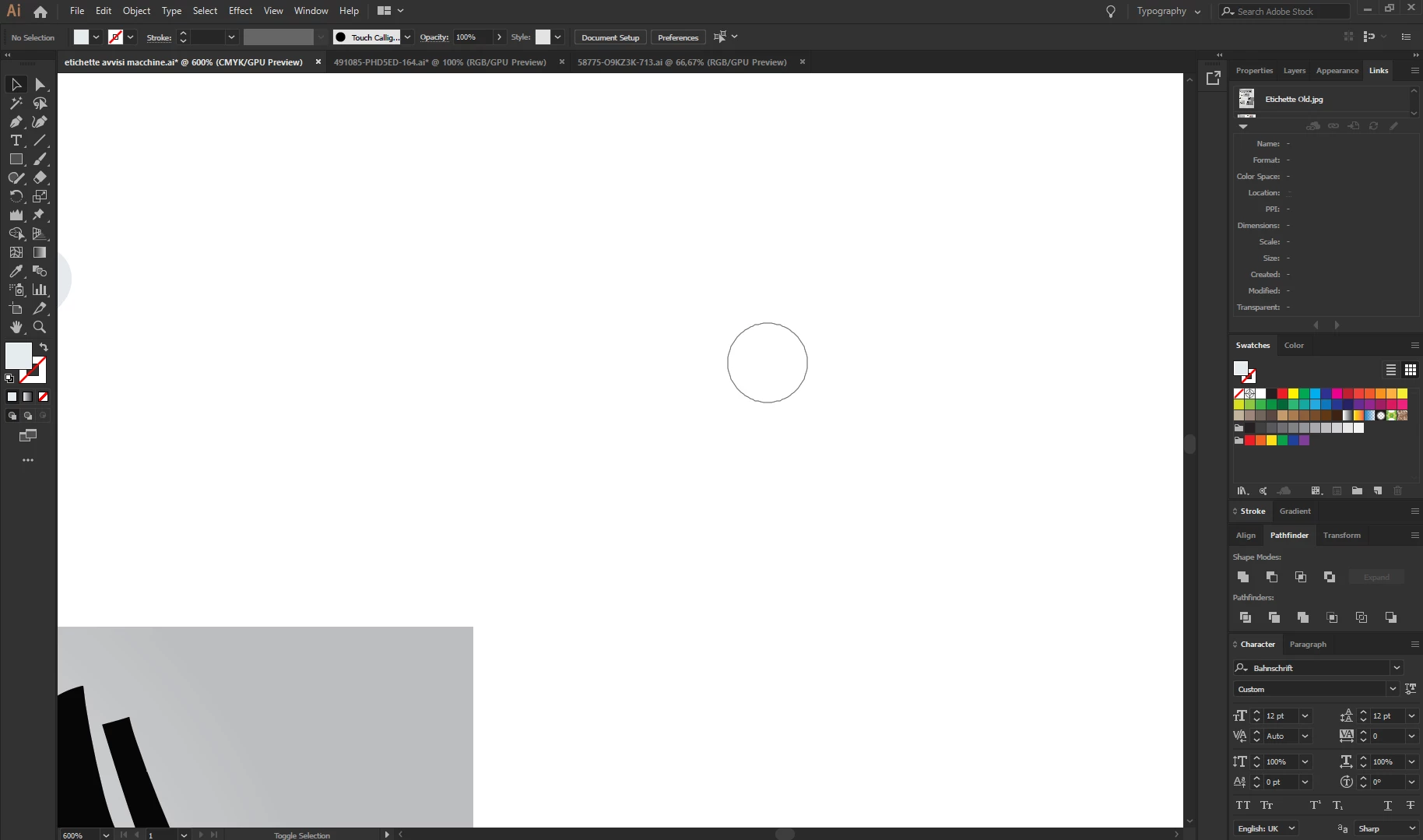
Just on this document I have a strange grey circle, it seems to be in the middle of the whole canvas and it remain even if I moove the artboard.

I can't see it in outline mode, didn't find nothing about it. So anyone know how to disable it?
This topic has been closed for replies.
Correct answer Doug A Roberts

Does it seem to match your last used calligraphic brush?

I've seen this before but don't know how to reproduce it. Luckily it just seems to be a visual glitch.

3 replies

meganchi
Legend
November 7, 2018

Did you accidentally convert it to a guide? Try to clear guides to see if it goes away.

Doug A Roberts
Community Expert
Doug A RobertsCommunity ExpertCorrect answer
Community Expert
November 7, 2018

Does it seem to match your last used calligraphic brush?

I've seen this before but don't know how to reproduce it. Luckily it just seems to be a visual glitch.

Participant
August 6, 2023

I've experienced this issue after creating an art brush with the same shape. It went away after saving and re-opening the project.

Monika Gause
Community Expert
Community Expert
November 7, 2018

Is it gone after a computer restart?

kosteaz50942064
Participating Frequently
November 12, 2018

Yes it is!

Monika Gause
Community Expert
Community Expert
November 12, 2018

You could try and update your graphic card driver. Maybe there's some compatiblity issue.