anthroid
Participant
April 23, 2019
Answered

Strange Minus Front behavior when Type contains a slash character?

  • April 23, 2019
  • 4 replies
  • 1557 views

So I keep having this strange, repeatable issue. There is a strange artifact when using a slash "/" character before a word containing a letter with a circular full closure (O, Q) following it.

  1. Create a new document
  2. Create a rectangle with the Rectangle tool
  3. Insert the text "HIGH / LOW", or "RUN / STOP" in Helvetica Bold over the top of the rectangle using the Type tool
  4. Select the text and select Type > Create Outlines
  5. Select all objects and click Pathfinder > Minus Front

Predictably, this cuts out the text from the rectangle behind. However, there is an unexpected triangle shape connecting the bottom of the slash to the top of the "O". How to avoid this? I've already tried dividing the background object and ungrouping the outlined letters and doing a Minus Front individually, but this is tedious and I have a lot of objects like this. It also works normally with other text (without a slash or without an O or Q), and with other fonts (Myriad Pro, Skia, for example). With Arial, it did the same thing.

Is there a way to avoid it and have the text cut out predictably?

To reproduce:

Select the text:
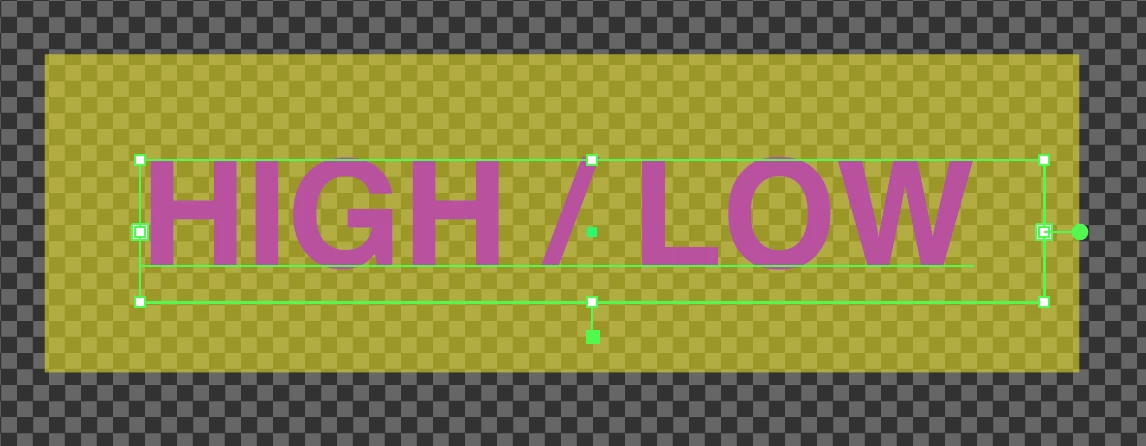
Type > Create Outlines:
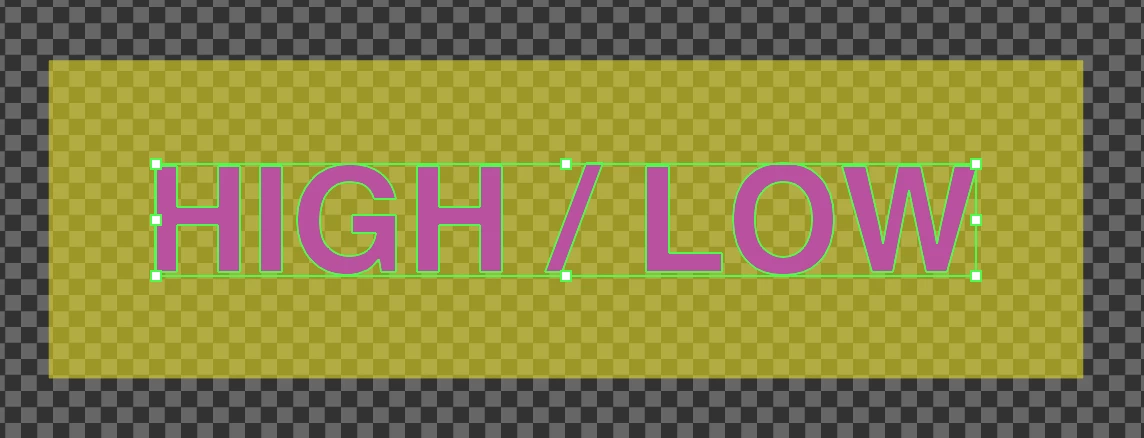
Select all > Pathfinder > Minus Front:
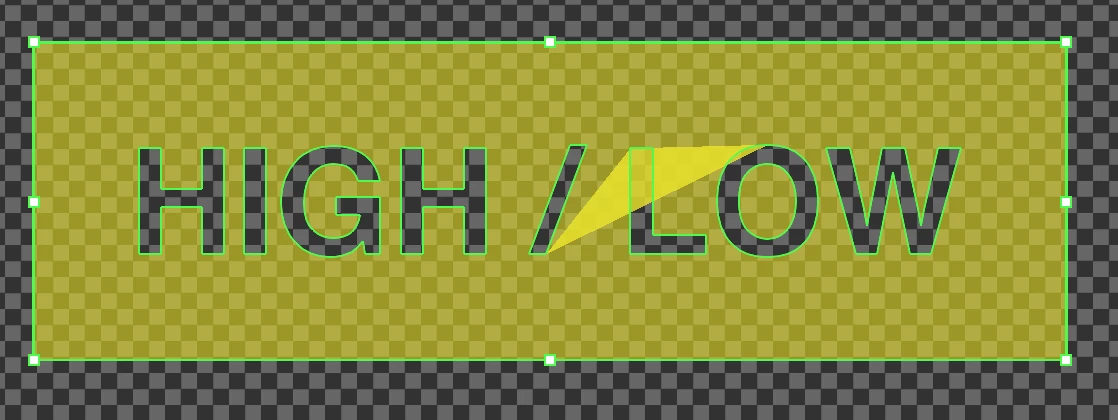
This only happens with a slash and an "O" or "Q" in the following text. Otherwise it works predictably (even with other enclosed letters like "D").

Any ideas? Is there a better method that might avoid this? (I've only been using Illustrator a few days)

This topic has been closed for replies.
Correct answer Monika Gause

Does it get better with View > Preview on CPU?

4 replies

Bill Silbert
Community Expert
Community Expert
April 23, 2019

I tested this and found that Monika is correct. It is a GPU performance issue. You can turn off GPU Performance altogether in your Illustrator Preferences.

Grant H
Community Expert
Community Expert
April 23, 2019

quick work around : nudge the "/" down and then minus.

(this seems to happen with a few fonts like helvetica bold)

Jacob Bugge
Community Expert
Community Expert
April 23, 2019

anthroid,

Failing a switch from GPU to CPU, is it also happening with another font (some fonts are a wee bit less than perfect (if more than a wee bit, Illy will refuse to recognize it as a font))?

Monika Gause
Community Expert
Monika GauseCommunity ExpertCorrect answer
Community Expert
April 23, 2019

Does it get better with View > Preview on CPU?

anthroid
anthroidAuthor
Participant
April 23, 2019

Yes, thank you! I thought it was odd that I couldn't ungroup or separate the "artifact" object. If I switch to CPU, it's gone. I also confirmed that if I save as PDF it is not there, regardless of the Preview Mode. It is still odd that it only affects a few fonts (Helvetica, Arial), but these must have a very specific alignment in relation to the slash outline that the GPU doesn't render correctly.

Monika Gause
Community Expert
Community Expert
April 23, 2019

You could try and find an update to your graphic card driver.