


Answered
Stray lines in cannot be found, selected, or deleted
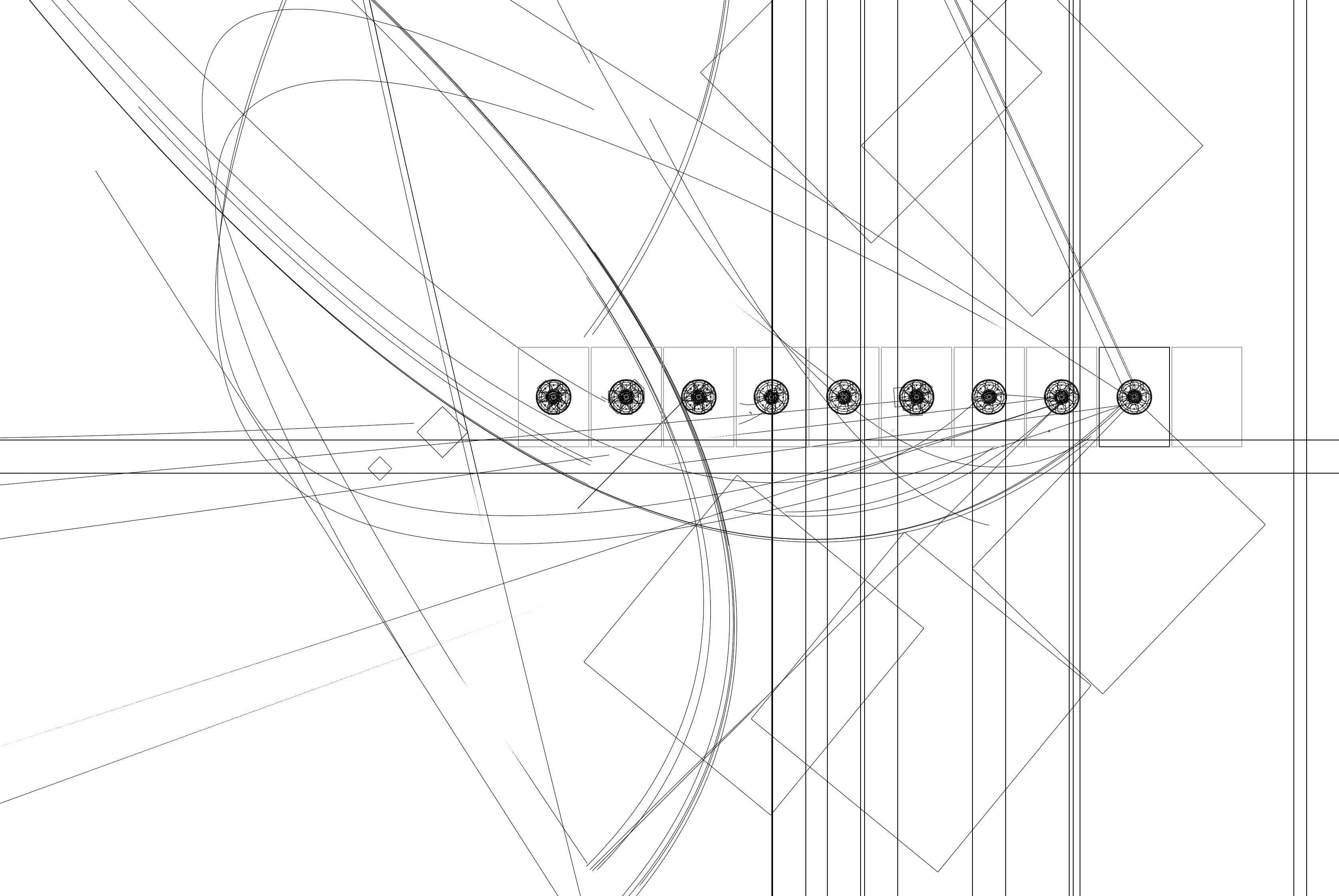
In my attached image, viewing from outline mode, you can see my 10 artboards with round objects in nine of them, and then there are these very large stray lines and squares going everywhere. I've been copying/pasting from another .ai file into this one. And only when in outline mode can I see them. Some are just wild-looking, while others appear to have been guides. Searching for stray points from 'Select/Object/Stray Points' doesn't find them either. Maybe something from my other file got copied over.
There are clipping masks in my artwork but it would seem you can still search for odd lines within clipping masks in the Layers panel, right? Don't know how to get rid of these.
I have Illustrator 29.8.1
Running MacOS Sequoia 15.5
 AdChoices