

Rahat Al Yeasin
Participating Frequently
October 22, 2023
Answered

Stroke act like fill without create outline the stroke or expand appearance in Adobe Illustrator

  • October 22, 2023
  • 2 replies
  • 697 views

Hi! I have been facing this problem earlier today. 


The problem is when I draw a single line with a line tool or pen tool, or if I convert a fill shape to stroke- those act fine as you can see below.
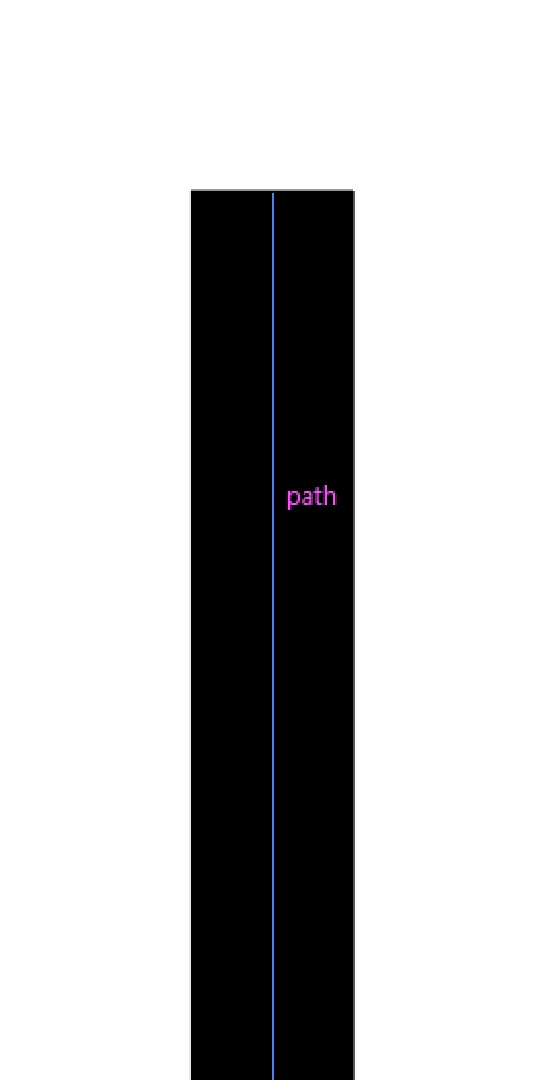


But if I select 2 or multiple lines or stroke lines, those act like a fill shape. See the image below.
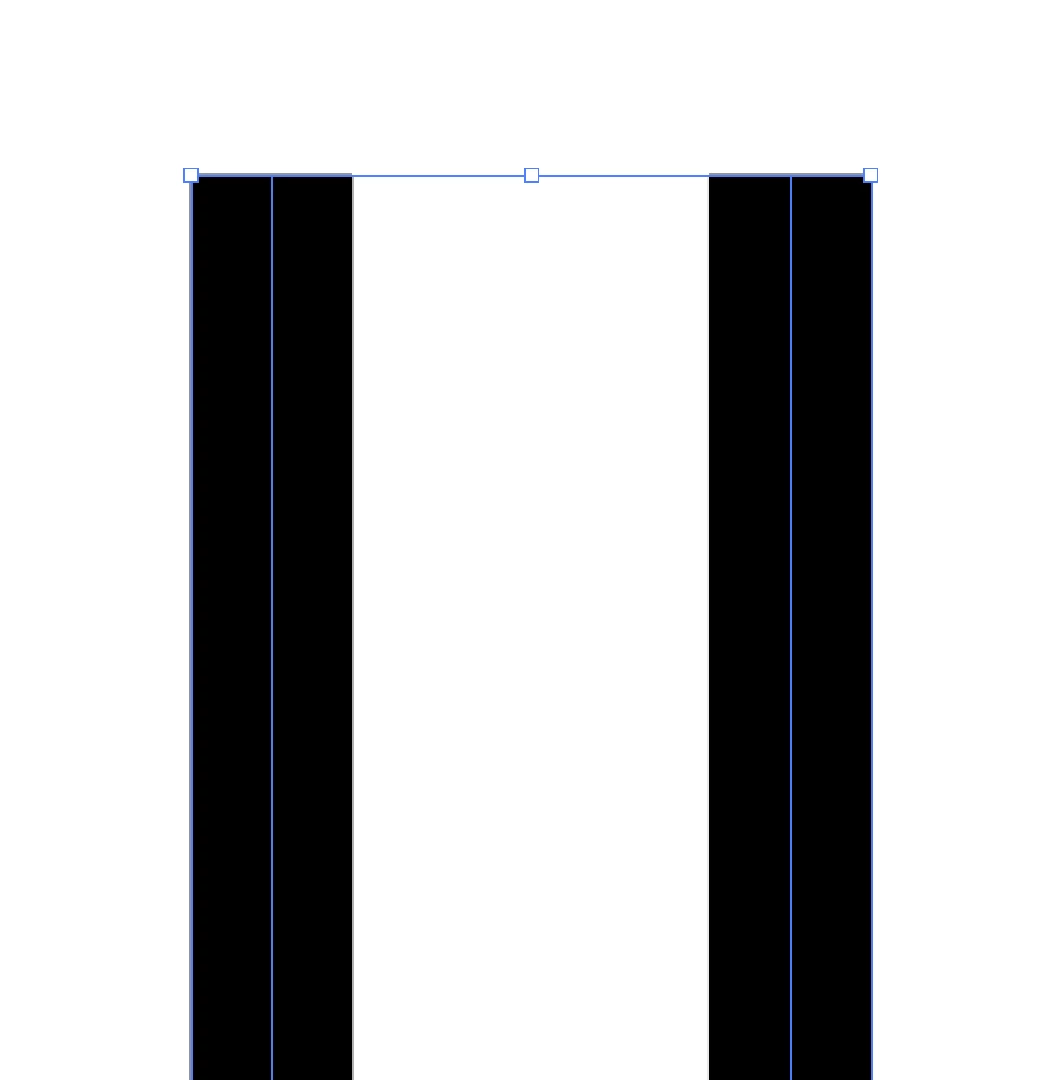


So, every time I wanted to align a stroke line with a fill shape in Illustrator, those can't align as I wanted. So, every time I have to align them manually as you can see below.



I am using Adobe Illustrator cc 2019. If anyone knows how to solve this problem, that will be a great help. Thanks everyone for reading this. 

This topic has been closed for replies.
Correct answer Ton Frederiks

Looks like you have Use Preview Bounds on. Check in Preferences or the Align panel menu.

2 replies

Ton Frederiks
Community Expert
Ton FrederiksCommunity ExpertCorrect answer
Community Expert
October 22, 2023

Looks like you have Use Preview Bounds on. Check in Preferences or the Align panel menu.

Rahat Al Yeasin
Participating Frequently
October 22, 2023

Thanks a lot. That's a great help. 

Ton Frederiks
Community Expert
Community Expert
October 22, 2023

Good to hear that helped.

Monika Gause
Community Expert
Community Expert
October 22, 2023

Can you select the line and show a screenshot of the Appearance panel (Window > Appearance)

Rahat Al Yeasin
Participating Frequently
October 22, 2023

@Monika Gause  Sure, here it is.