
Stroke not showing up (AI 2020) Noob question
- November 23, 2021
- 1 reply
- 1726 views
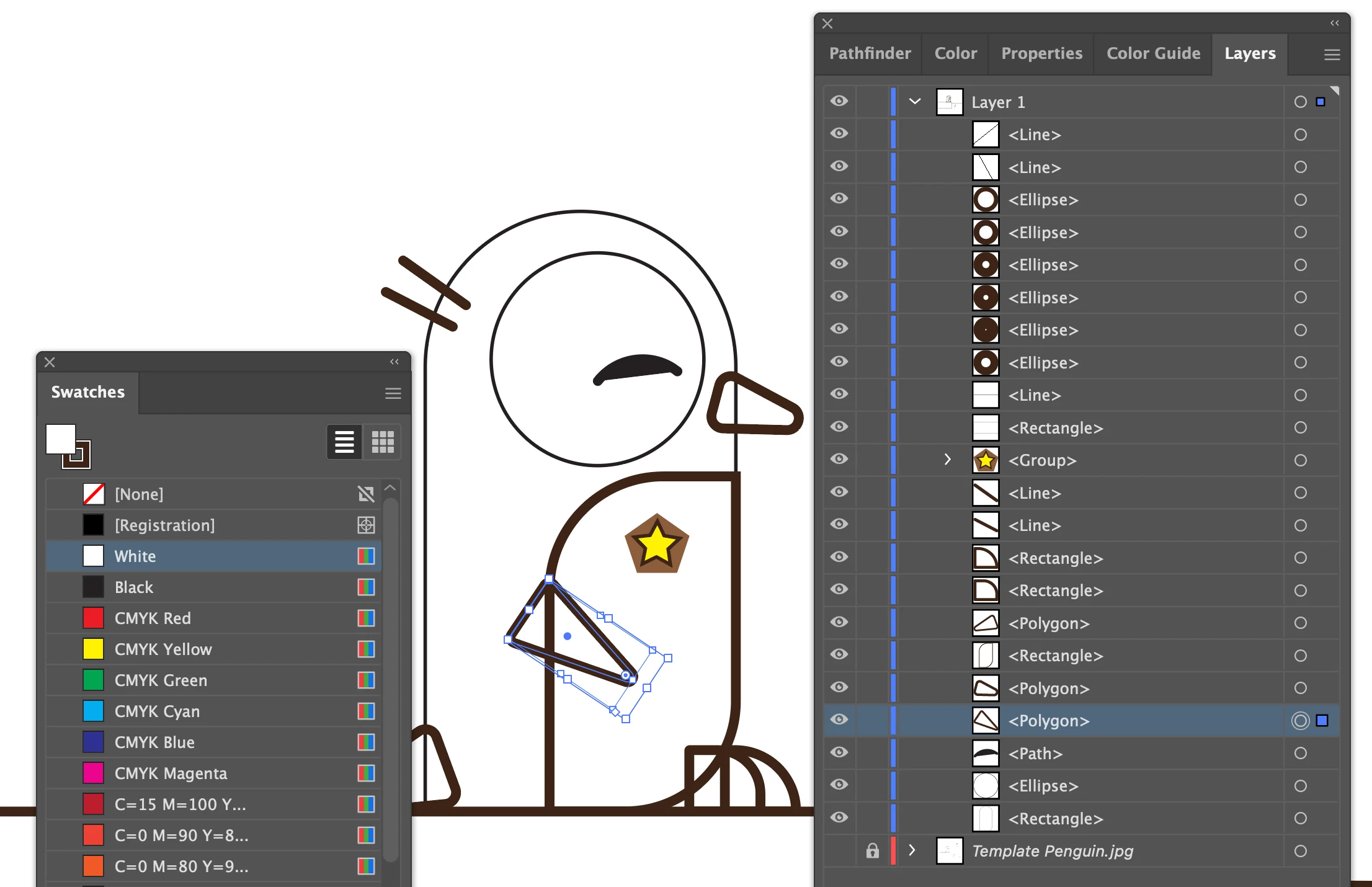
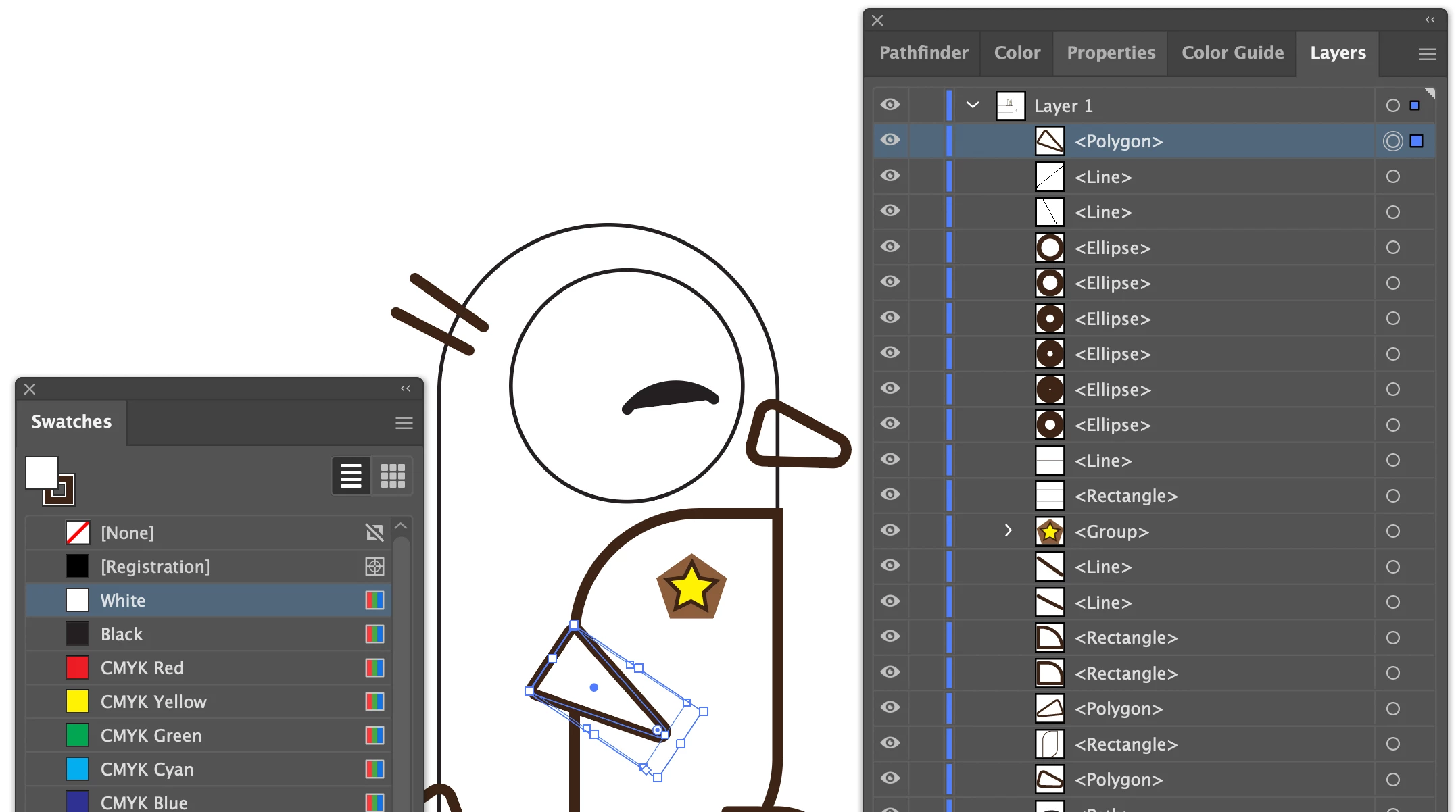
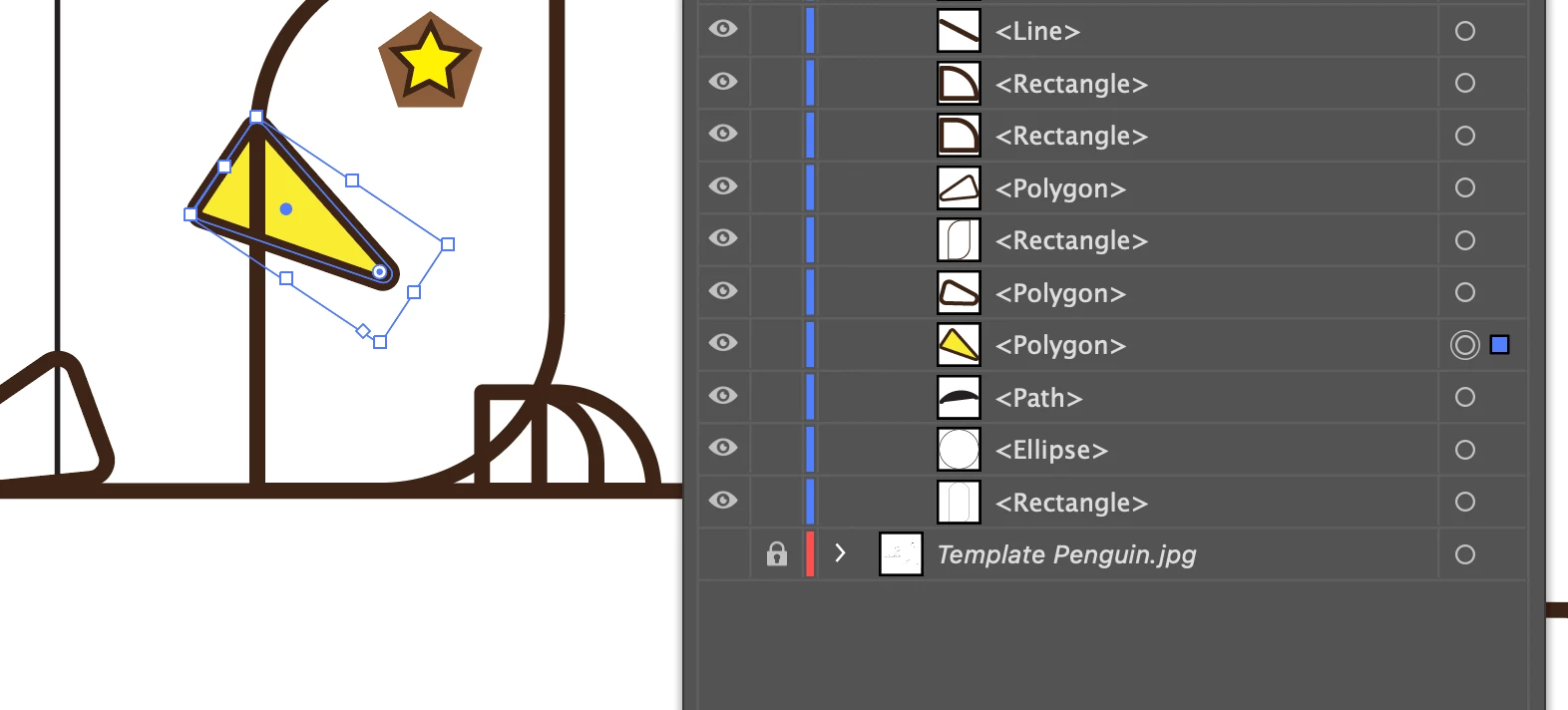
I am extremely new, I have literally just opened illustrator and began a tutorial for beginners. Previous experience using inkscape I know a little bit about stroke and fill. I looked at other questions asked in this communtiy, but their solutions do not seem to solve the problem. My stroke and fill will not change on the artboard. It does change in the preview of layers and stuff on the right side. I don't know of a reason it wouldn't be showing so I'm not sure if something is active/selected that I've never seen, or maybe a layer problem? I can't seem to figure it out. It seems all my shapes have x's in the middle so I know something's up. So any help would be appreciated. I would love an answer from someone who can explain the problem so I can make sure that I can prevent it in the future that would be really helpful as well. Thank you so very much.


 AdChoices