
Participant
May 3, 2023
Answered

Stroke scale control not in the middle

  • May 3, 2023
  • 3 replies
  • 1083 views

I don't know what to call it, but it's the feature to control scaling stroke

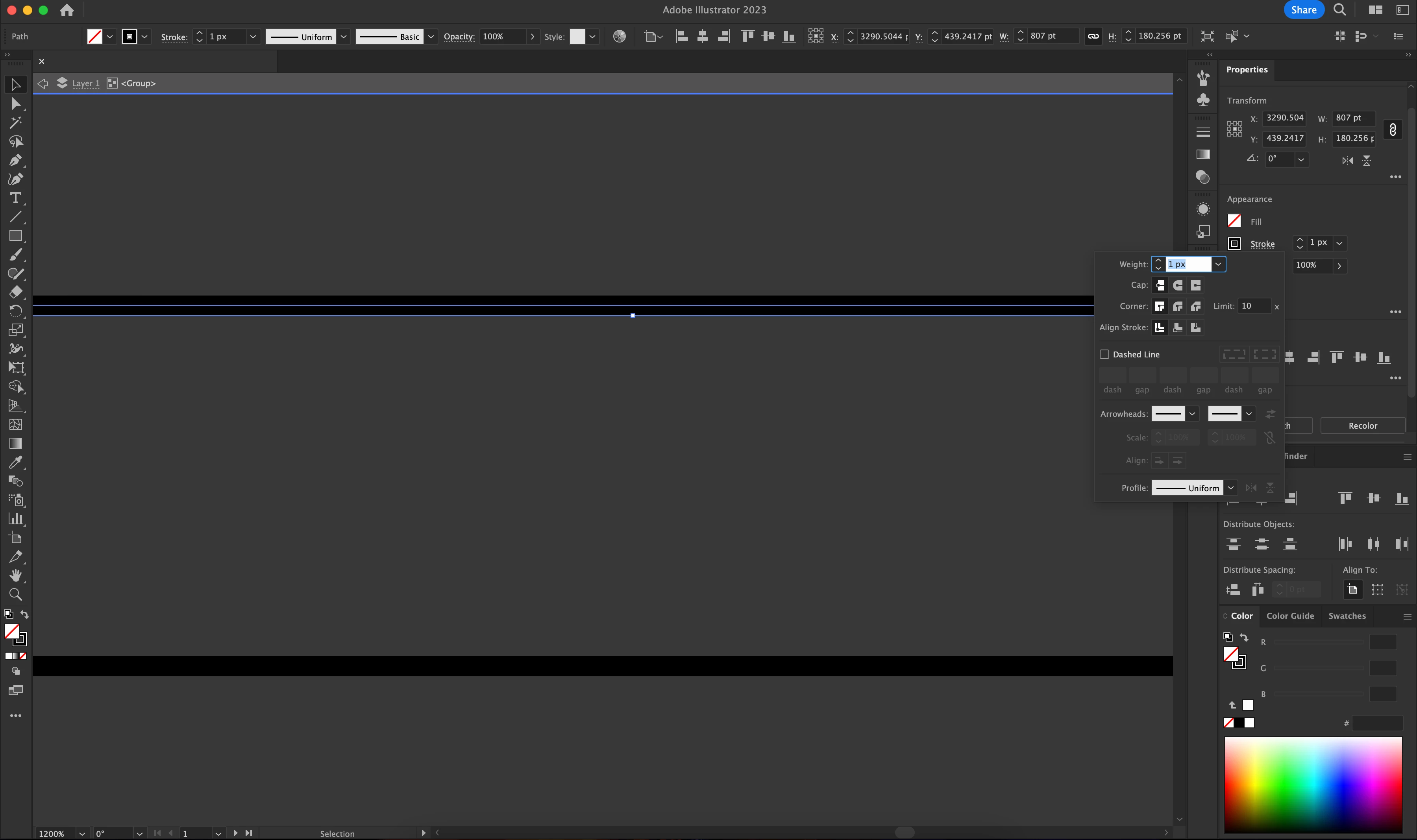
It used to be applied to the centre position of an outline, but I found the scaling control changed recently, not sure is it the update made by Adobe or did I accidently messed up the application?
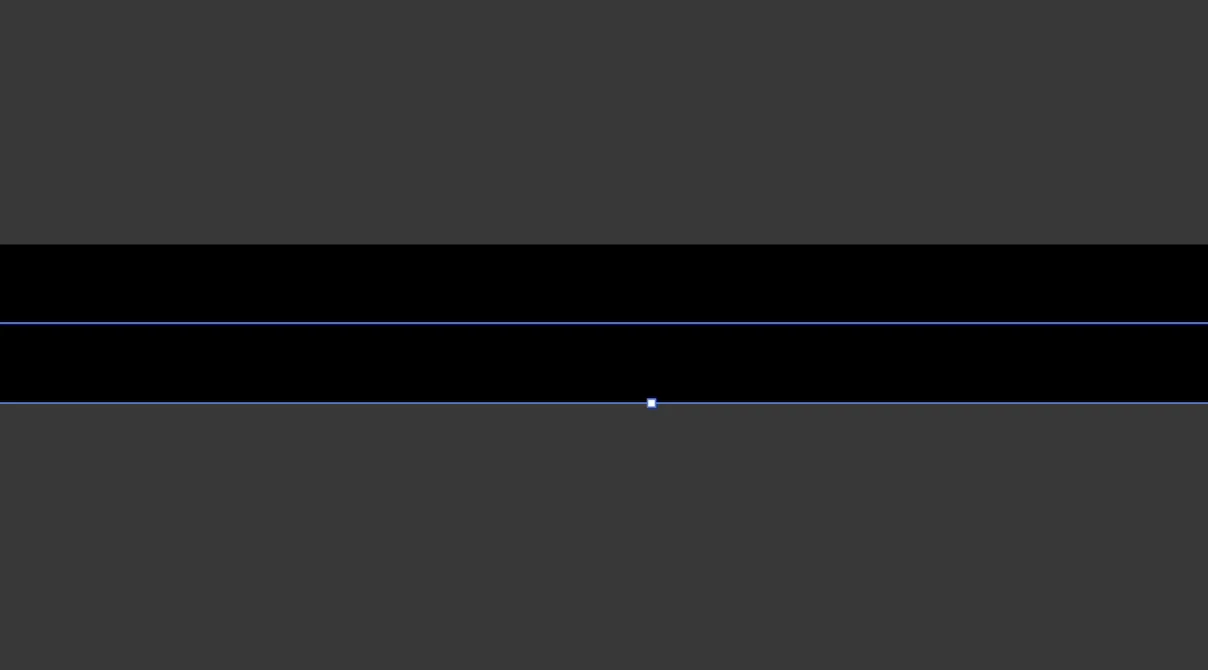
 

Like the screen shot shown below, "Align stroke to centre" is selected, but the scaling control is still not in the middle
This topic has been closed for replies.
Correct answer Ton Frederiks

Try to uncheck "Use Preview Bounds" in the Align panel menu (or preferences).

Edit: I did not see Monika's answer.

3 replies

Monika Gause
Community Expert
Community Expert
May 3, 2023

Black stroke on dark background is difficult to see,

Try if turning off "Use Preview bounds" in Preferences > General solves your issue.

Participant
May 3, 2023

Thanks! It solved

Ton Frederiks
Community Expert
Community Expert
May 3, 2023

You are showing that you are editing a group, as you can see at the top of your window, what happens if you exit group isolation mode?

Participant
May 3, 2023

Still the same

Ton Frederiks
Community Expert
Ton FrederiksCommunity ExpertCorrect answer
Community Expert
May 3, 2023

Try to uncheck "Use Preview Bounds" in the Align panel menu (or preferences).

Edit: I did not see Monika's answer.

Jacob Bugge
Community Expert
Community Expert
May 3, 2023

zhipengchiu,


I believe there is some corruption.


You may try to restart AI.

And you may try to restart your computer.


If you still have the issue, you may try to reset your preferences, after creating a backup if you have customzied them,

https://helpx.adobe.com/illustrator/using/setting-preferences.html