
Strokes color going outside path
Hello,
The strokes on certain pathes sometimes go outside the path at random points. There's no multiple anchor points or anything weird going on that I can tell.
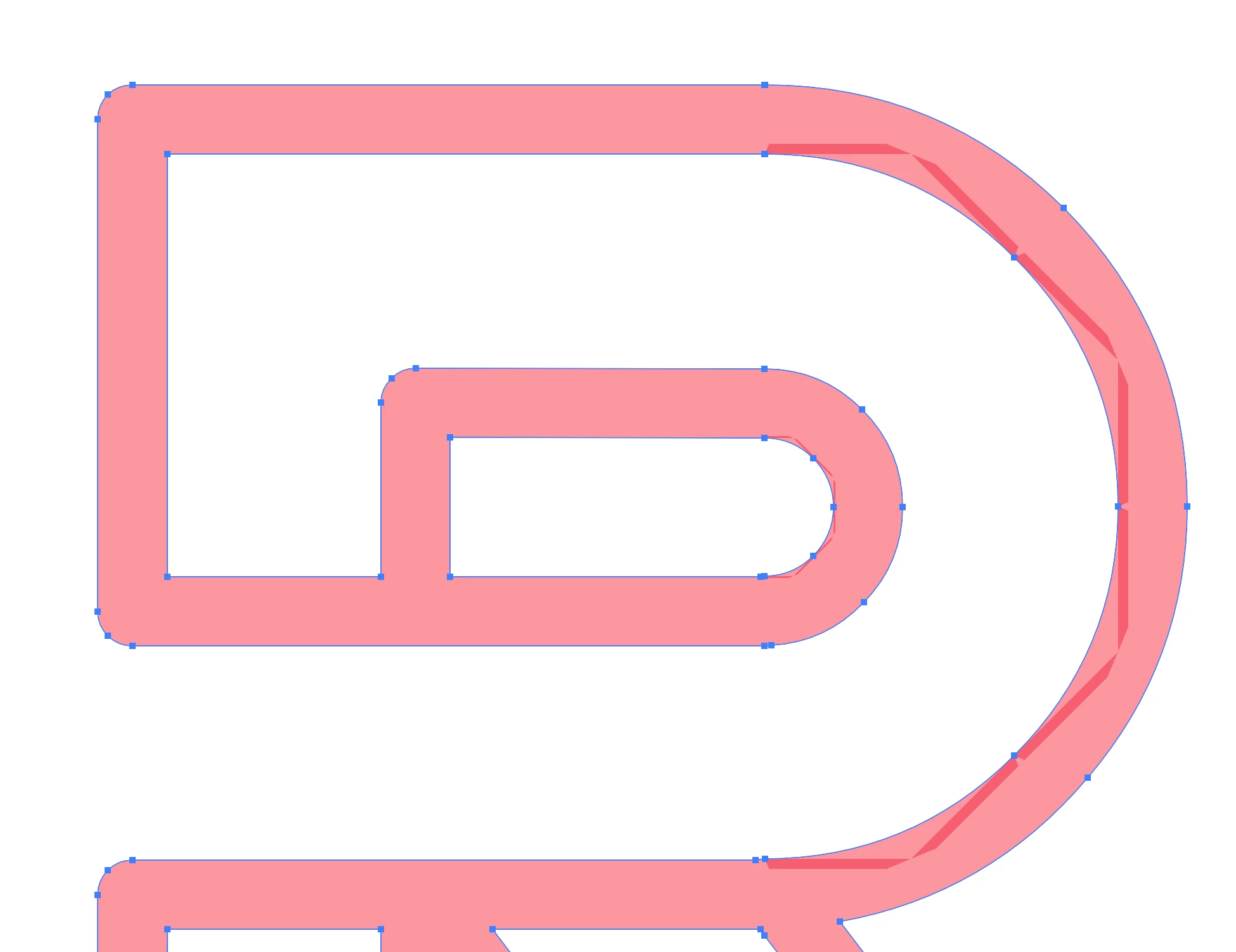
If I reduce the opacity of the stroke and change to a fill, it has weird parts where it overlaps. If I were to take the stroke and expand it, it goes away, however I work at a print shop and we need the stroke in order to use it as a cut file.
My only suggestion is that this is a preview error? I don't want to test it and waste material. The machines we use to cut are sensitive when it comes to overlapping lines, extra anchor points, etc and will mess up the cut altogether. I have to go back in and slightly move the handles on the anchor point in order for them to disapear and it's quite time consuming. Any ideas?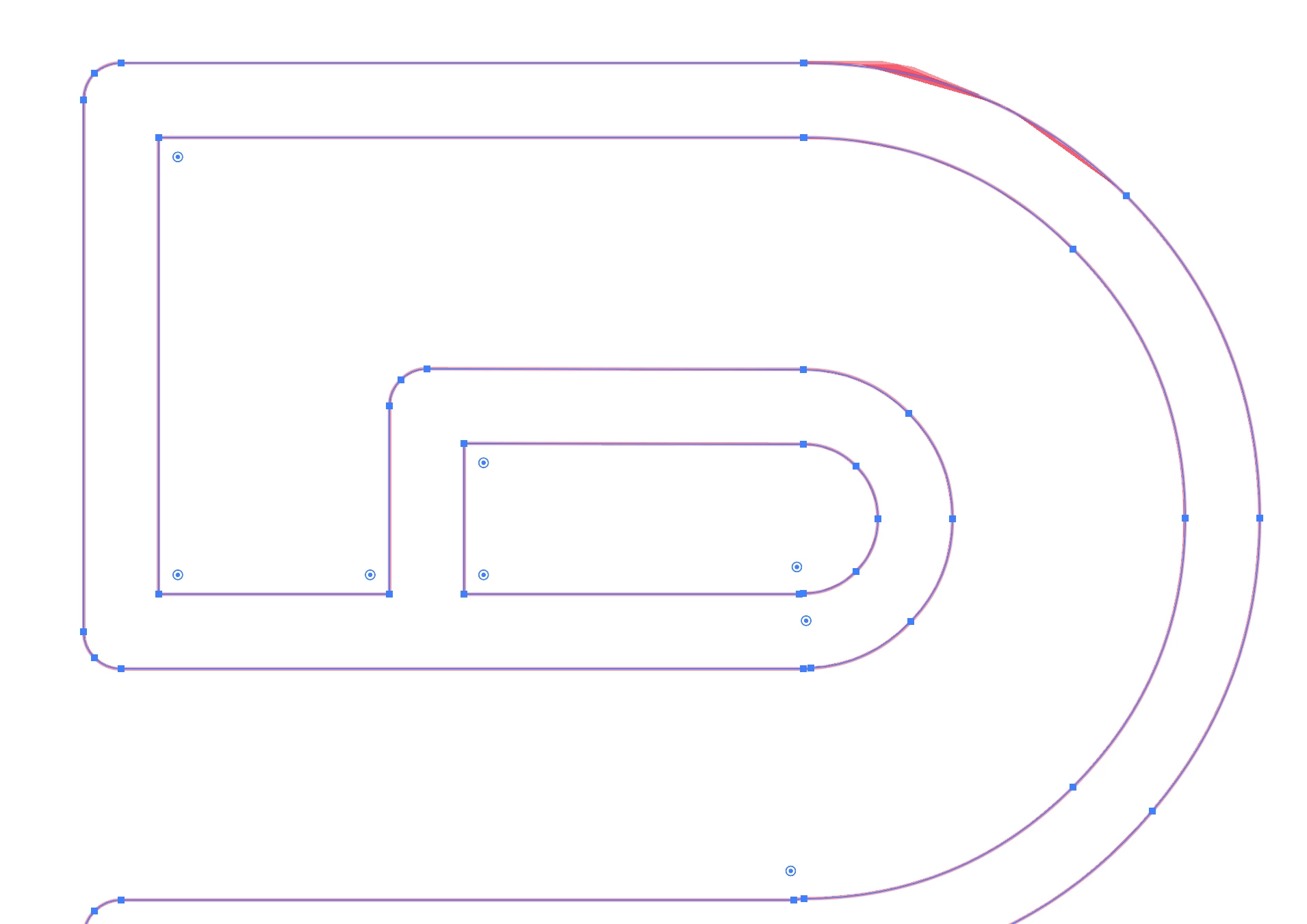
 AdChoices