Answered
Style changes when elements moved from 1 artboard to another
Hi,
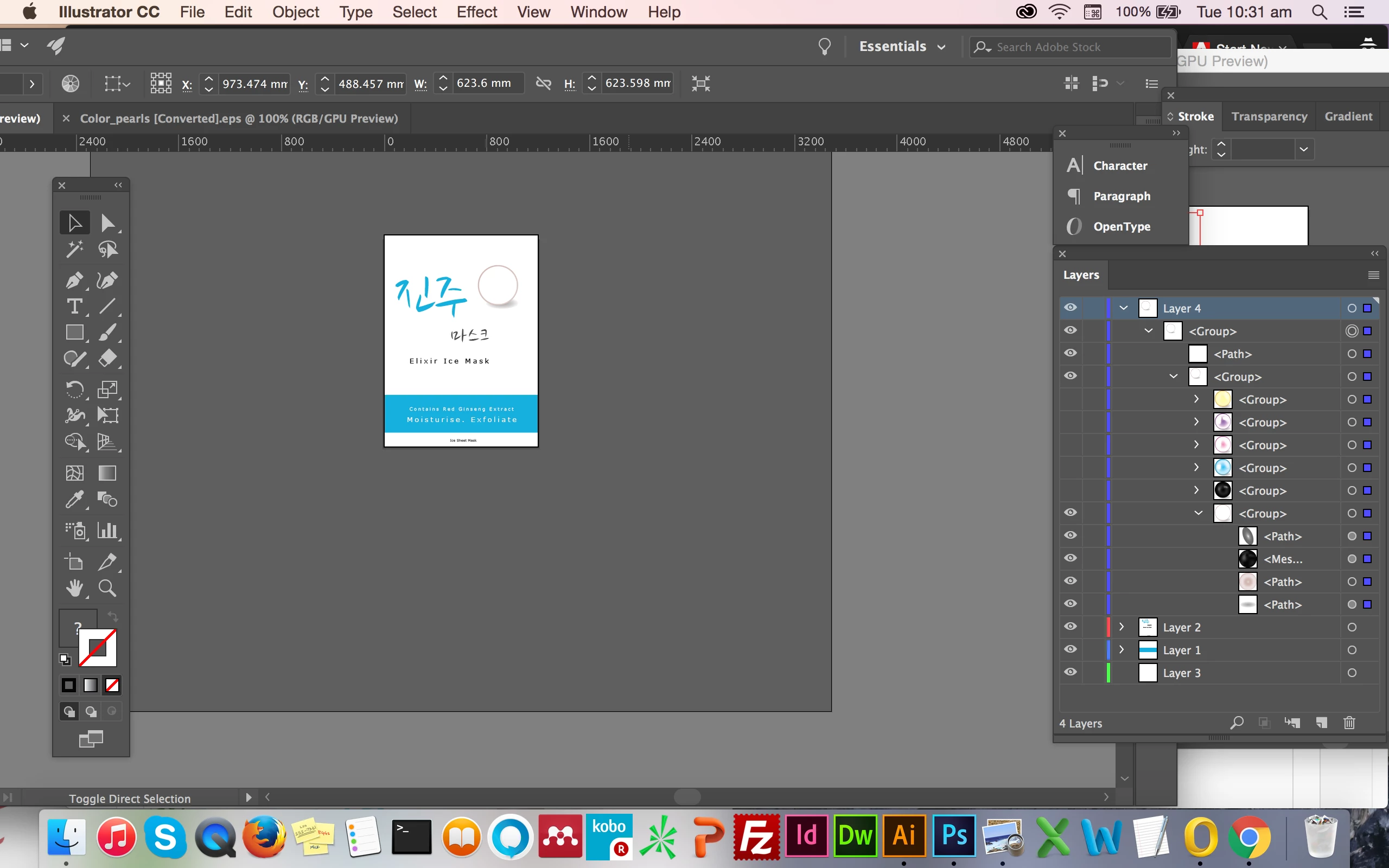
I have a pearl .ai that I need to bring into my package artboard but whenever I bring it over, the pearl becomes a hollow like the image seen in image 2.
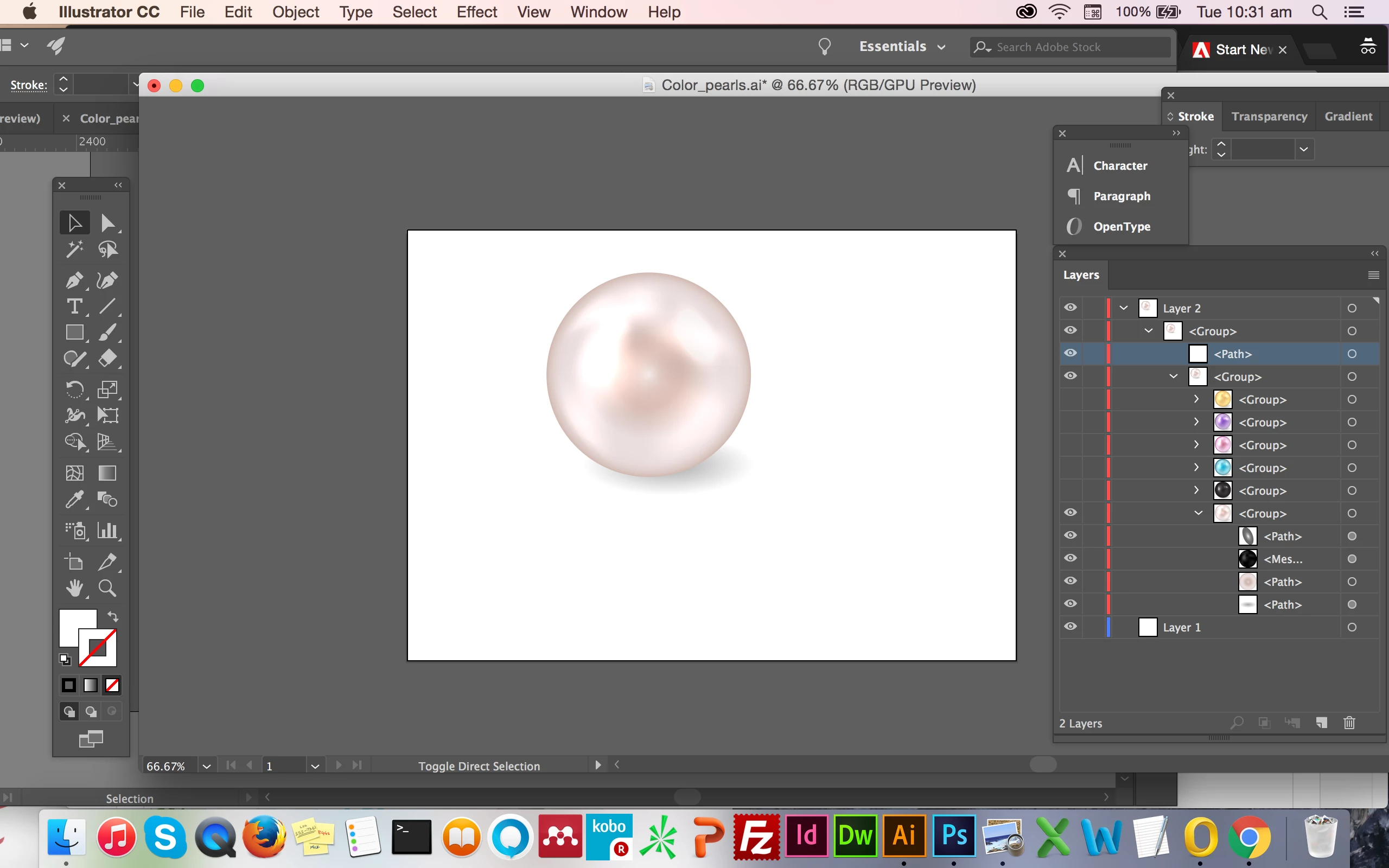
Image 2
Hi,
I have a pearl .ai that I need to bring into my package artboard but whenever I bring it over, the pearl becomes a hollow like the image seen in image 2.
Image 2
Hello Barbara,
Here is the Pearl.ai file - https://ufile.io/ddrld
Packaging file - https://ufile.io/t1p6i
I noticed once I changed my packaging file's working color to RGB the pearl works but not in CMYK, not sure if this would affect printing later on?.
There are two special blend modes used in the objects that form the pearl: Multiply and Color Dodge. Blend modes don't always act the same in RGB and CMYK and that is what's causing the issue.
Already have an account? Login
Enter your E-mail address. We'll send you an e-mail with instructions to reset your password.
 AdChoices