Participant
June 13, 2021
Question

Stylize edges of an image

  • June 13, 2021
  • 2 replies
  • 761 views

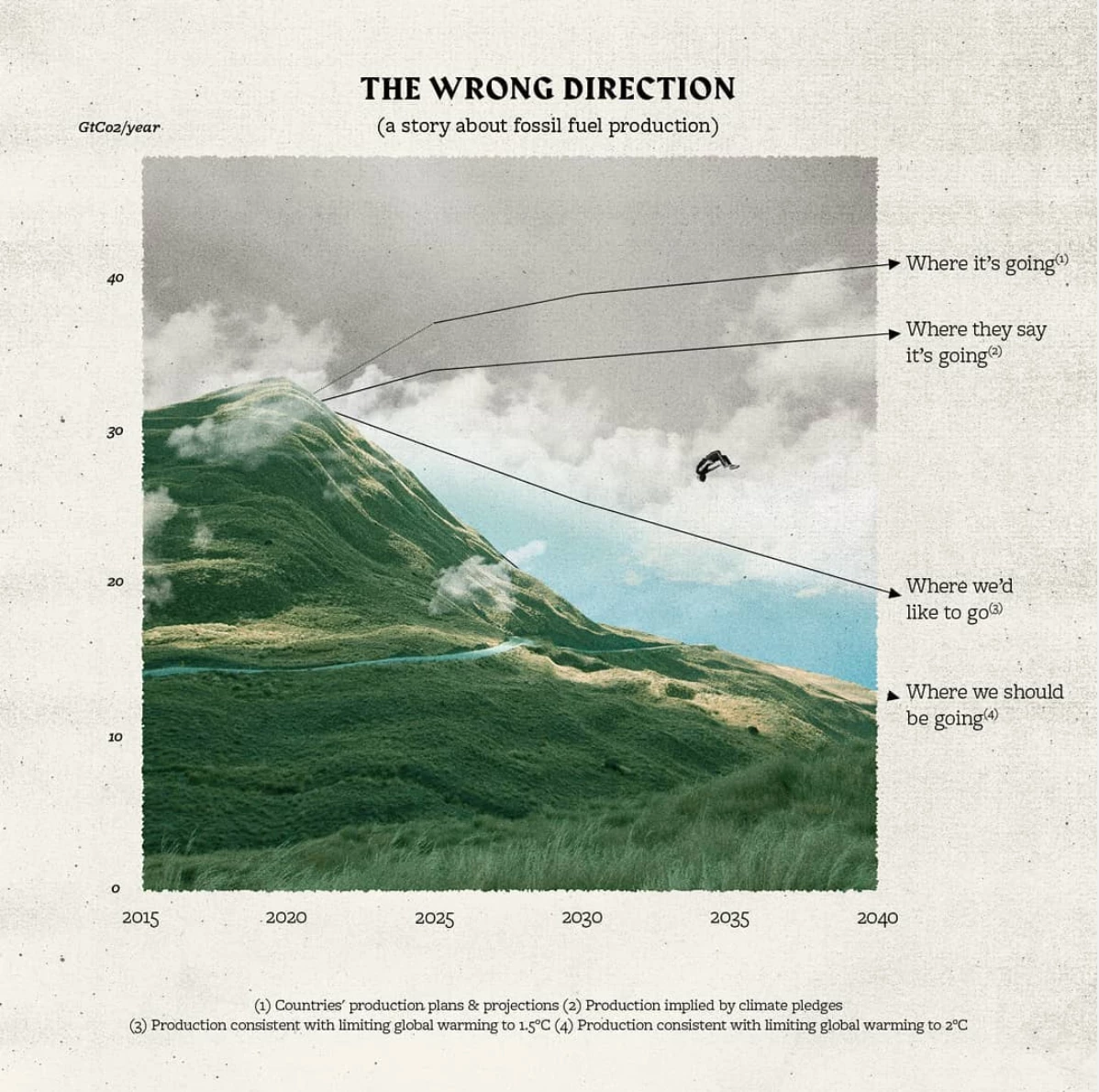
Hello all! I'm looking to make a similar effect as the image in this picture where the edges look a little torn. Could someone tell me how to do this? My searches haven't brought up anything. 
This topic has been closed for replies.

2 replies

Inspiring
June 13, 2021

There are a few different ways.  One is to use the Roughen filter ( start with a line and apply the Roughen filter, may take some experimentation to achieve what you want ).  You could also build a mask with the two vertical ines roughened and the two horizontal lines straight ( join four separate elements to create a rectangle > then create a mask ).  If your background is a color, just match the color in the lines' stroke in step one above.

Ton Frederiks
Community Expert
Community Expert
June 13, 2021

Place your image.

Click Mask.

Select a stroke weight/color.

Select Effects > Path > Outline Stroke

Apply Effect > Distort & Transform > Roughen.

Change the stroke color to the background color if nessecary.

Ton Frederiks
Community Expert
Community Expert
June 13, 2021

You can skip the whole stroke/outline stroke.

Just select the image, click mask and apply roughen.

Participant
June 13, 2021

So helpful! Thanks so much for walking me through each step. I'm pretty new to Illustrator, so I'm still trying to figure this stuff out...
