
Answered
Sub-layer issue
This sub-layer is in the layer panel. But there is no such sub-layer like this in the graphic. Only thing is the curve is drawn by using Pint Brush tool. What is the reson for black color round layer?
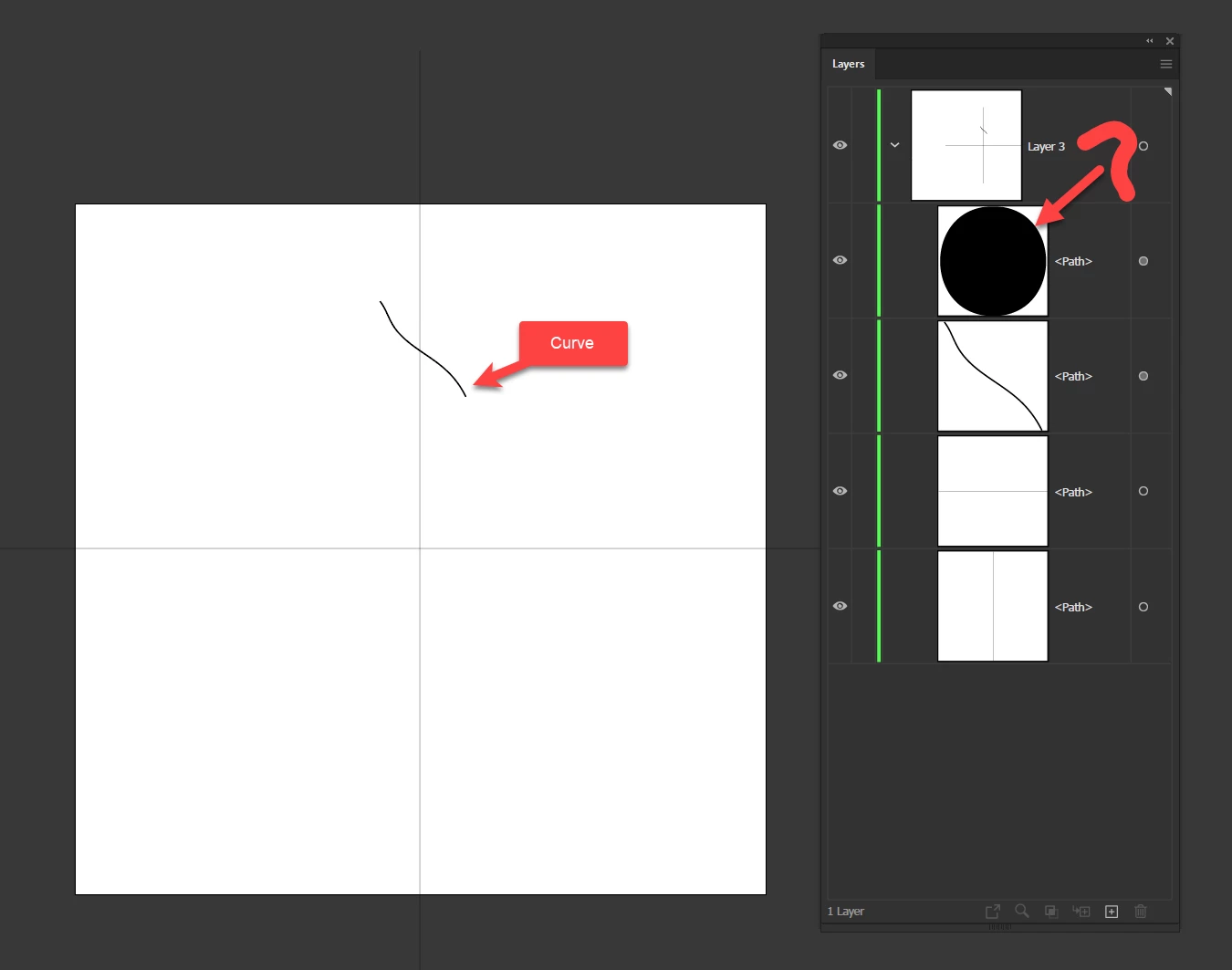

This sub-layer is in the layer panel. But there is no such sub-layer like this in the graphic. Only thing is the curve is drawn by using Pint Brush tool. What is the reson for black color round layer?
Maha,
It can happen in different ways, depending on the complexity of what you have been working with, including leftover stray points. Just to mention one sneaky way to get a pair, you can create a path with just two Anchor Points, then click an empty spot to deselect it, then click or drag across the segment between the points with the Direct Selection Tool, then press delete.
Already have an account? Login
Enter your E-mail address. We'll send you an e-mail with instructions to reset your password.


 AdChoices