



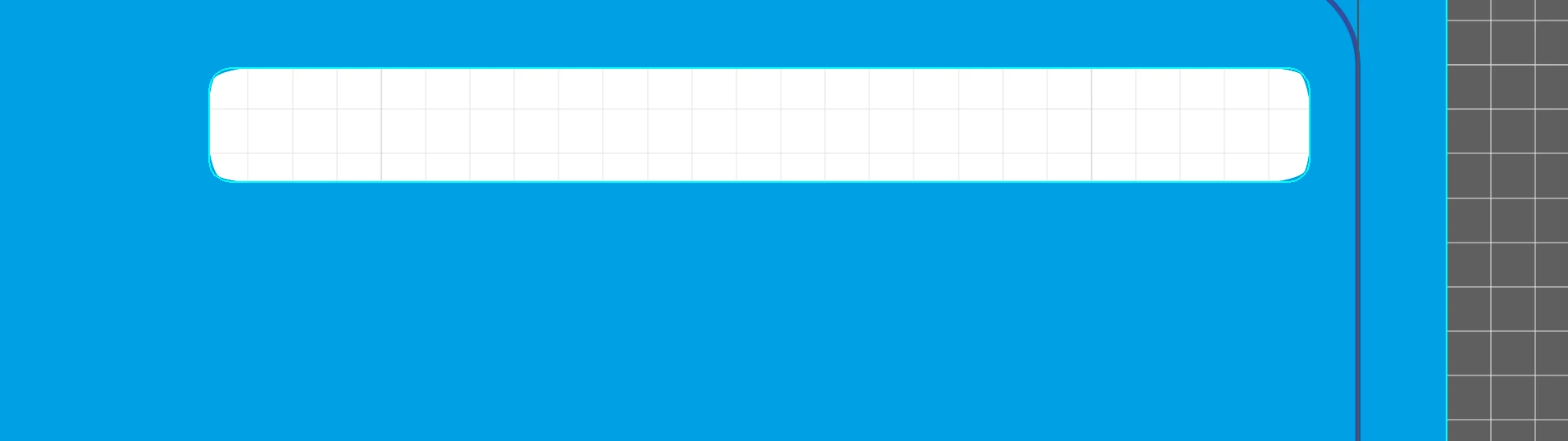
Subtracting rectangular path with radiused corners produces jagged corners, not curved
I'm simply subtracting a rectangle (with radiused corners) from a background composite path. It looks good until I click "Subtract" in the pathfinder tool. After that, it looks jagged (not smooth). I read this could be related to a display artifact, so I toggled GPU off and CPU on, but this makes no difference. The resulting composite looks horrible. What else can I try? BTW, there is no stroke width on the shape. Is a stroke required for the subtract function to work correctly and cleanly? I don't recall ever doing this before. What else can I try? Is this a bug? See the two attached files. One is after I hit "Subtract" and the other is before I hit "Subract" - pay attention to the corners which are jagged. Thanks in advance for any help. This is preventing me from completing submission of my art. Also, when I print it, it also looks jagged, so it's not simply the display from what I can tell.

 AdChoices