
Question
Suspected bug: imported curved lines sometimes create a strange unwanted filling
Hello,
I seem to have a problem. When importing AI lines exported from Rhino a few of the line display an error. Some of the curved lines become jagged and have an illogical filled shape. The settings of the curves are such that they should be displayed as smooth lines. The thickness of the lines does have an effect on the displaying error. When the lines become thicker the problems gradually dissappears and it gets worse when the line is thinner.
I dont know what to do other then redrawing all the effected curves by hand which would be a lot of work. Help or insight would be greatly appreciated. Thanks in advance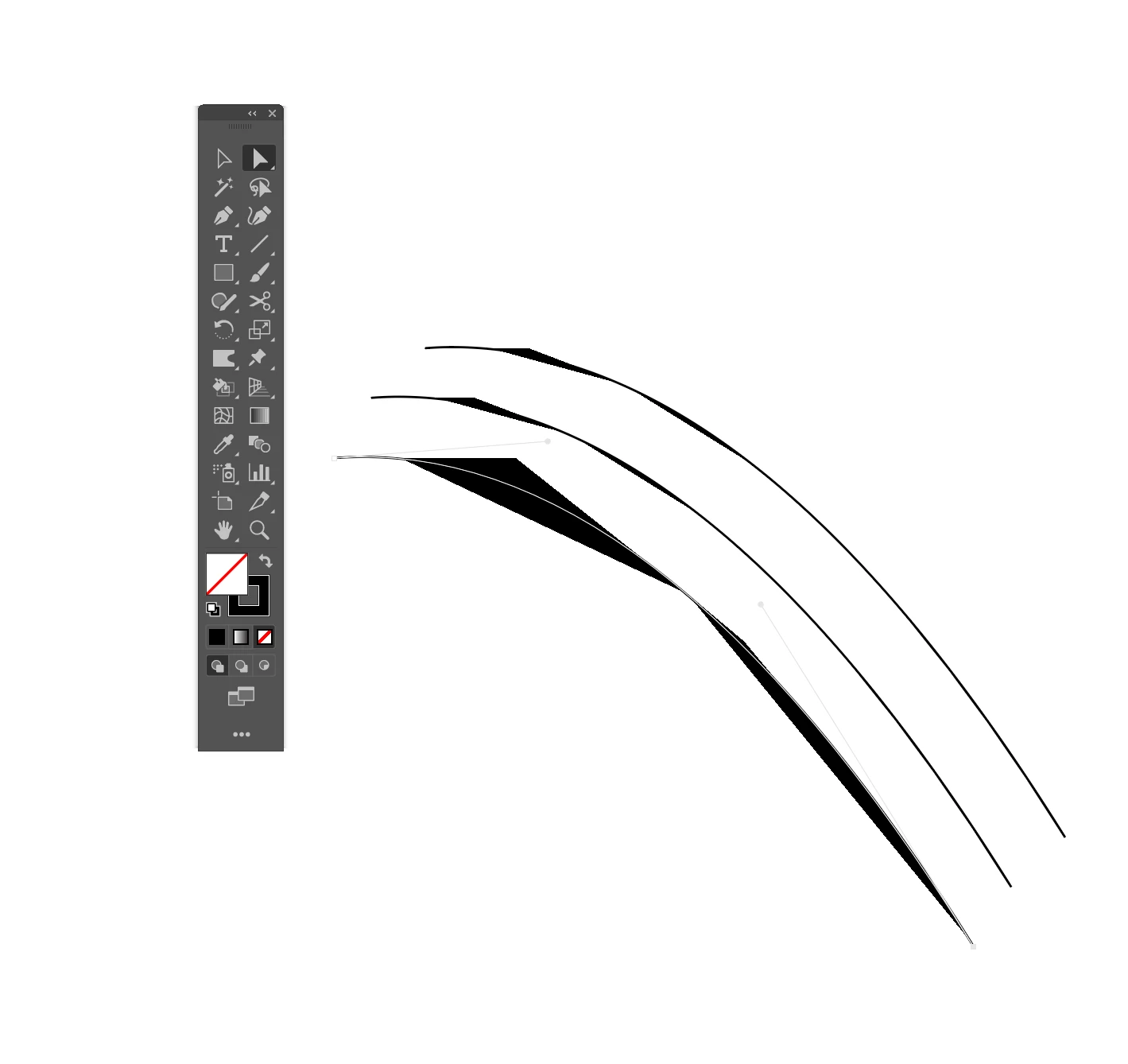
 AdChoices