
Question
SVG "Export for Screens" producing black fills in Symbols (v28.7.1)
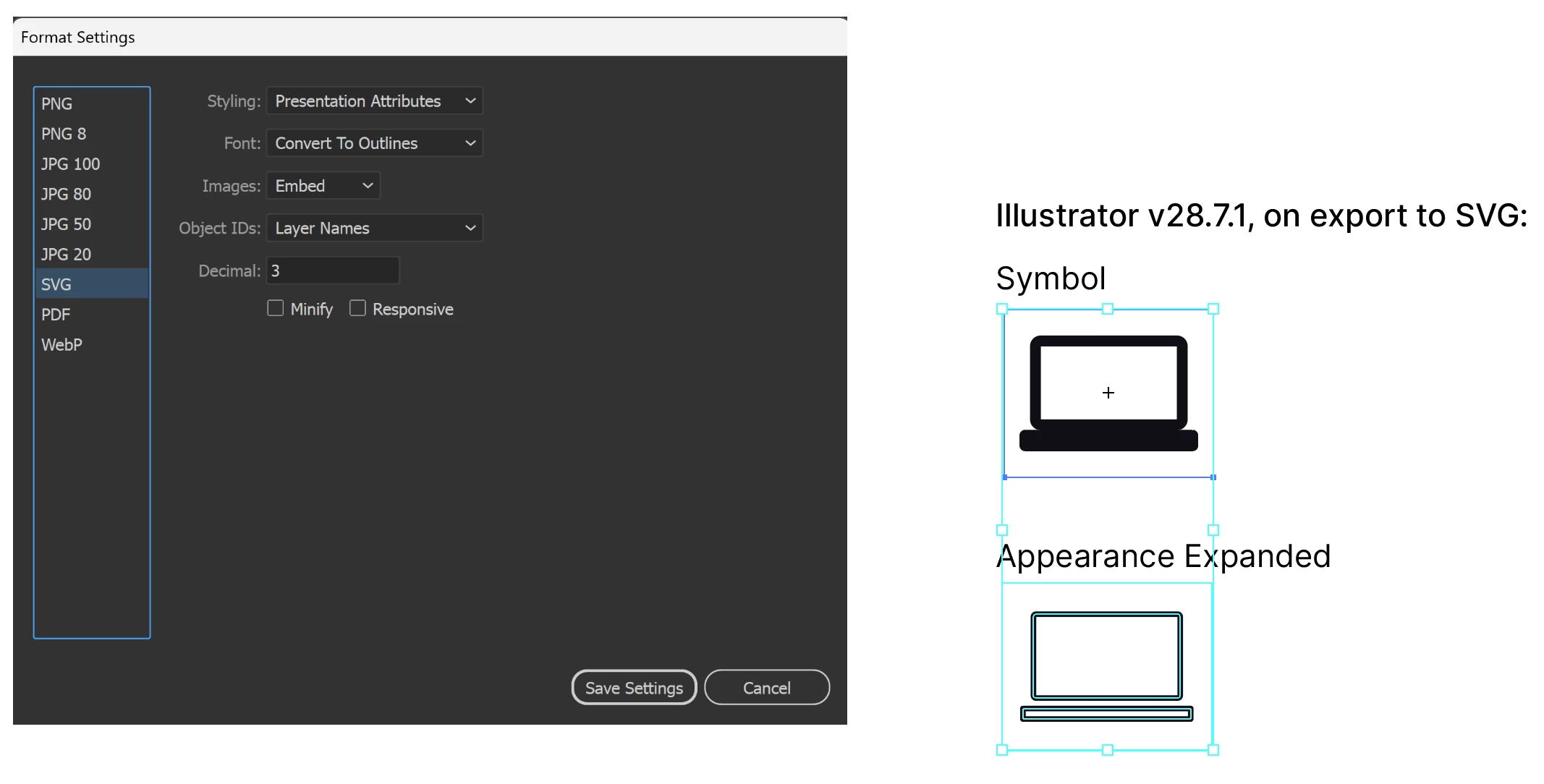
I've discovered a possible bug causing SVG exports containing Symbols to appear improperly on export.
I've closely followed the details in the link above, as the situation described by Liz_P8 is nearly identical to mine. I've followed Anshul_Saini's advice but the results are unchanged, regardless of the settings chosen in the export menu. The only solution I've found so far is expanding the appearance of the object and breaking the link to the symbol.
I've also attempted to roll-back to an earlier version of Illustrator, v27.9.6 LTS, but the issue remains.
Please advise, thank you!


 AdChoices