
Participant
January 17, 2024
Question

SVG exporting from AI with Gradient Issues

  • January 17, 2024
  • 1 reply
  • 824 views

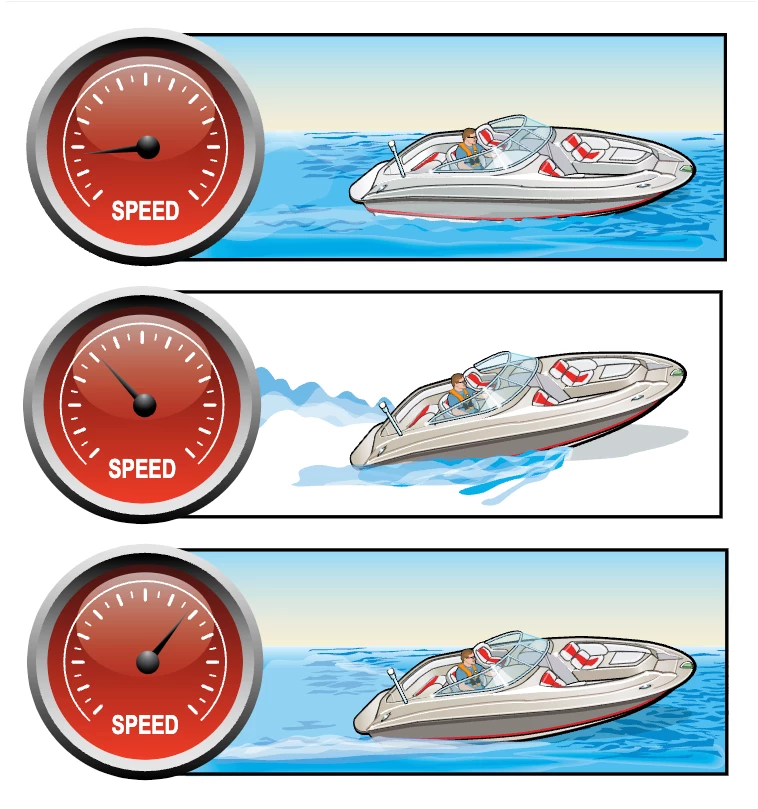
I have a file that was created in AI, but we need it saved as an SVG in order to put the image into our online education course. The gradients that are in the image seem to be 'bleeding' color and not appearing correctly once they are uploaded online. The SVG file looks okay if its placed individually on each page, however when we have 3 up like in this screenshot, one is always missing color like the middle image is.


Is there a way to save these gradient colored images as an SVG without rasterizing the gradient?


I've tried saving them all as: Save As, Export As, Export for Screens, and they all have the same effect. When rasterized the gradient works, however we are left with less than ideal image quality on the gradient portions.


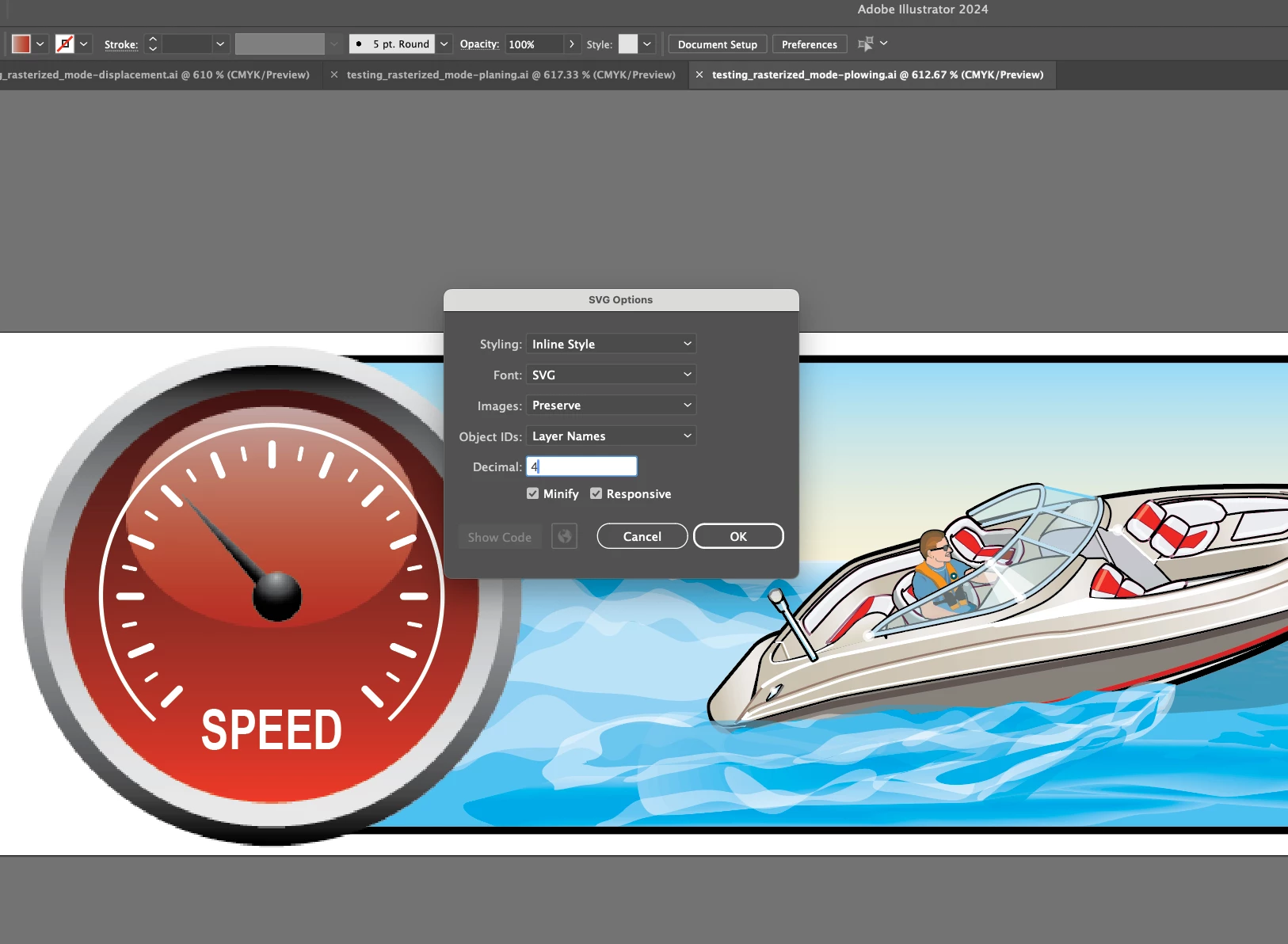
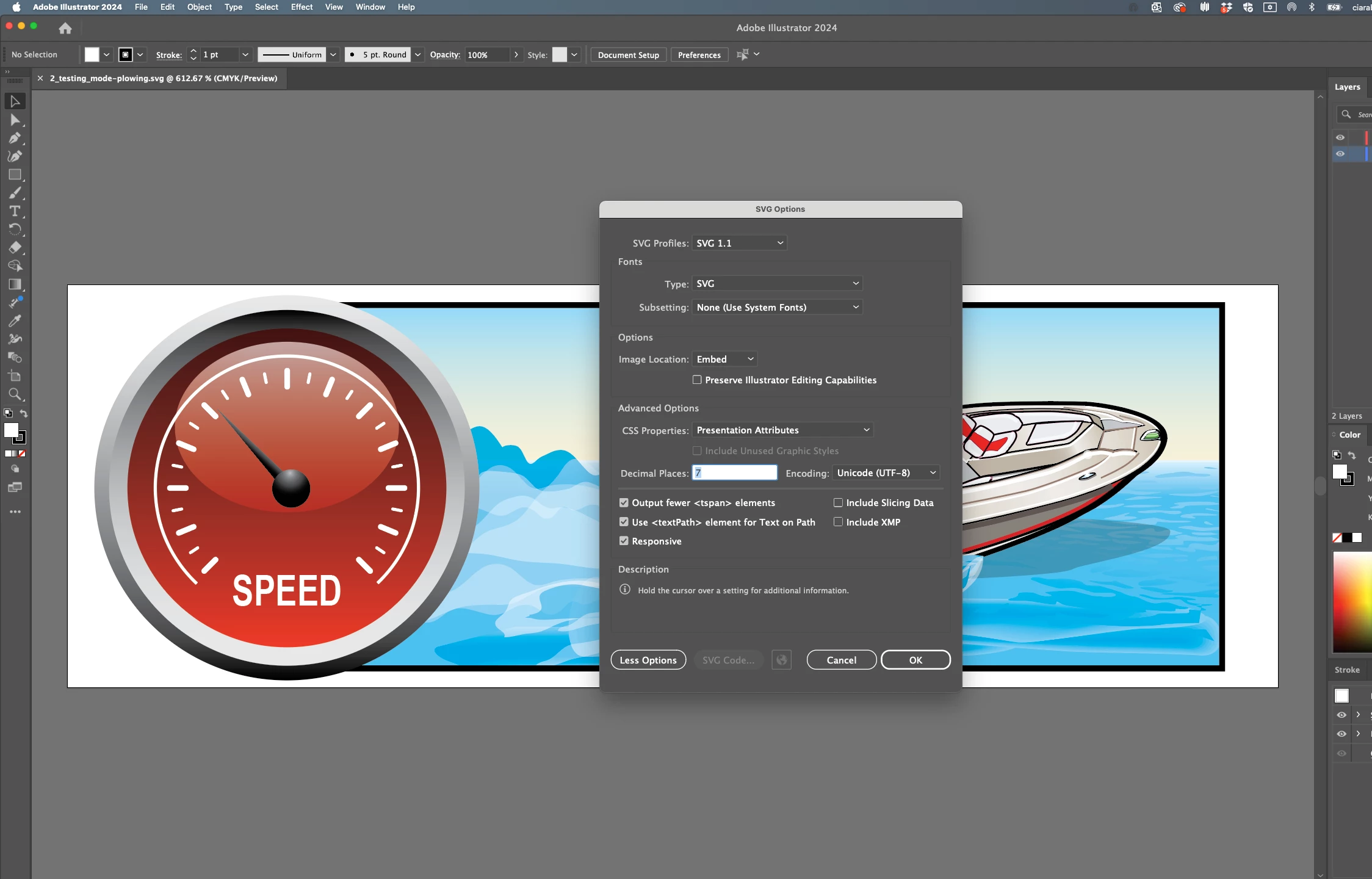
Currently they are all saved as inlined, with 7 decimal points to try and preserve detail, which as you can see did not help.
This topic has been closed for replies.

1 reply

Anshul_Saini
Community Manager
Community Manager
January 17, 2024

Hi @Ciara31274891gx7g,


I'm sorry to hear about the gradient issues you're facing when exporting SVG files from Adobe Illustrator. To better assist you and investigate the problem, could you please share both the AI file, the exported SVG file, and a screenshot of the export settings you are using? Also, let me know the name of the browser where you are experiencing these issues, as browser rendering can sometimes contribute to such problems.


Once you provide the files and additional details, I'll do my best to help you and check with the product team for a possible solution. Thank you!


Best,

Anshul Saini

Participant
January 17, 2024

Anshul, 

The browser we are using is Chrome, its also been tested in Firefox with the same poor result of one of the 3 images losing color.

Attached is the AI file and screenshots of the export settings I've used with the same result.

Participant
January 17, 2024

I guess the AI file will not upload due to: 

  • The attachment's testingboat.ai content type (application/postscript) does not match its file extension and has been removed.

I'm not sure how to correct this?