


Answered
SVG file changes colour in Photoshop
Hi all,
Beginner illustrator/photoshop user here so bear with me.
I have created a design using illustrator - the file is RGB
This is what it looks like as a .ai document and a PNG

however when I export it as .SVG it changes the colours on certain browsers, and within Photoshop.
These colour changes do not happen on Chrome or Microsoft Excel for some bizarre reason.
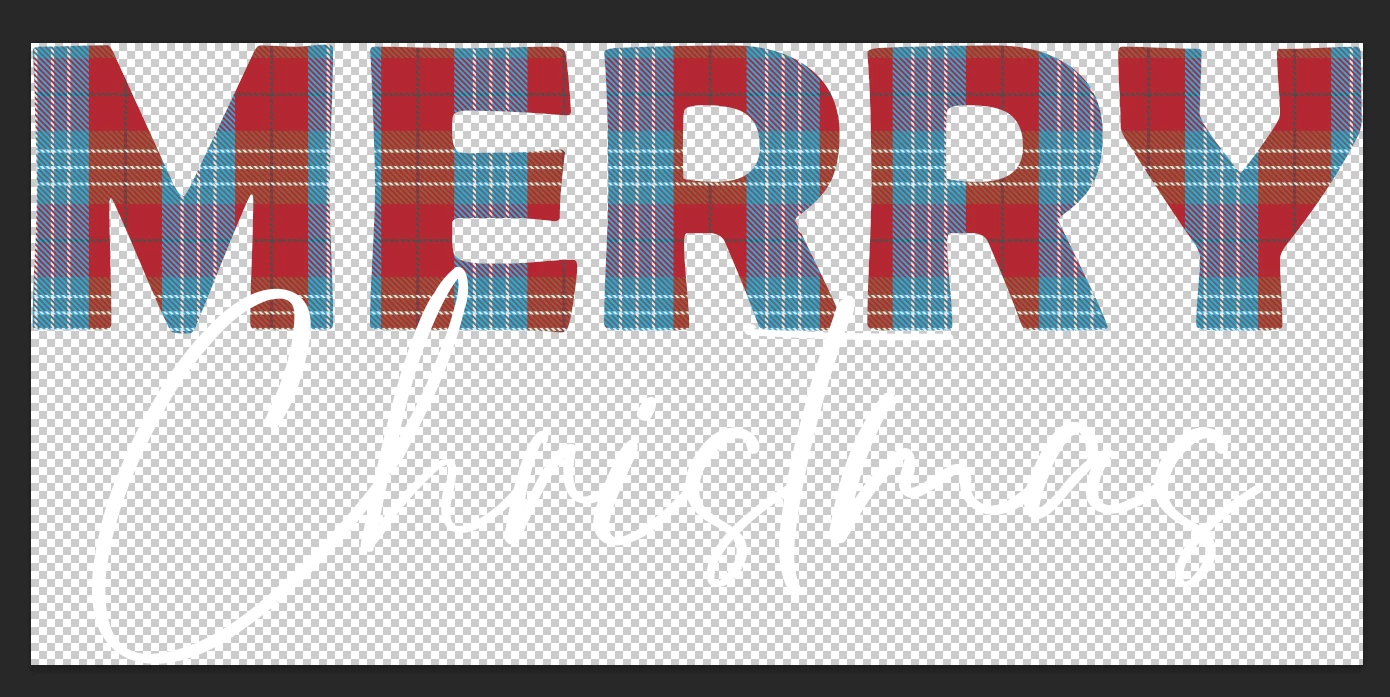
I have no idea to fix it - I've tried playing with the export settings and it's not helping.
Any advice appreciated!
I need to be able to produce the artwork not only as a .ai file but as .svg so I can't just stick with the illsutrator version.
Thank you!
 AdChoices