Inspiring
December 6, 2017
Question

svg for custom font

  • December 6, 2017
  • 2 replies
  • 886 views

I've edited some characters for a font, exported as SVG from Illustrator.

The SVG looks like this:
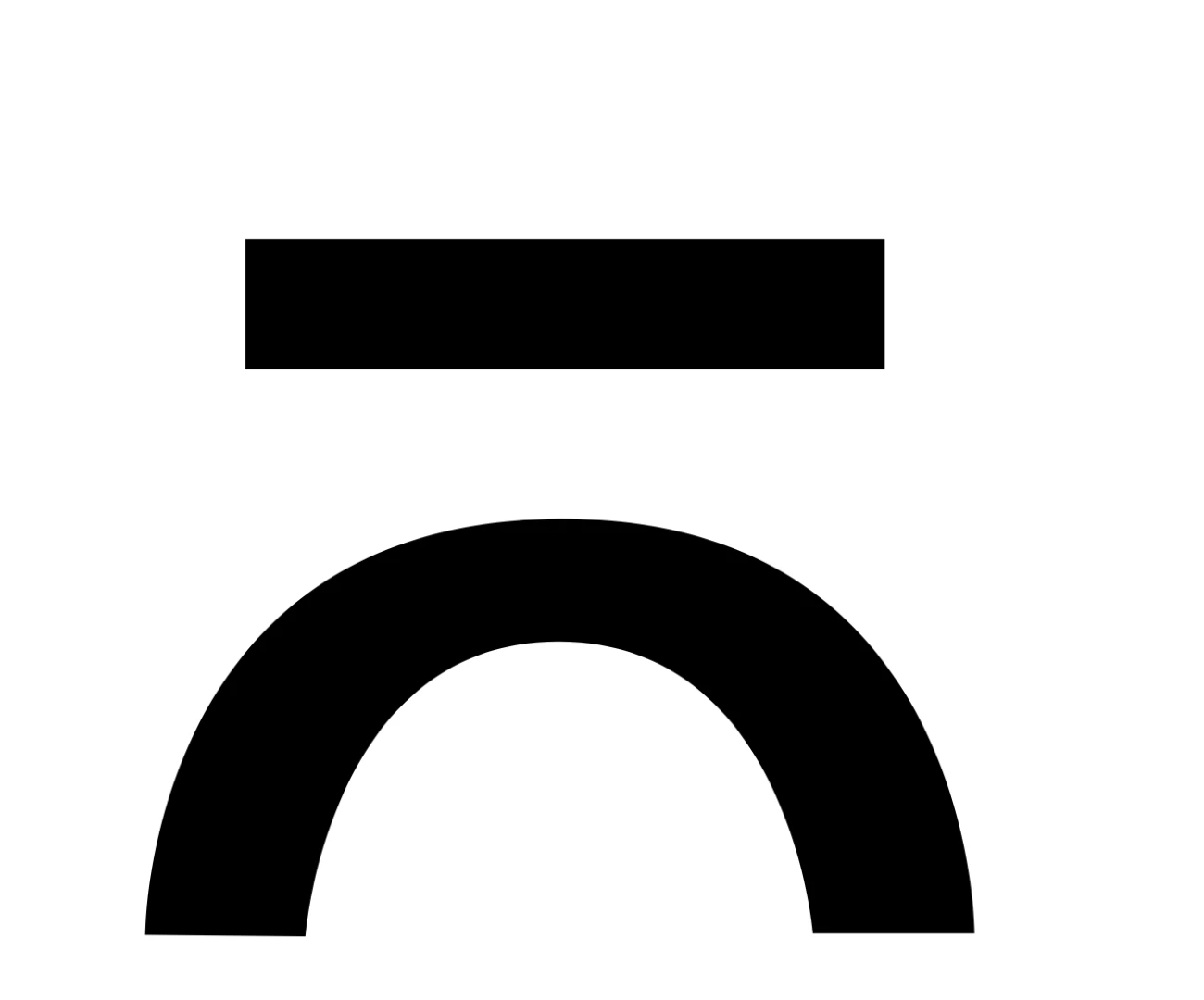
but in the actual font file, it's like this:
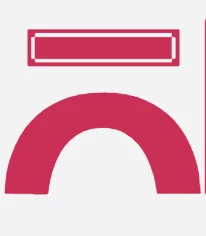
Any idea where the problem can be ?


(disregard the different color)

    This topic has been closed for replies.

    2 replies

    January 3, 2018

    Can you send me the SVG file for debugging?

    Regards

    Johan

    postrophix
    Participating Frequently
    January 3, 2018

    Hi

    only paste the necessary paths
    Did you convert type to paths?

    In my experience, if a font glyph is still present (not converted to a path) it will not render correctly the SVG

    Pierre

    Monika Gause
    Community Expert
    Community Expert
    January 3, 2018

    pierrec86934804  schrieb

    Hi

    only paste the necessary paths
    Did you convert type to paths?

    In my experience, if a font glyph is still present (not converted to a path) it will not render correctly the SVG

    This is about creating fonts with Birdfont app.

    Monika Gause
    Community Expert
    Community Expert
    December 6, 2017

    It's not quite clear what exactly you did.

    Did you convert type to paths?

    Are the screenshots done in Illustrator? In a browser?

    What does the outline view look like?

    Michal S.Author
    Inspiring
    December 7, 2017

    just shapes created with the pen tool

    Monika Gause
    Community Expert
    Community Expert
    December 7, 2017

    Can you please describe step by step what you did and in which app you took both of these screenshots?

    Also: please show a screenshot in Illustrator with appearance panel open, so the attributes can be seen that are applied?

    Did you edit the SVG in another app?

    Is a CSS applied to it?