
Known Participant
October 12, 2023
Answered

SVG not displaying paths

  • October 12, 2023
  • 2 replies
  • 1137 views

Hello


I have done a logo that I would like to save as a SVG and use on my website. However when I save as then choose svg with these options:        
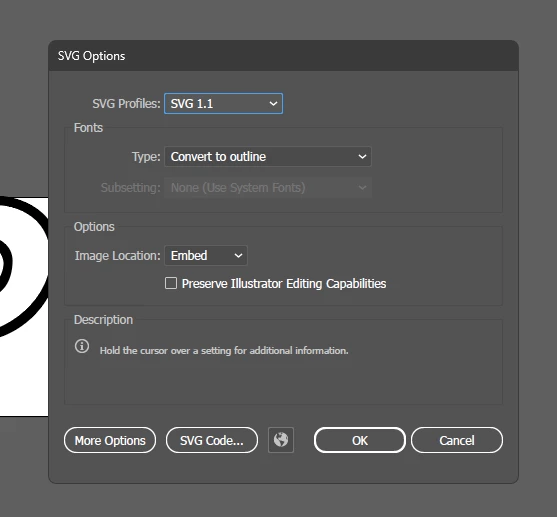
The svg is displayed like this in illustrator: 
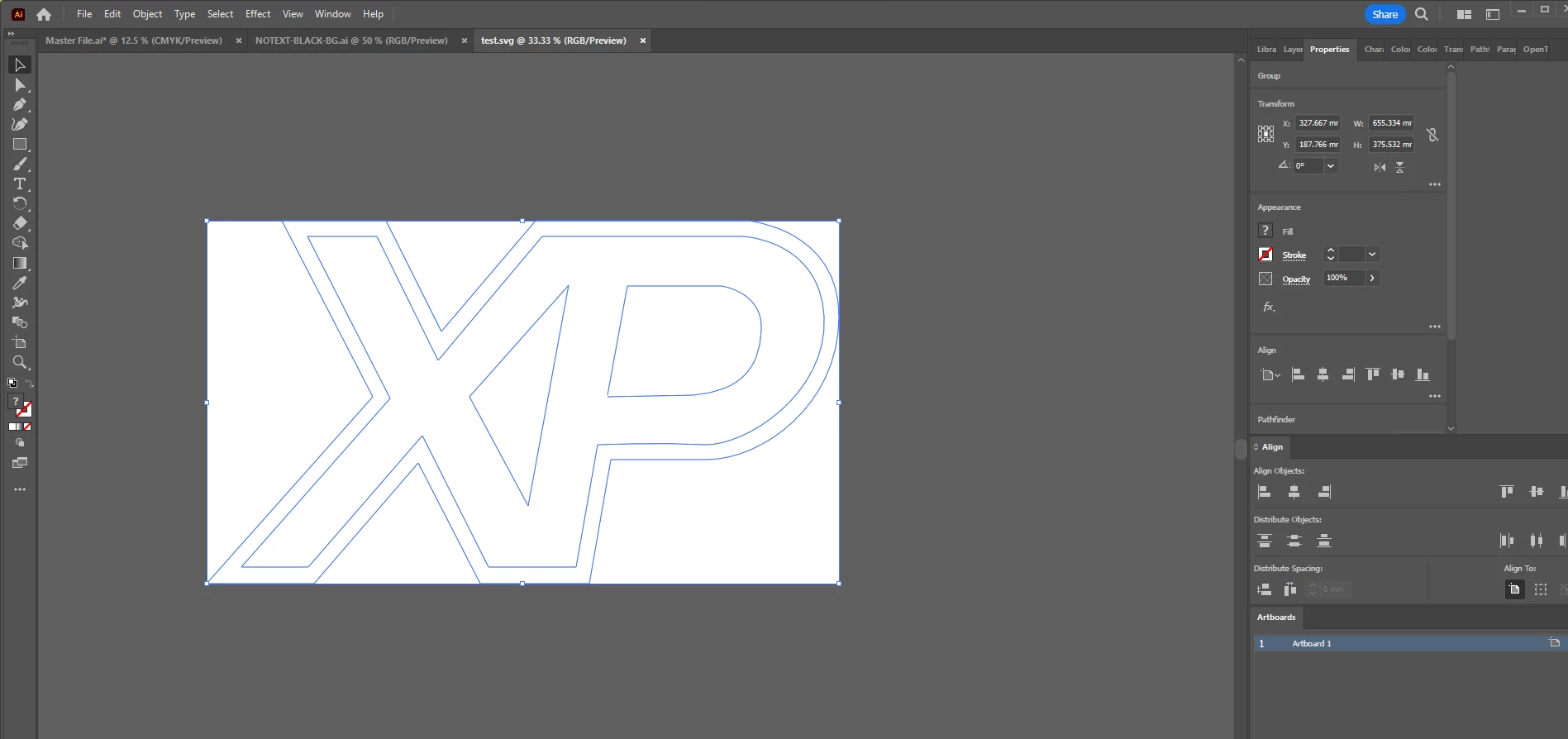
 

And when I upload the file on my website is it completely invisible. When I have text then it's working. Cant svg see my path?
Files
SVG: https://drive.google.com/file/d/12tS_tJO45ySsBFbRv59OR6pFAjqOZQgy/view?usp=sharing
Ai: https://drive.google.com/file/d/1Hjep7B1evXo-dxAePpVvUTju1TZQnCq_/view?usp=sharing


This topic has been closed for replies.

2 replies

Sergey Osokin
Inspiring
October 13, 2023

I would suggest to remove all empty unused layers, remove the transparency mask and cut out the inner elements using Pathfinder. To get a clean, minimalist vector for SVG.

Monika Gause
Community Expert
Community Expert
October 12, 2023

What's that clipping mask good for? Do you need it? It's probably causing your issues.

Known Participant
October 13, 2023

Havent find a better alternative to make hole in my path. Had that problem before:
https://community.adobe.com/t5/illustrator-discussions/create-hole-with-path-objects/m-p/14004031#M376634

The clipping mask is because I want holes in my paths:


Doug A Roberts
Community Expert
Doug A RobertsCommunity ExpertCorrect answer
Community Expert
October 13, 2023