
Answered
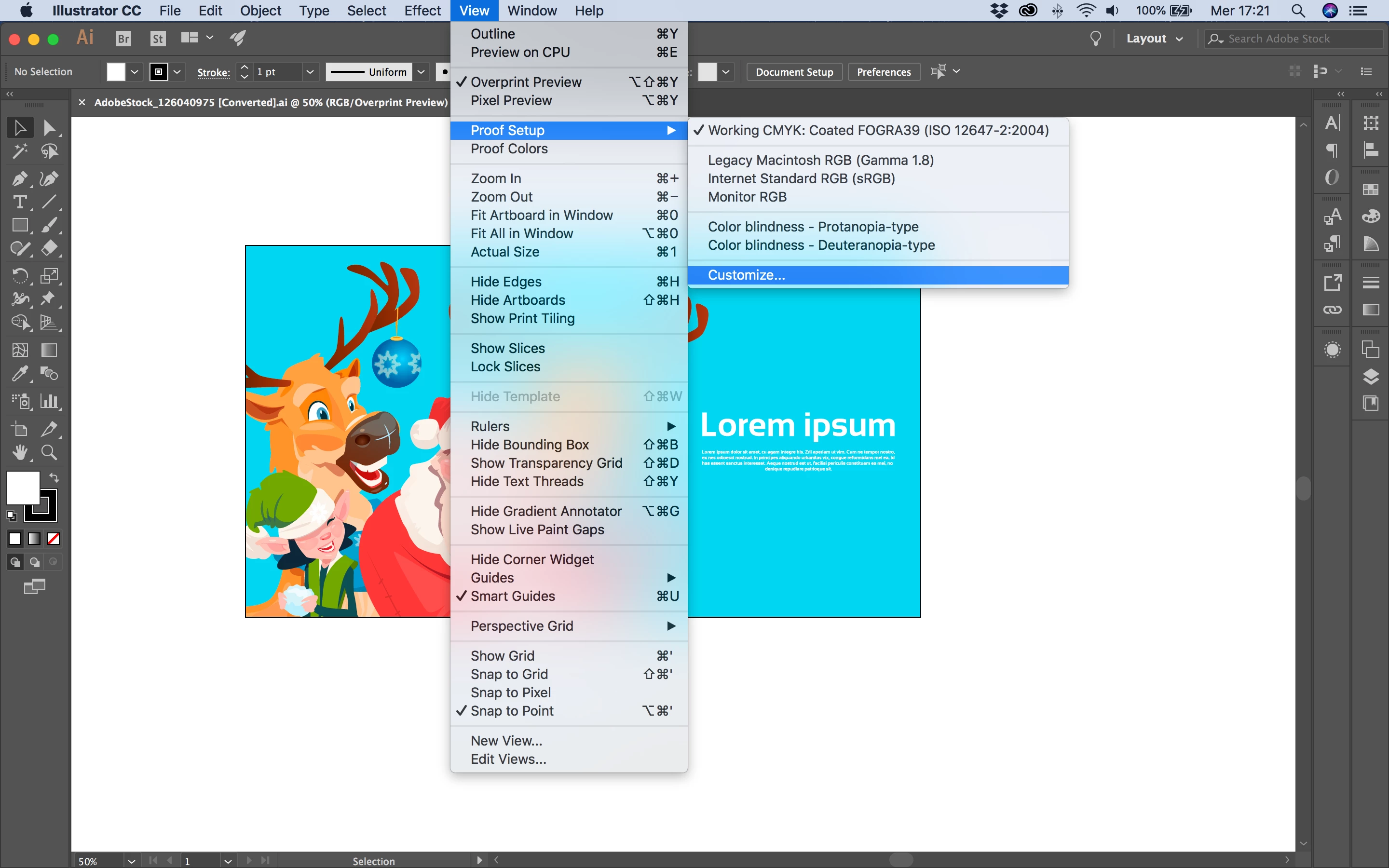
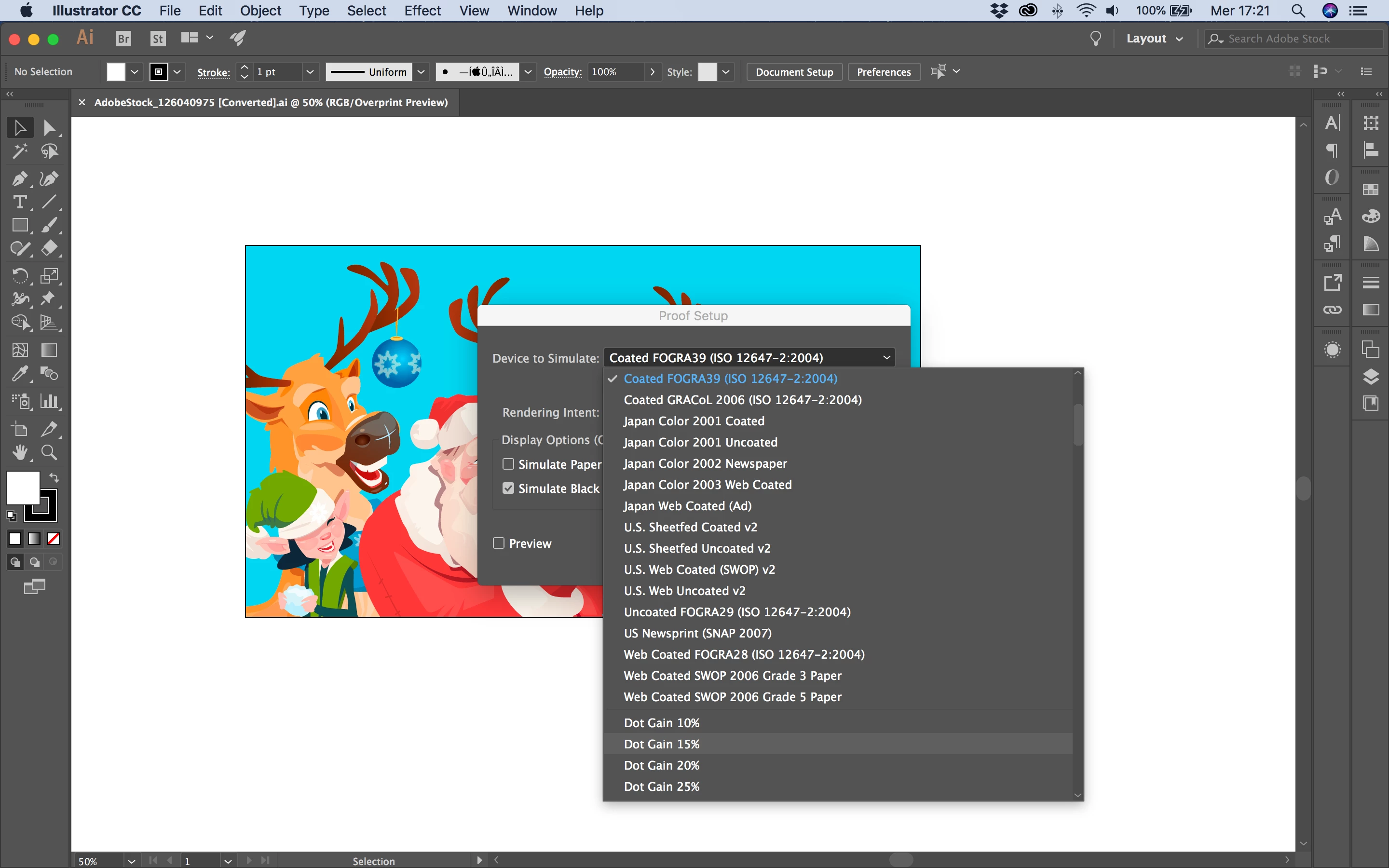
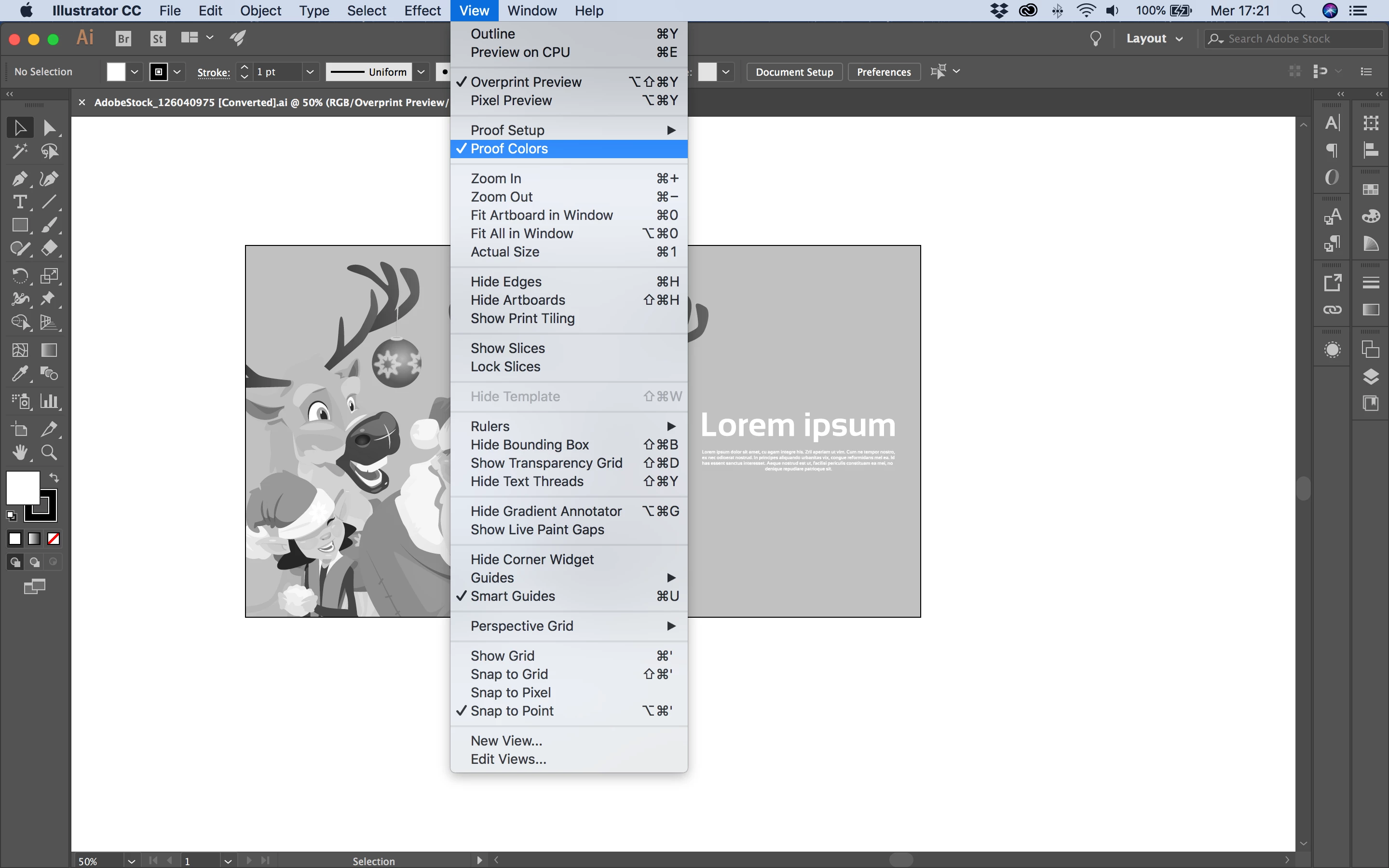
Switch to greyscale, but dont lose any color info, and switch back to color later for Illustrator?
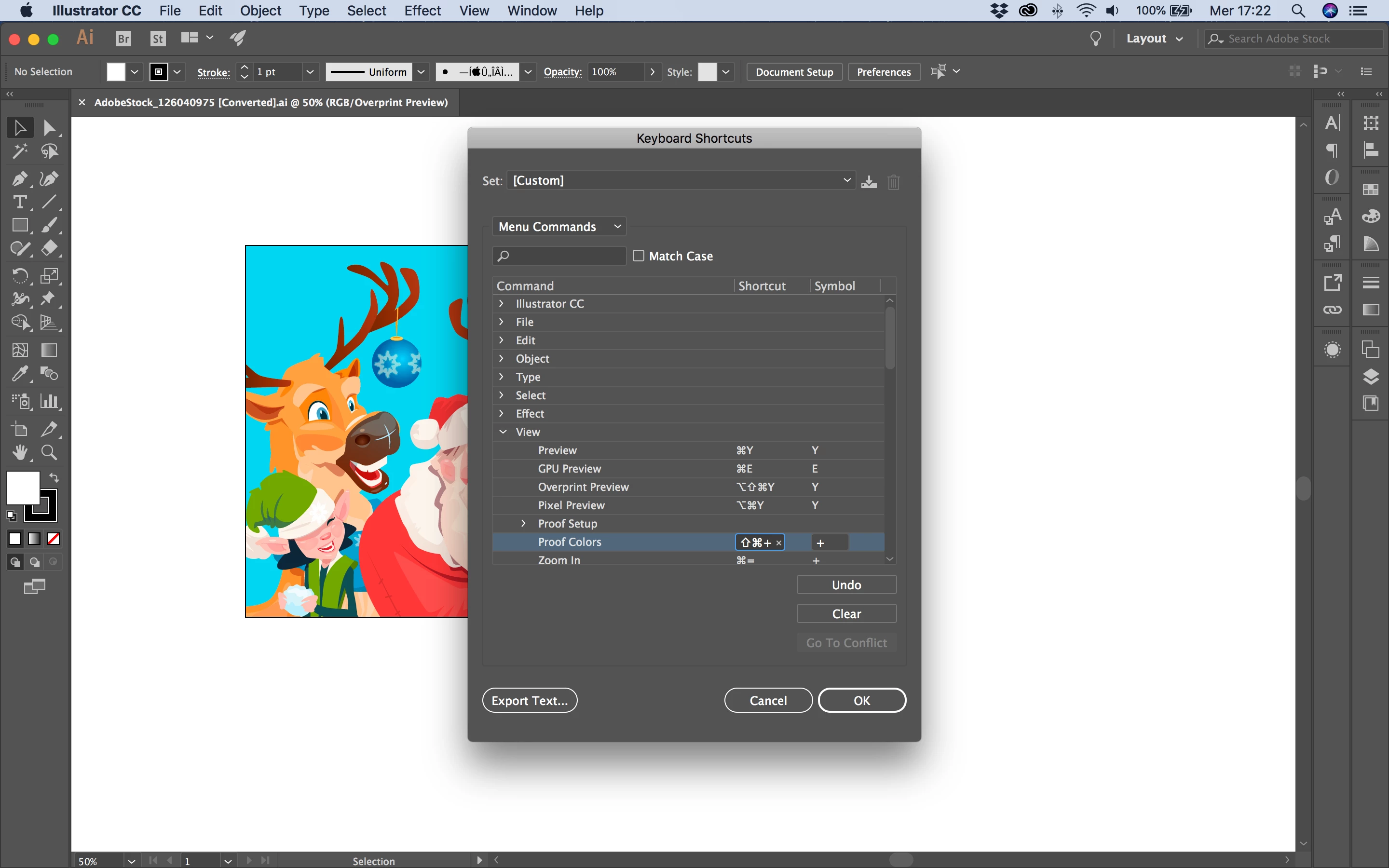
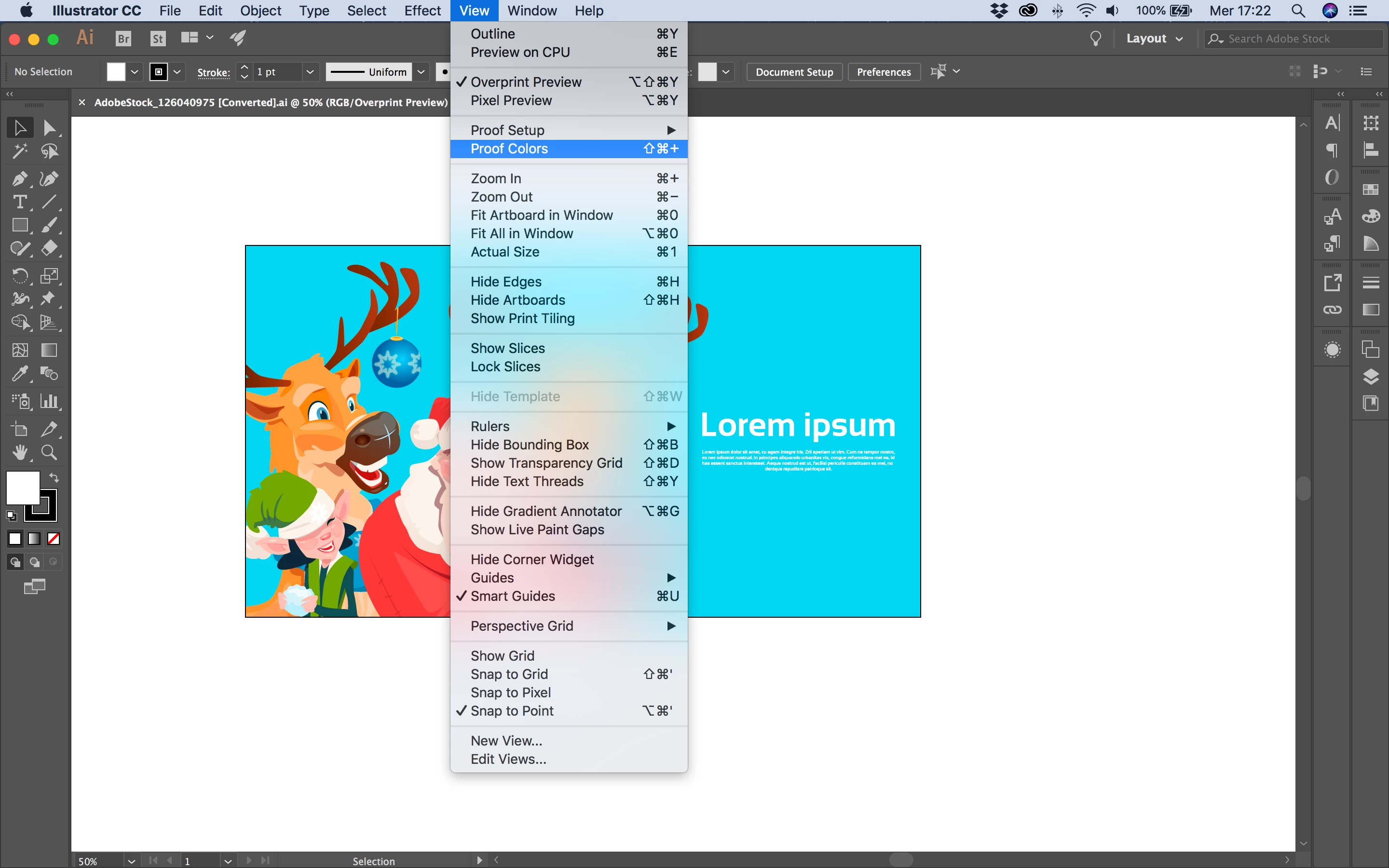
I want to apply colors to my artwork, convert to greyscale to check the values and then convert back to same colors again with a simple button/keyboard shortcut. Similar to pressing ctrl+y to view Outlines. Is there a shortcut for this?
Today, after I have converted the colors to greyscale, I press "undo" which feels a bit weird.
 AdChoices