
kuiuhaley
Participant
February 8, 2023
Question

Symbols - Edit mode default color

  • February 8, 2023
  • 2 replies
  • 477 views


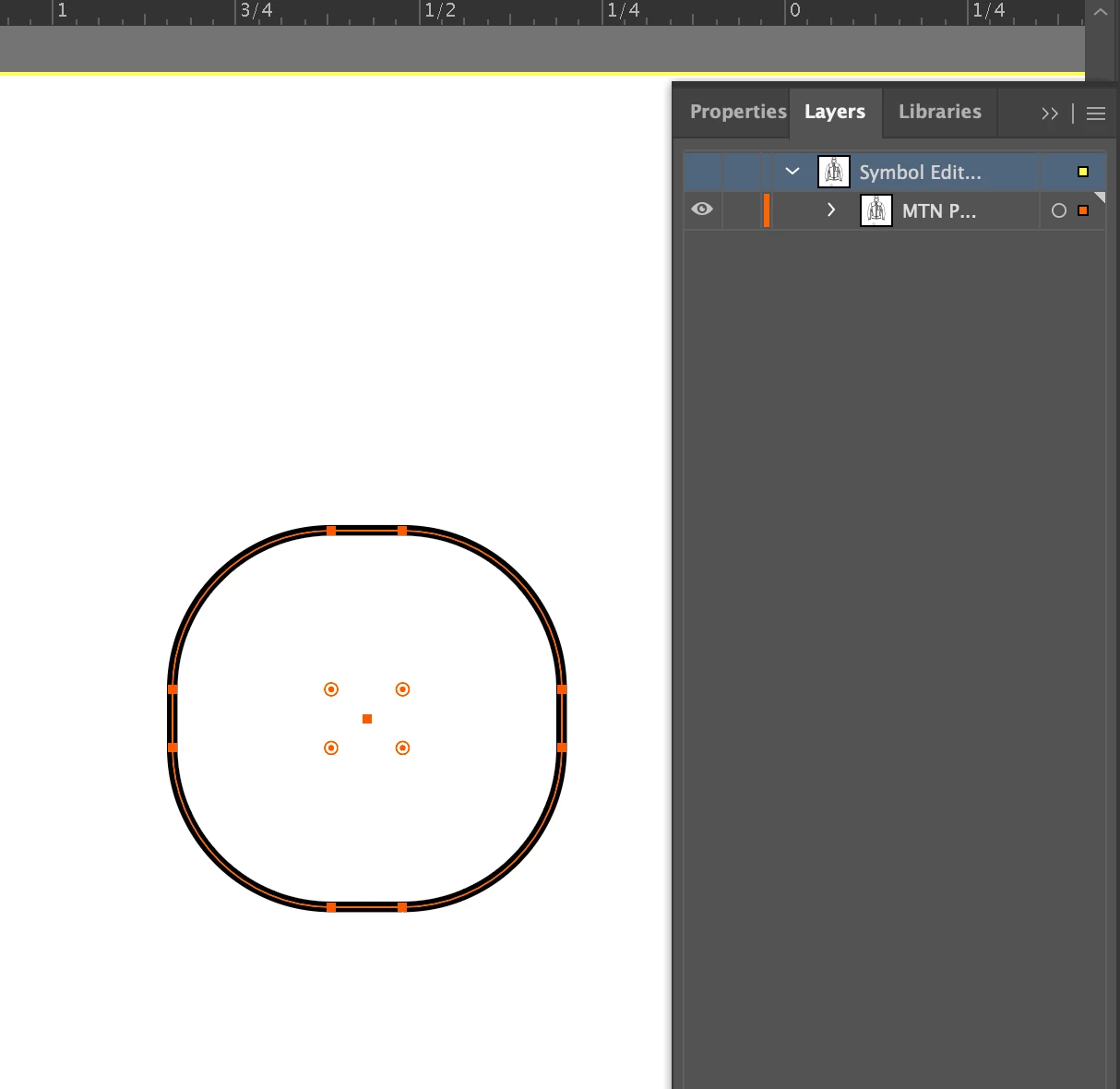
The default color for editing symbols in Illustrator on my computer is Yellow. It's very hard to see. I can change it to any other color by opening the Layers window but as soon as I stop editing, and open it again in the future, it will be back to Yellow. How do I make the color change stay? Or how do I change my default color for Symbols? I've talked to collegues and they have different default colors on their's. 


This topic has been closed for replies.

2 replies

Simmer1
Community Expert
Community Expert
February 8, 2023

Hi,


To change the colour, double click on your Layers Palette, then the Layers Option window will pop up. Click on the current colour and change it to the colour you wish.

Let us know if this helps.

Sim

Met1
Legend
February 8, 2023

OP already said this ("I can change it to any other color by opening the Layers window but as soon as I stop editing, and open it again in the future, it will be back to Yellow").

kuiuhaley, I assume you have tried resetting preferences?

Is this happening on only new docs, only old docs, or both?

Not sure if this will solve it, but going forward you could set up a default new doc and make sure the layer colour is what you want. Google this, there's a bunch out there like this: https://productivista.com/new-document-profiles-saves-your-default-settings/


kuiuhaley
kuiuhaleyAuthor
Participant
February 8, 2023

Illustrator version says 27.1.1


I just reset preferences and now for new docs it is green! So that's a win. So I guess going forward I should be set. This hasn't effected old docs though, still yellow when I open them.

Rene Andritsch
Community Expert
Community Expert
February 8, 2023

Which version of Illustrator are you on? The current highlight is green. At least on my system.