Answered
Text align stroke outside greyed out
On my text, I need to align the stroke on the outside but it is greyed out. How do I get it to not be greyed out?
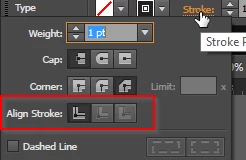

On my text, I need to align the stroke on the outside but it is greyed out. How do I get it to not be greyed out?
Clarifying the tips above
~~~~~~~~~~~~~~~~~~
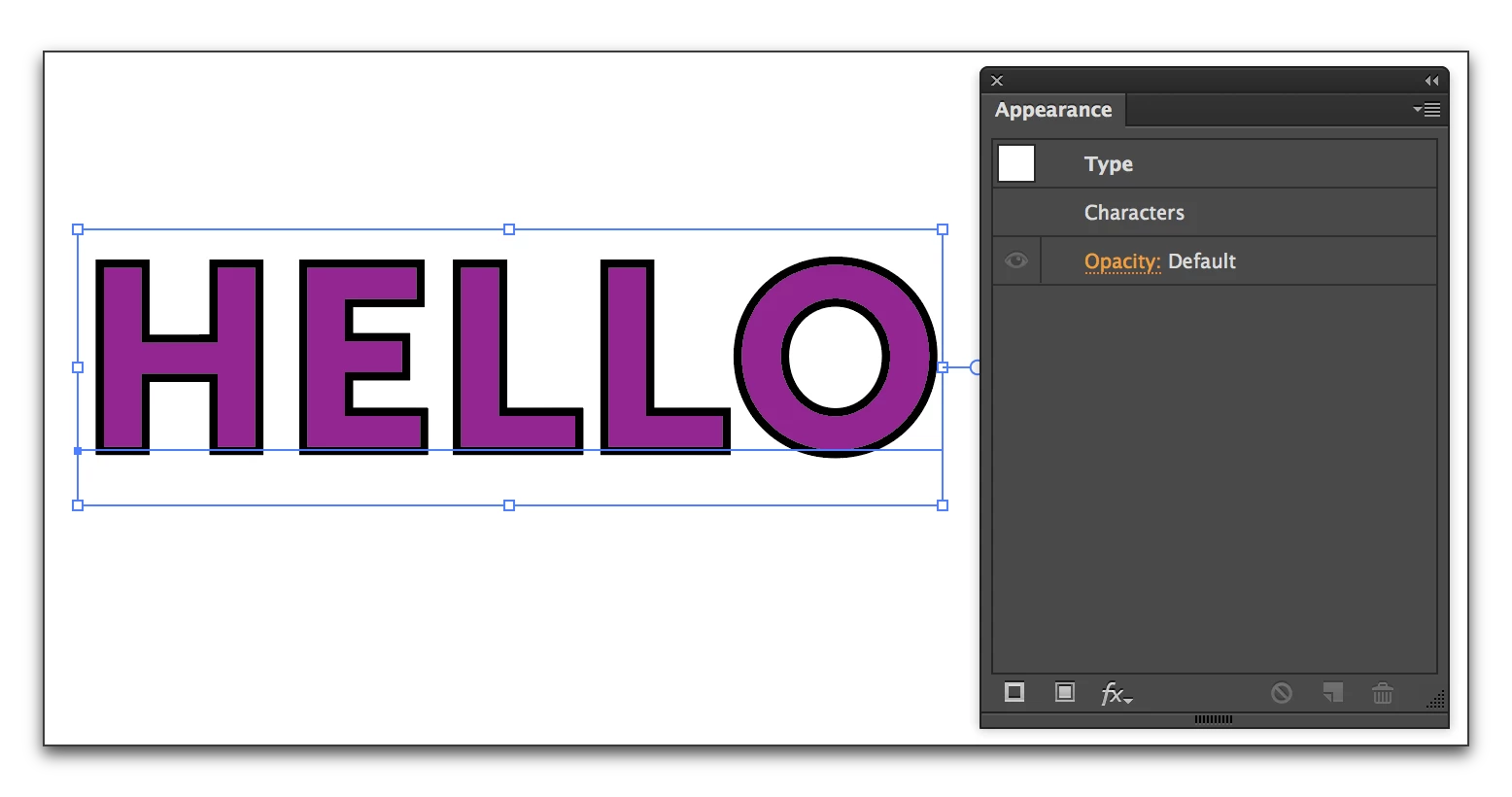
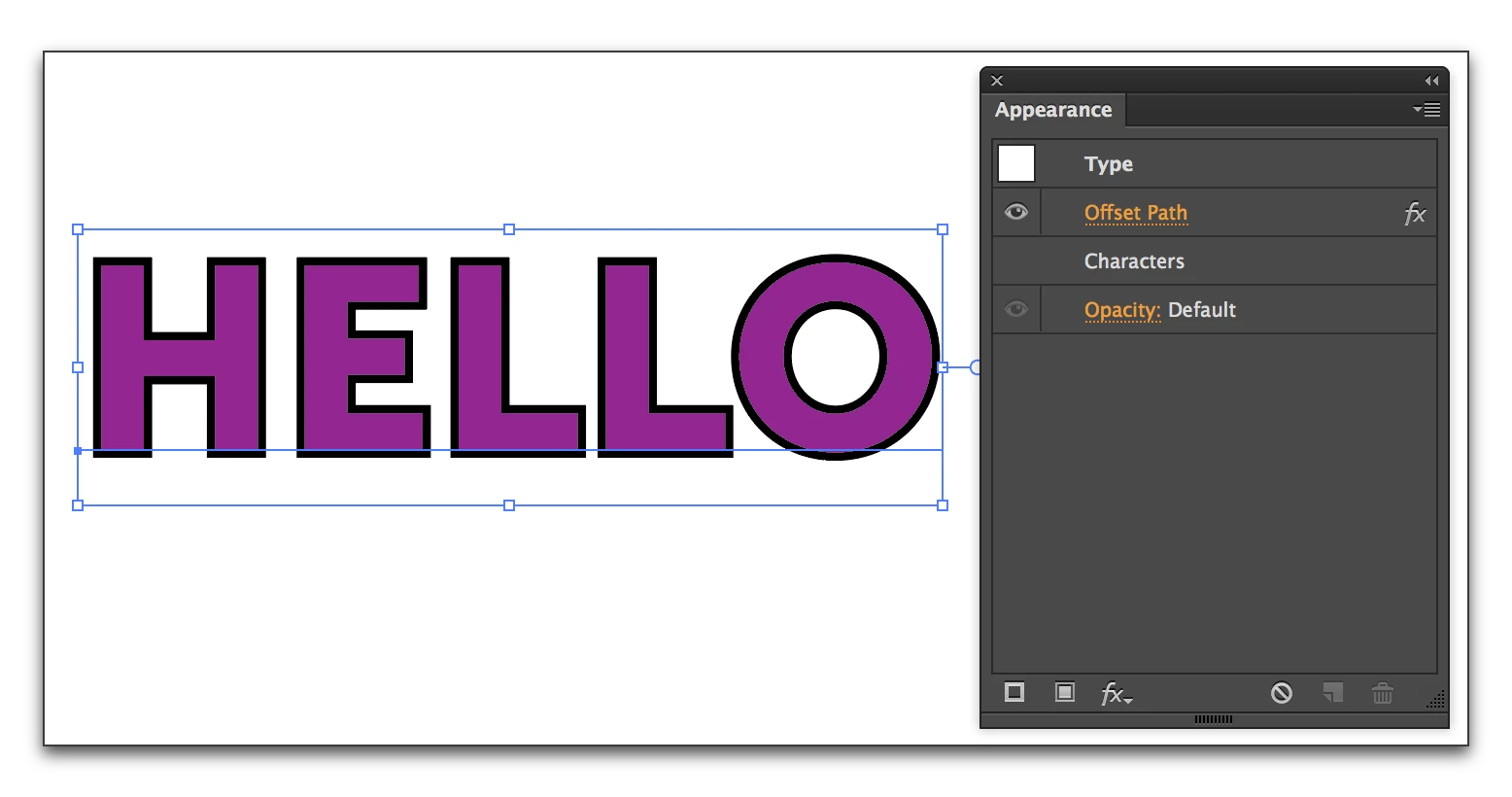
As you are figuring out, Rite-Oak, you can't re-align the stroke on live (editable text). If you are willing to commit to the type being in final form, you can select it and pick Type > Create Outlines and you can align the stroke to the outside using the button you pointed to in the first screen shot. Once the type is converted to outlines, you won't be able to edit the text though.
Already have an account? Login
No account yet? Create an account
Enter your E-mail address. We'll send you an e-mail with instructions to reset your password.


 AdChoices