

CarAudioTech
Participating Frequently
June 3, 2019
Answered

Text Disappears (changes color) when Outlined

  • June 3, 2019
  • 1 reply
  • 4669 views

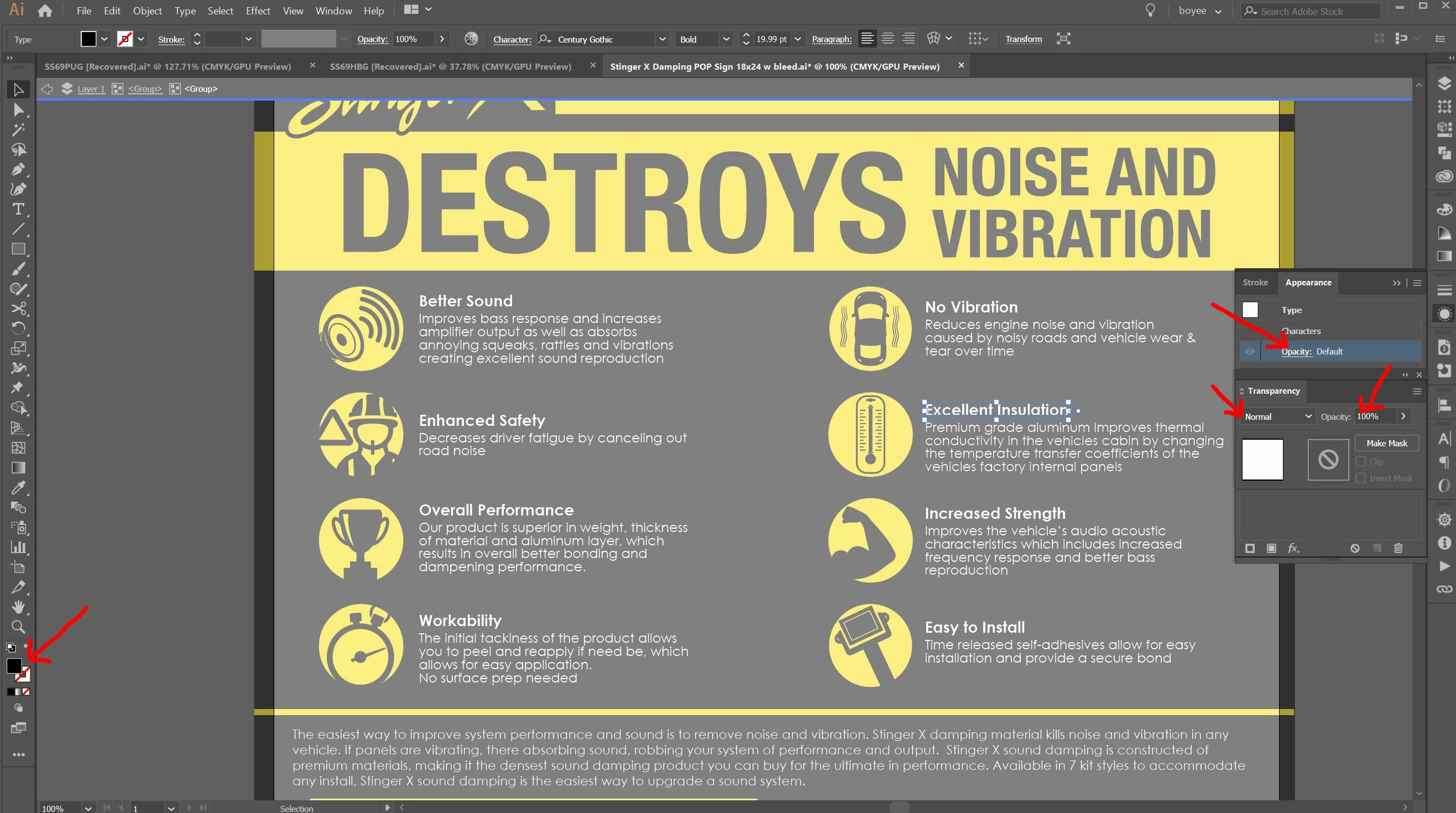
Working on this file (some elements from a different designer) and when I outline the text it goes to black (disappears).

I figured out how to fix it, but I want to know why text shows white on the screen, but when selected shows it is black in the pallet box, no transparency or opacity changes. It's very possible we have been having text missing from files and not realizing it when converting for the printer.

Thanks in advance.
This topic has been closed for replies.
Correct answer Kurt Gold

Here is the bad file WeTransfer

I saved a copy before I fixed my version.


There are black fills applied behind the curtain.

To solve it, just select one of the "bad" groups, go to the Layers palette, expand the group entries, target the text objects, open the Appearance palette, double click on the Character item and then change the fill colour from black to white.

1 reply

Kurt Gold
Community Expert
Community Expert
June 3, 2019

Can you please post a screenshot with the Appearance palette and Layers palette, both fully expanded (while the text object is selected, of course)?

CarAudioTech
Participating Frequently
June 3, 2019

CarAudioTech
Participating Frequently
June 3, 2019

Here is the bad file WeTransfer

I saved a copy before I fixed my version.