


Text into a difficult shape (Number 6)
- 1 reply
- 402 views
- Translate
Hi All,
I work for a company who provides leavers hoodies for schools. I have been at the company for 8 months and been comfortable doing 25. I now have to create leavers designs for 26 - but I am finding this quite tricky.
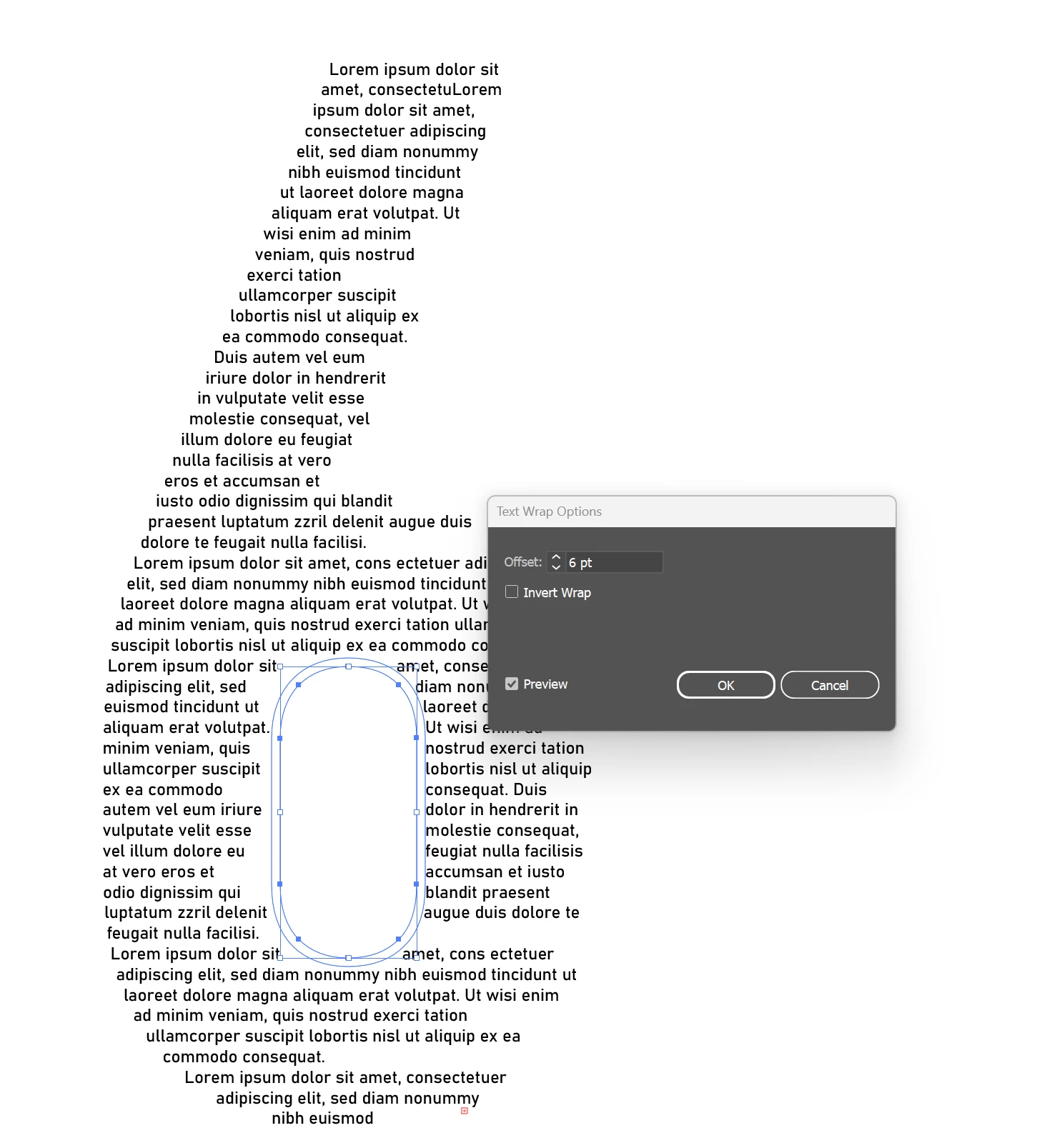
The 6 itself doesn't want to become a text box when using area type - I have tried to make it into a compound path but it wont work because of the shape within the 6. All I want is an outline of a 6 INCLUDING the circle inbetween so that I can type into it.
I used a method I found on youtube where you use the knife tool and cut through the shape (see attached image) and it works slightly but when I have adjusted the inset spacing it seperates the text due to this cut which isn't what I want. I feel like I am making this 10x more complicated then it needs to be.
Any help would be a god send. And if anyone has any tips on typing the names into the 26 whilst justifying it and seperating the letters perfectly without taking hours to do it I would be greatly appreciative also...

 AdChoices