


Text Opacity in Illustrator
I am completely stumped on how to fix this.
The text, just the text, of this project looks like it's at about 25% opacity when I export it.

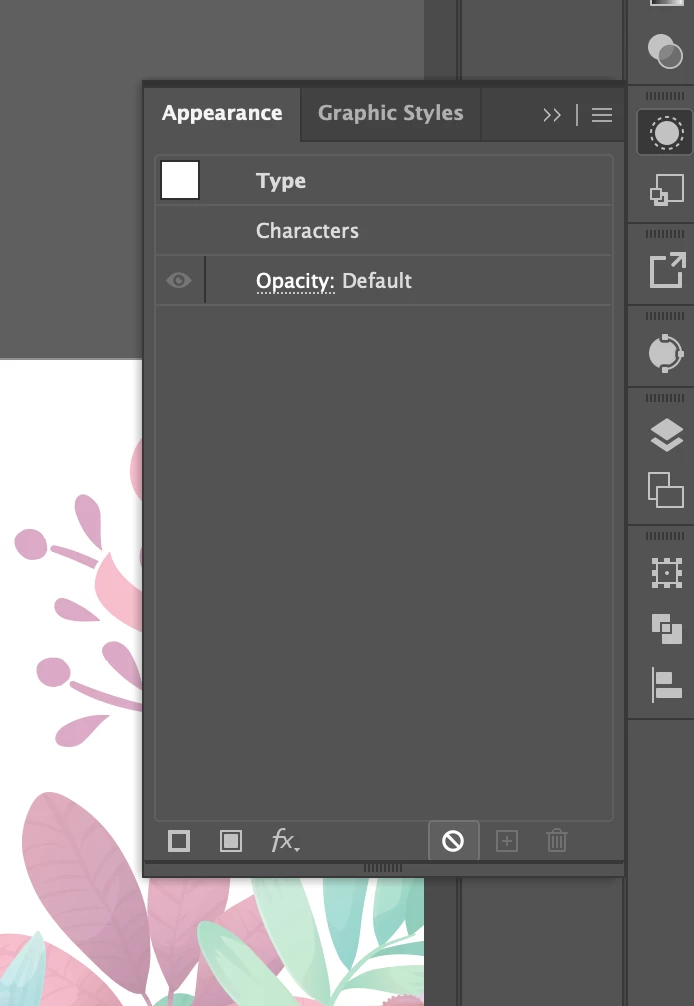
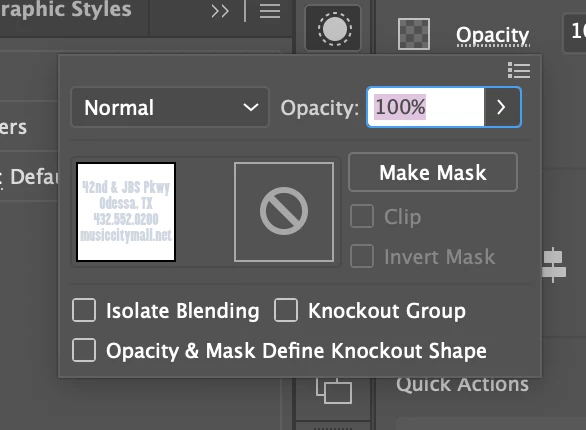
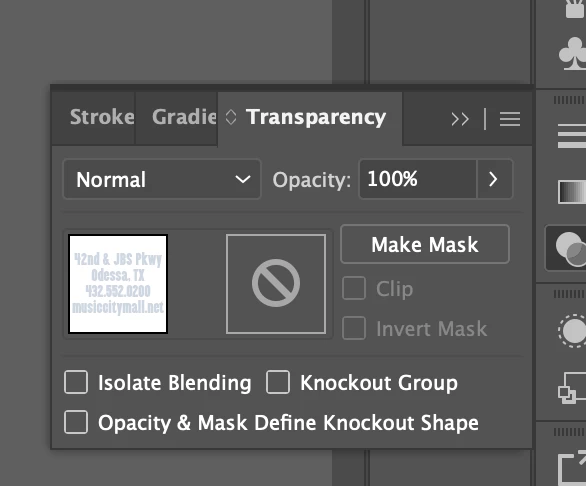
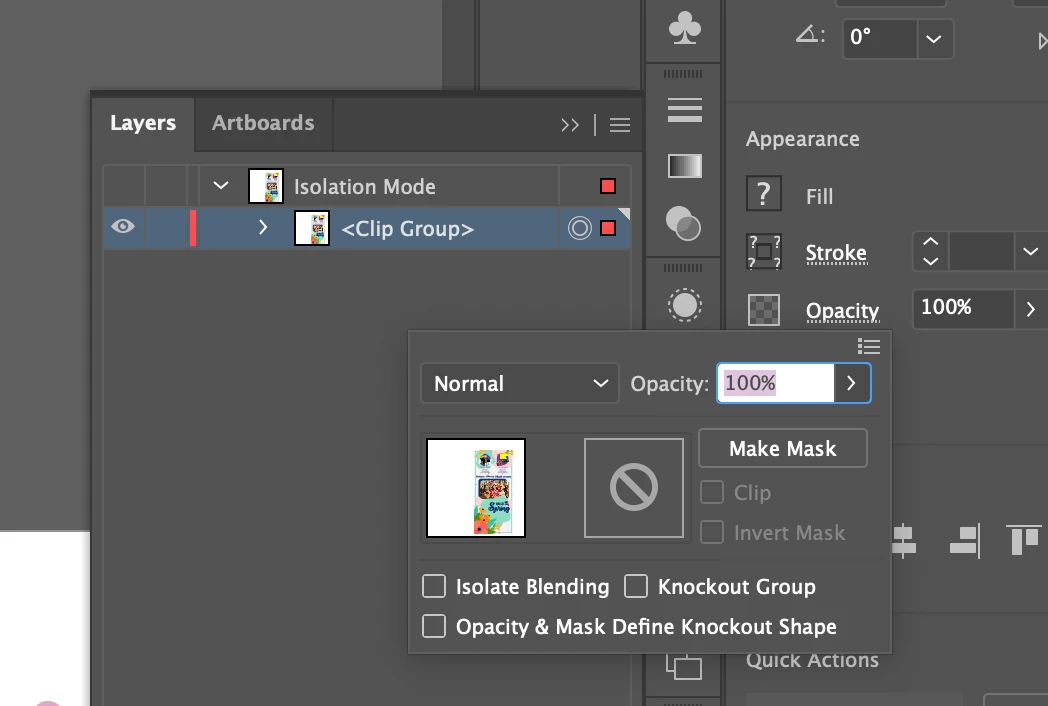
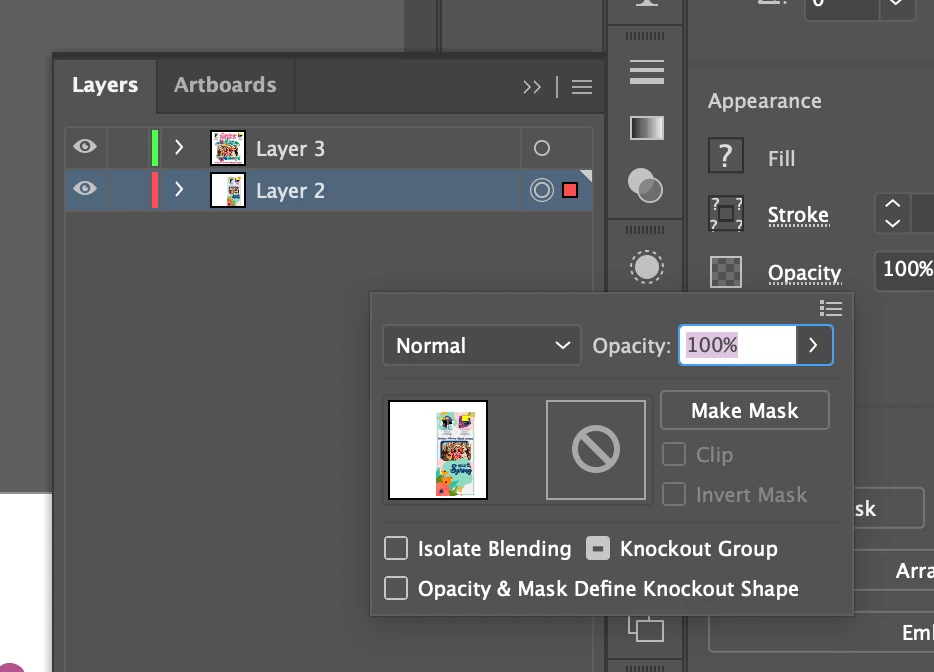
I have checked the transparency settings as well as the opacity settings under the fill and stroke under properties. It doesn't have any blending mode, I checked every individual object to make sure they were all set to 100% opacity and didn't have any blending mode. I checked the top layer that each object is nested under, I checked the clipping mask that one artboard is clipped in. I opened the appearance settings and clicked on "clear appearance." I am at a loss. It looks perfectly opaque when I am in the document, but once I export as a PDF or as a JPEG, which I only tried as a workaround, BOTH versions make the text on both artboards look transparent. Please help.
I have two artboards, one with a clipping mask over the entire artboard and all objects inside, the other has no clipping mask.
 AdChoices