
Question
Text Outlines
Hello experts,
I have vectorized the text using create outlines in Adobe Illustrator and I can import it in blender.
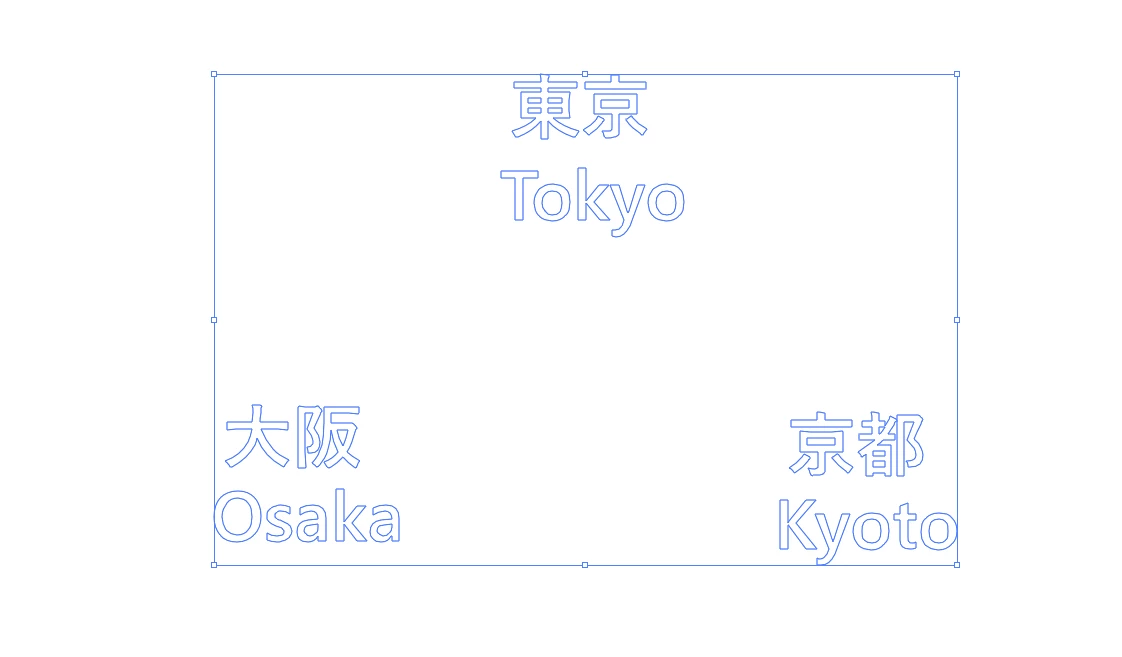
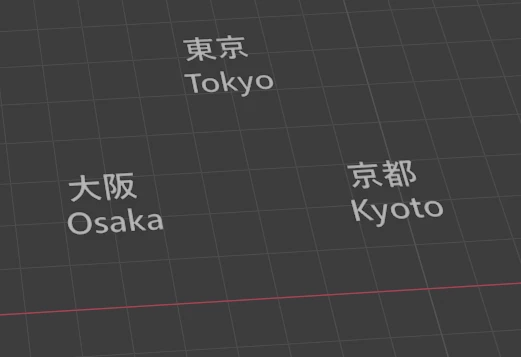
I need the text on the signboard. So. I image-traced the sign board since it contains arrow marks and not text. Then I put the outlined text on top of that.
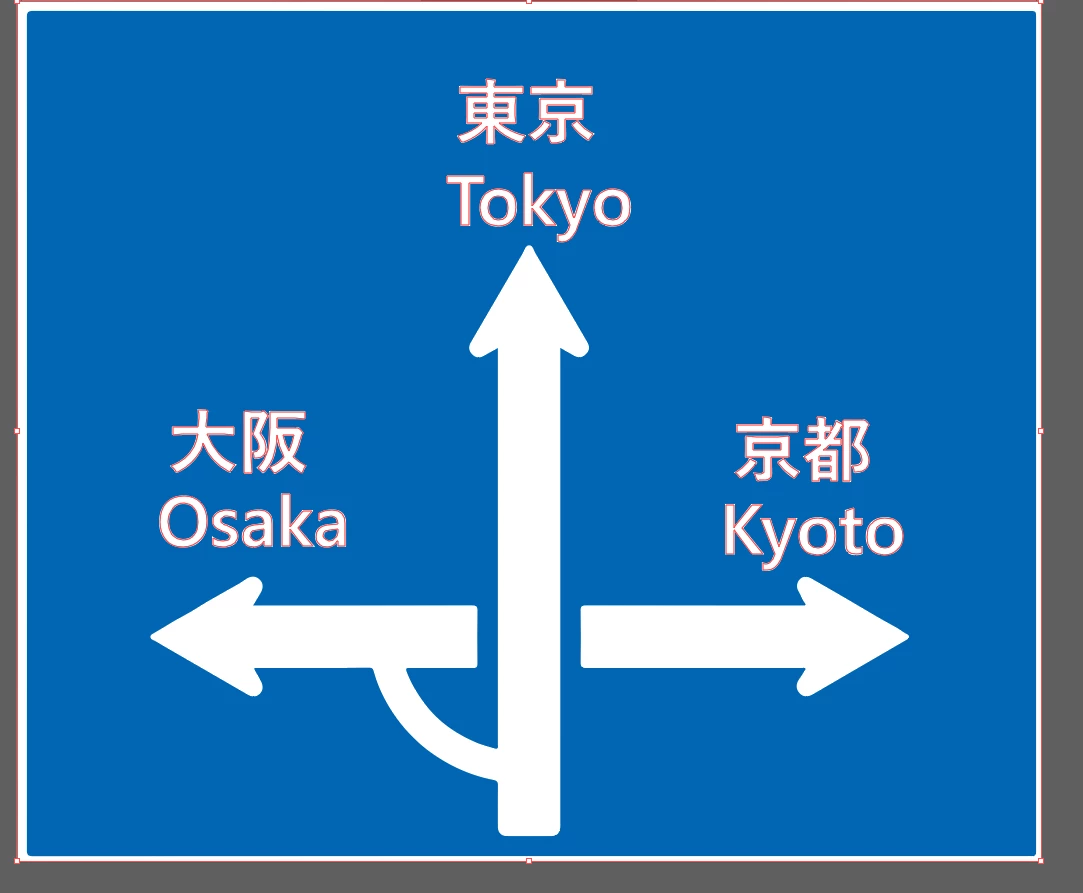
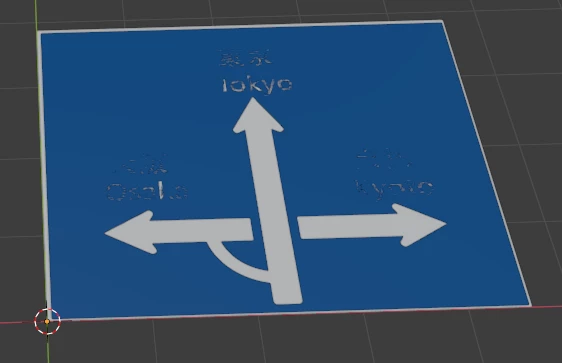
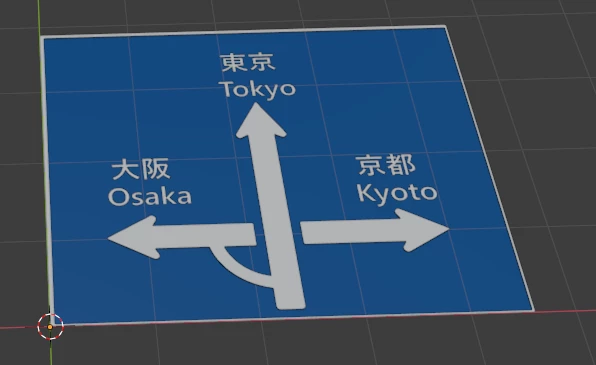
But the problem is, in blender the text seems to be 0.01m lower. The white texts will be visible if I lower the blue part down to 0.01m. How can I fix this in Illustrator.
Thank You


 AdChoices