


Question
Text shown in white turns to black when converted to outlines
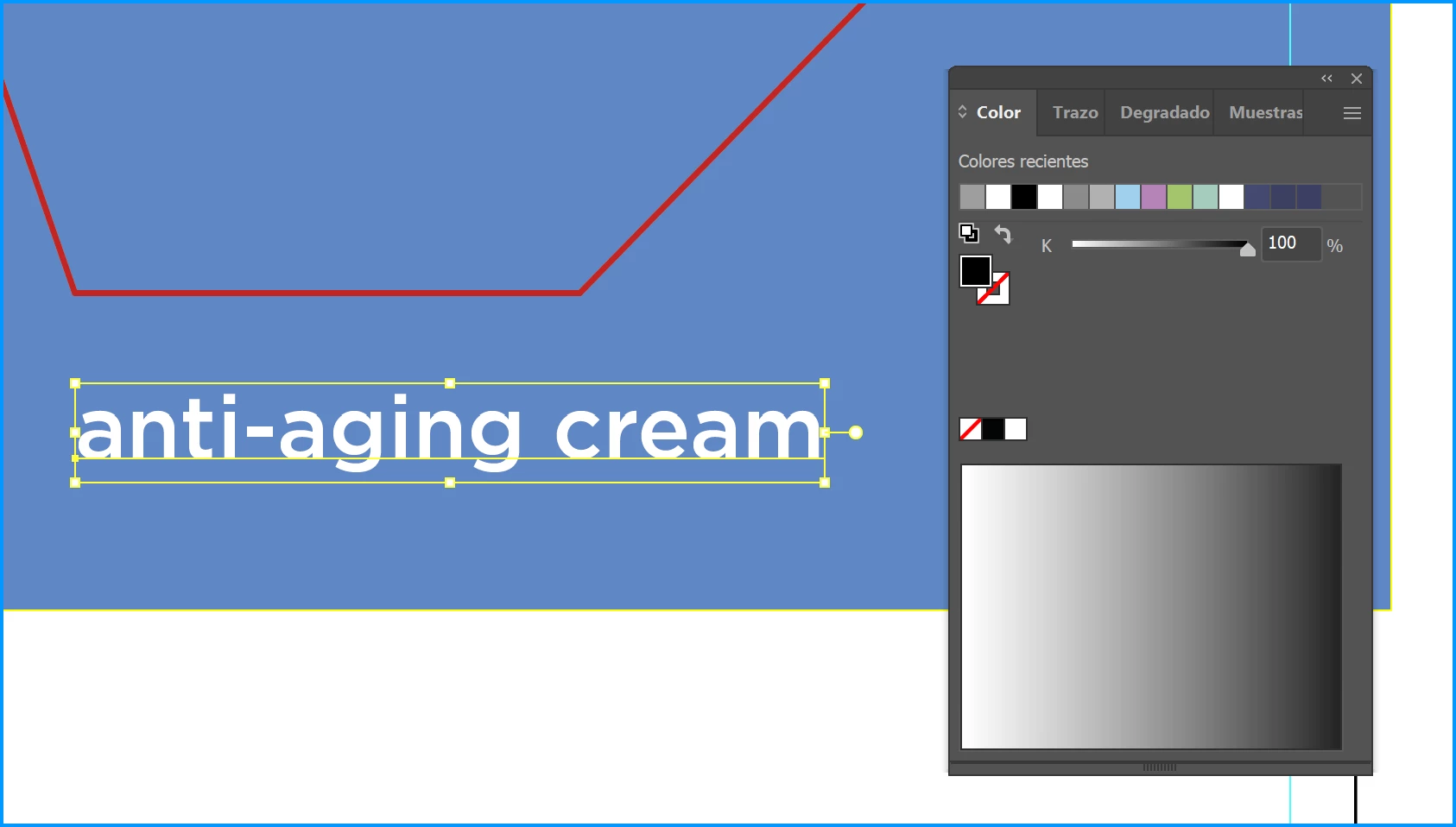
I have a file with an Area Type object with some words shown in color white. But, when I select the object, the Color panel shows it’s actually black (see the screenshots attached).
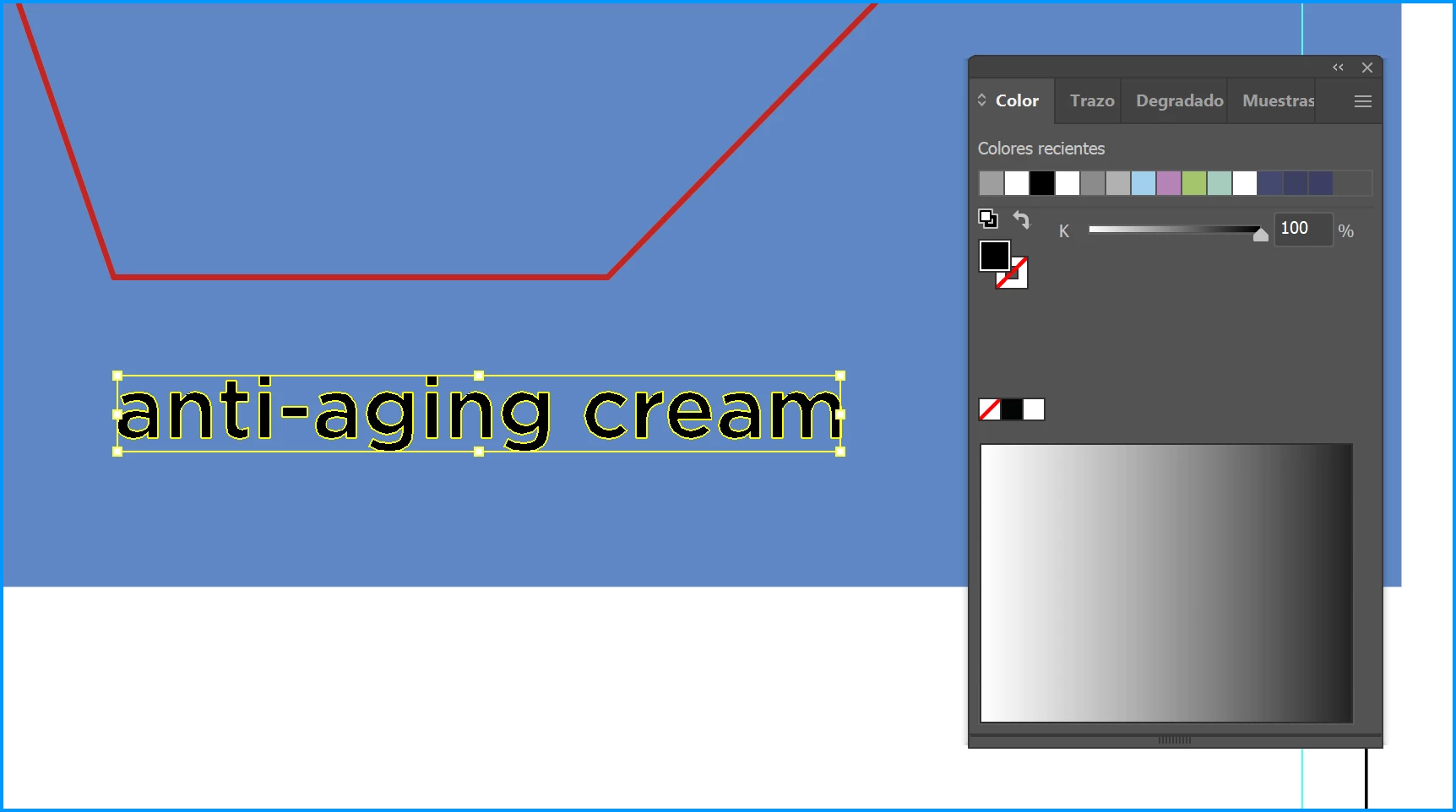
When I outline the text (using Ctrl+Shift+O), it’s shown in black.
I checked if there was a mask, transparency or any effect o knockout, but there is nothing.
 AdChoices