Participant
October 31, 2024
Answered

Text To Vector is missing in Adobe Illustrator 29.0.1

  • October 31, 2024
  • 3 replies
  • 1657 views

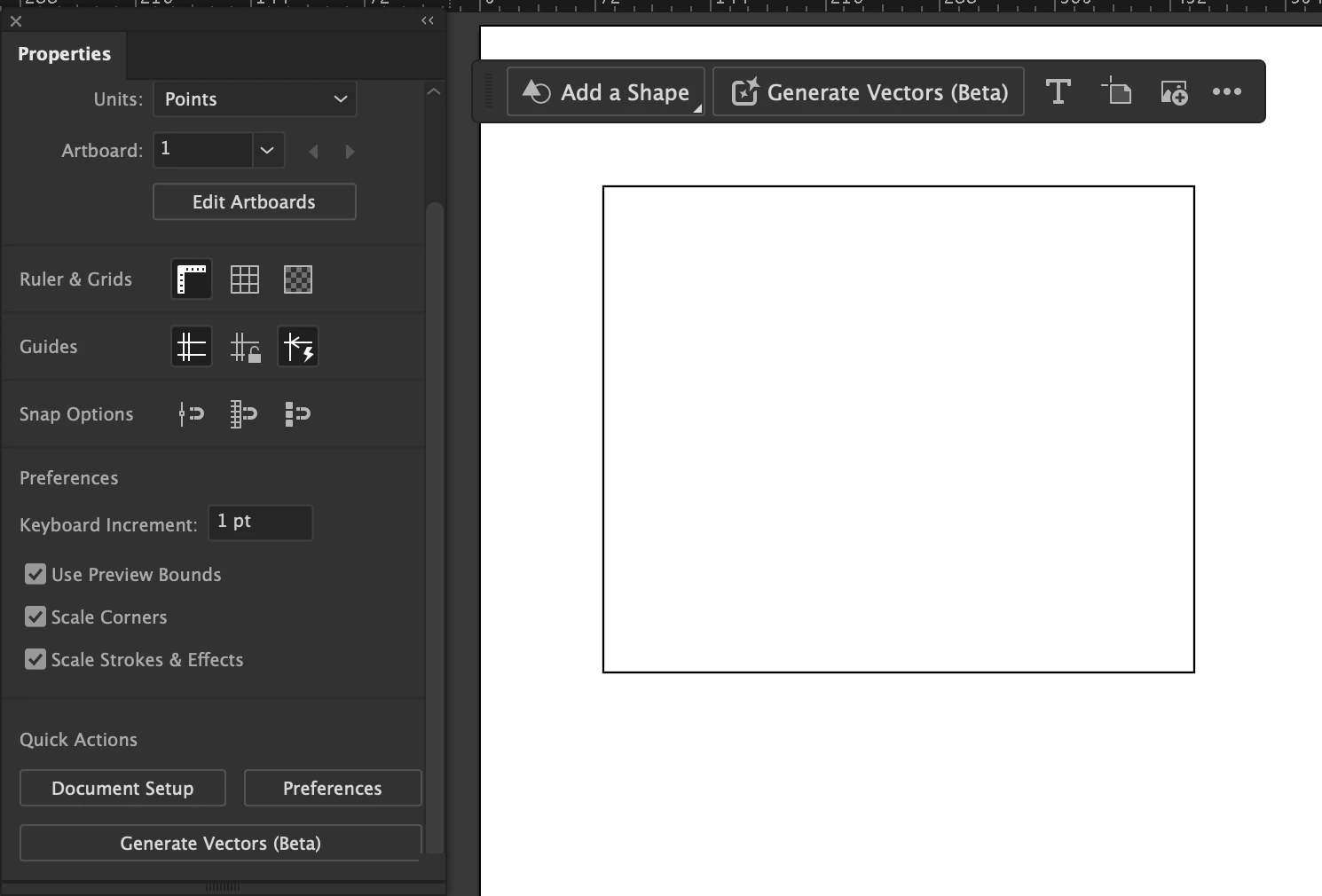
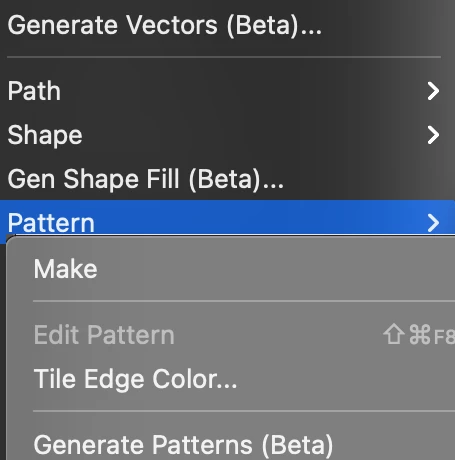
Is anyone else having this problem? The text to vector option is not listed in Properties, and I can't find it in the contextual menu either. Additionally, the object/pattern/generate pattern function is also missing.

Laptop is MacBook Air M1, Adobe CC plan.

I have tried uninstalling and reinstalling the software, but that didn’t help.

I would appreciate any assistance!

Correct answer creative explorer

@KostaKostochka I am able to see mine:


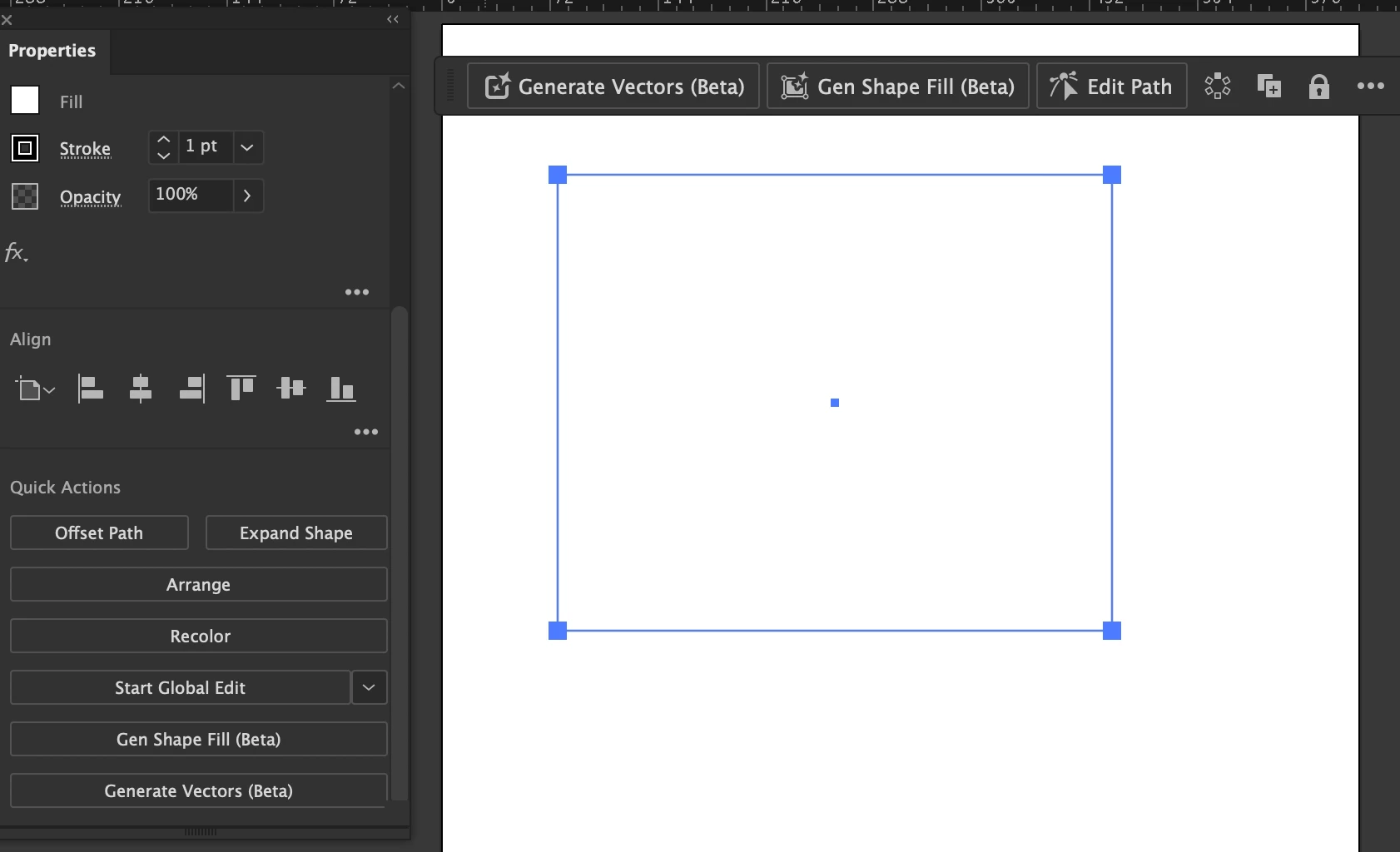
After drawing a box, and when I select it, I do get more options:


Did you try resetting your preferences before you create a document?


3 replies

Participant
October 25, 2025

yes I'm not able to find text to vector in my illustrator

Monika Gause
Community Expert
Community Expert
October 25, 2025

@mohammed_9037  schrieb:

yes I'm not able to find text to vector in my illustrator


Which version is it?

WHere are you located?

Participant
October 25, 2025

It is v 29.8.2

I'm from India 

Monika Gause
Community Expert
Community Expert
October 31, 2024

The feature is not available in certain countries. Where are you located?

SIA Baltstor
Participant
November 7, 2024

Hello dear,

I am from Latvia and have v29 Illustrator

Anubhav M
Community Manager
Community Manager
November 7, 2024

Hello @SIA Baltstor,

Thanks for sharing the details. Would you mind sharing more details, like the OS version and a screen recording of your exact workflow and the problem, so I can better assist you?

Looking forward to hearing from you.


Anubhav

creative explorer
Community Expert
creative explorerCommunity ExpertCorrect answer
Community Expert
October 31, 2024

@KostaKostochka I am able to see mine:


After drawing a box, and when I select it, I do get more options:


Did you try resetting your preferences before you create a document?


m