Participant
Sep 11, 2024 10:59 PM UTC
Question

text wrap

Hi 

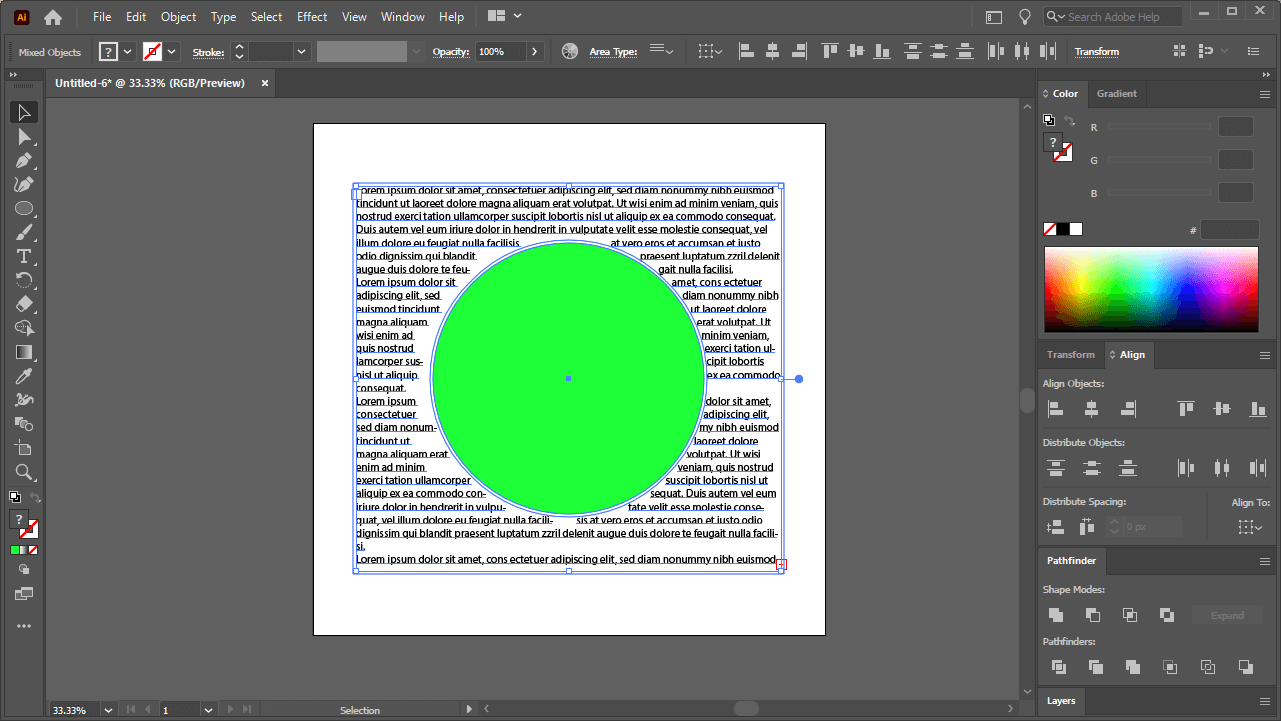
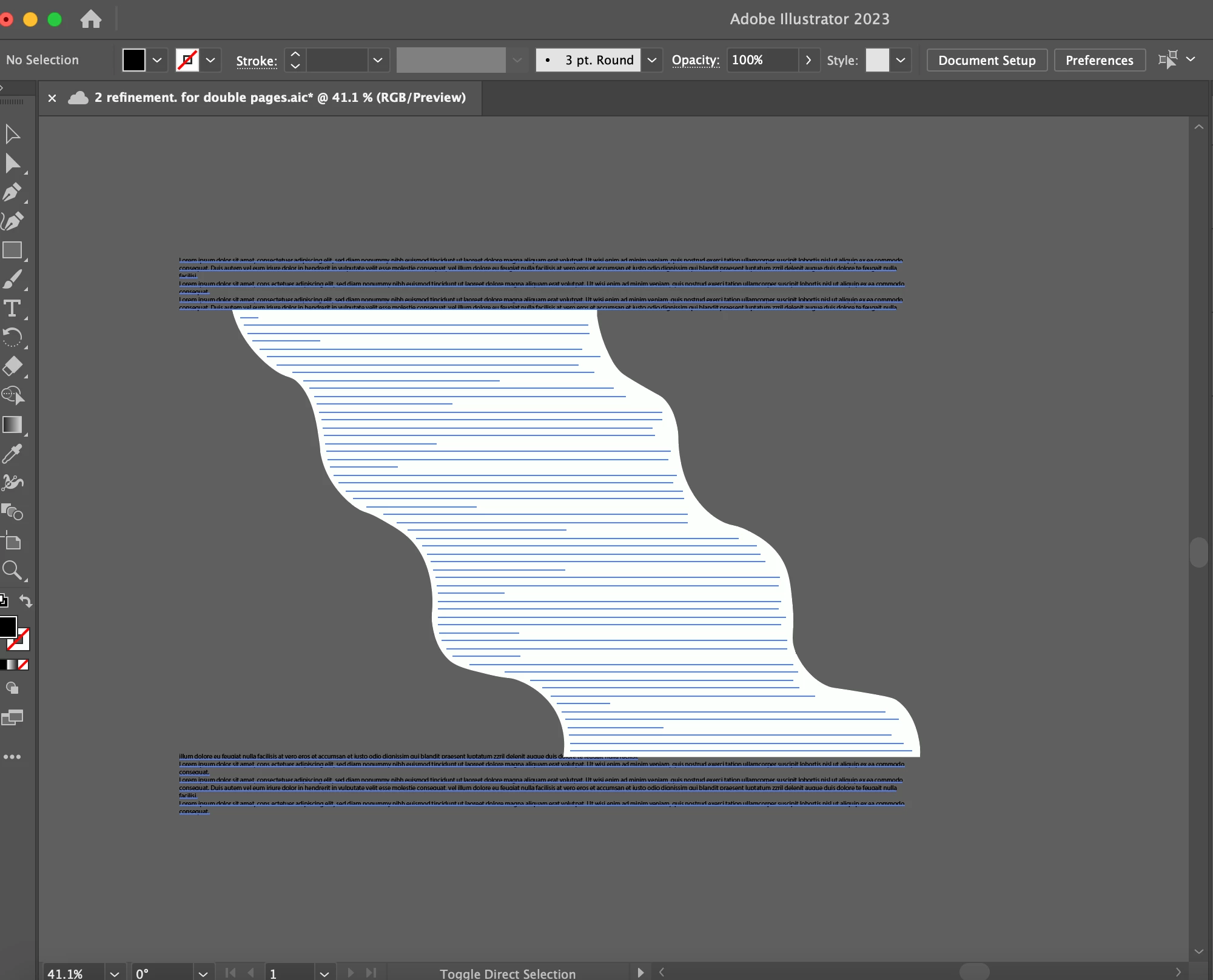
I tried to flow my text around a shape and used text wrap but it didn't do what I want. The text doesn't go around like what I want in the second photo (The first image is the shape and I used to wrap text). Does anybody have a solution to fix it? I also posted a video about the problem 
How To Flow Text Around A Shape with Adobe Illustrator – Logos By Nick

This topic is closed to new replies. Start a new post to keep the conversation going.

5 replies

kphotopage
Legend
Sep 13, 2024 1:03 PM UTC

Select your Text Object shape.

Next, Object>Text Wrap>Text Wrap Option

Uncheck Invert Wrap


K

Translate
renél80416020
Inspiring
Sep 12, 2024 8:49 AM UTC

Bonjour, désolé mais votre message manque de claté.

Pour ce qui est de la première image, (exemple de la vidéo), si vous souhaitez que le texte se place à l'intérieur de l'objet, ce dernier doit être sans fond.

René

Translate
Monika Gause
Community Expert
Community Expert
Sep 12, 2024 7:06 AM UTC

Please show the layers panel and also how you set up the text wrap.

Translate
chou_6620Author
Participant
Sep 13, 2024 10:47 AM UTC

 Here is my layer panel

Translate
Doug A Roberts
Community Expert
Community Expert
Sep 13, 2024 11:45 AM UTC

Please show the text wrap panel too.

Translate