


Question
Text Wrap around shape, when text is drawn on a line (concentric circles)
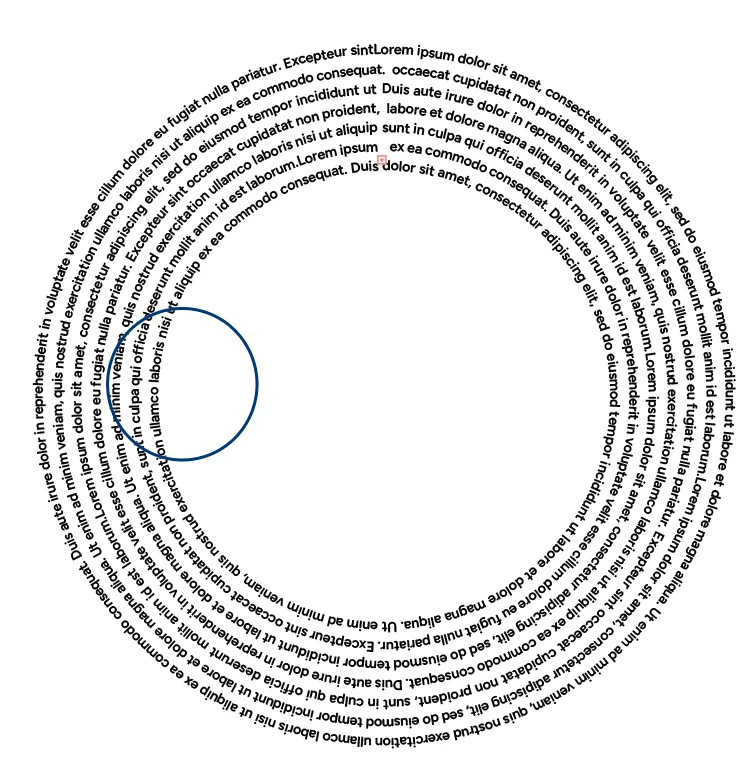
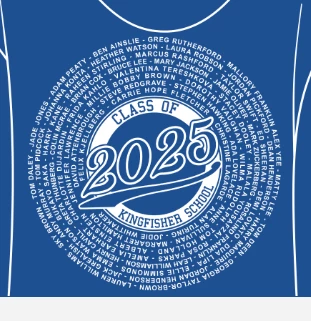
I am trying to create a tshirt design that can be simply updated with people names - I have created linked concentric circles with text along the lines (image 1) but now I want to overlay text (as in image 2) but I cannot get the text to wrap around an outlined letter - or even a simple shape (as in image 2). Everything is in the same layer, text is at the back, online Adobe live help say it is not possible and to mannually more the words around with the space bar...
Has anyone got any other ideas?
 AdChoices