
Thai Diacritic Alignment
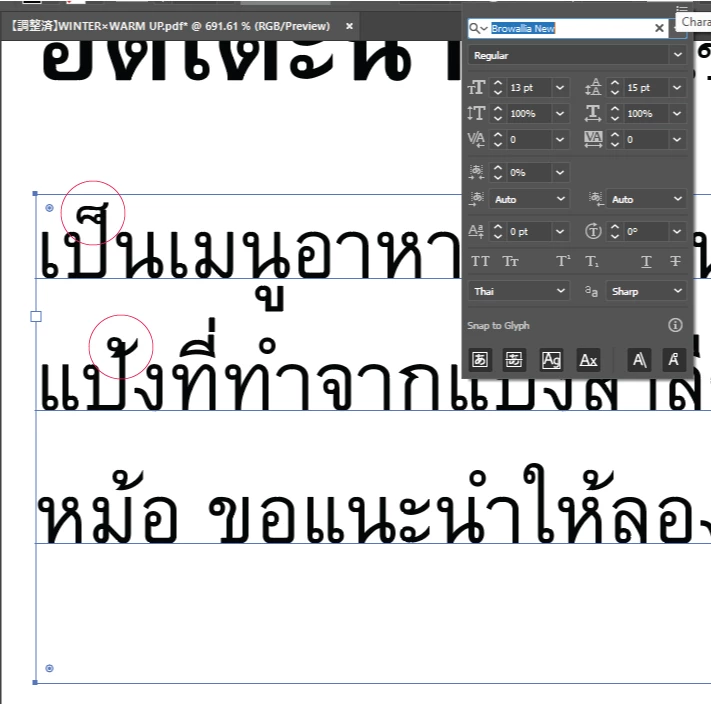
I'm a designer in Japan with native English and I work on multilingual translations sometimes with other translators. I'm responsible for compiling all the files. Right now I'm having a terrible time with the Thai file, as the diacritics aren't aligning properly and I don't know why.
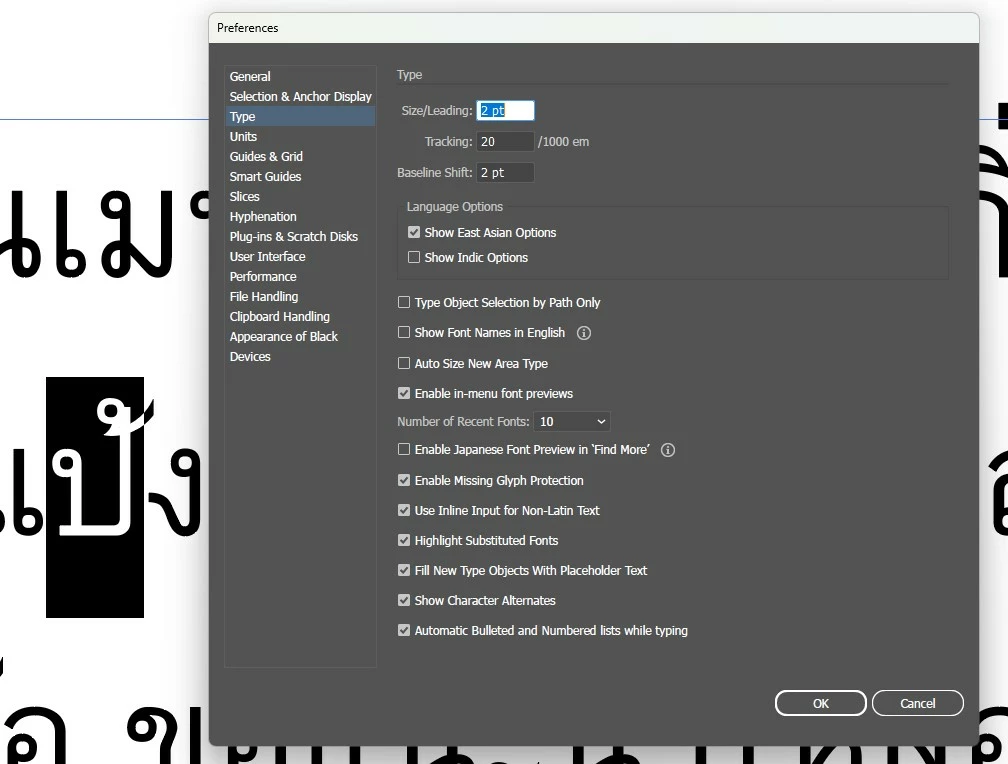
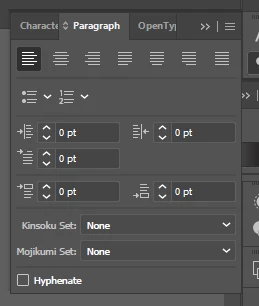
I have the text box language set to Thai and "Show East-Indian Preferences" is ticked in Preferences > Type.
I'm not sure what else to do from here. I already had to send one document where I painstakingly edited spacing character by character. Surely there's a better way!
All Thai fonts produce the same results, but I'm using Browallia New.
My Illustrator is up to date, I'm running Windows 11. Any help is appreciated.
"World ready" or whatever isn't something I've been able to find thus far.
Thanks in advance!


 AdChoices