


The file is damaged
Participant
October 16, 2014
Answered

The file is damaged and could not be repaired in illustrator - How to fix it

  • October 16, 2014
  • 6 replies
  • 64200 views

Hi,

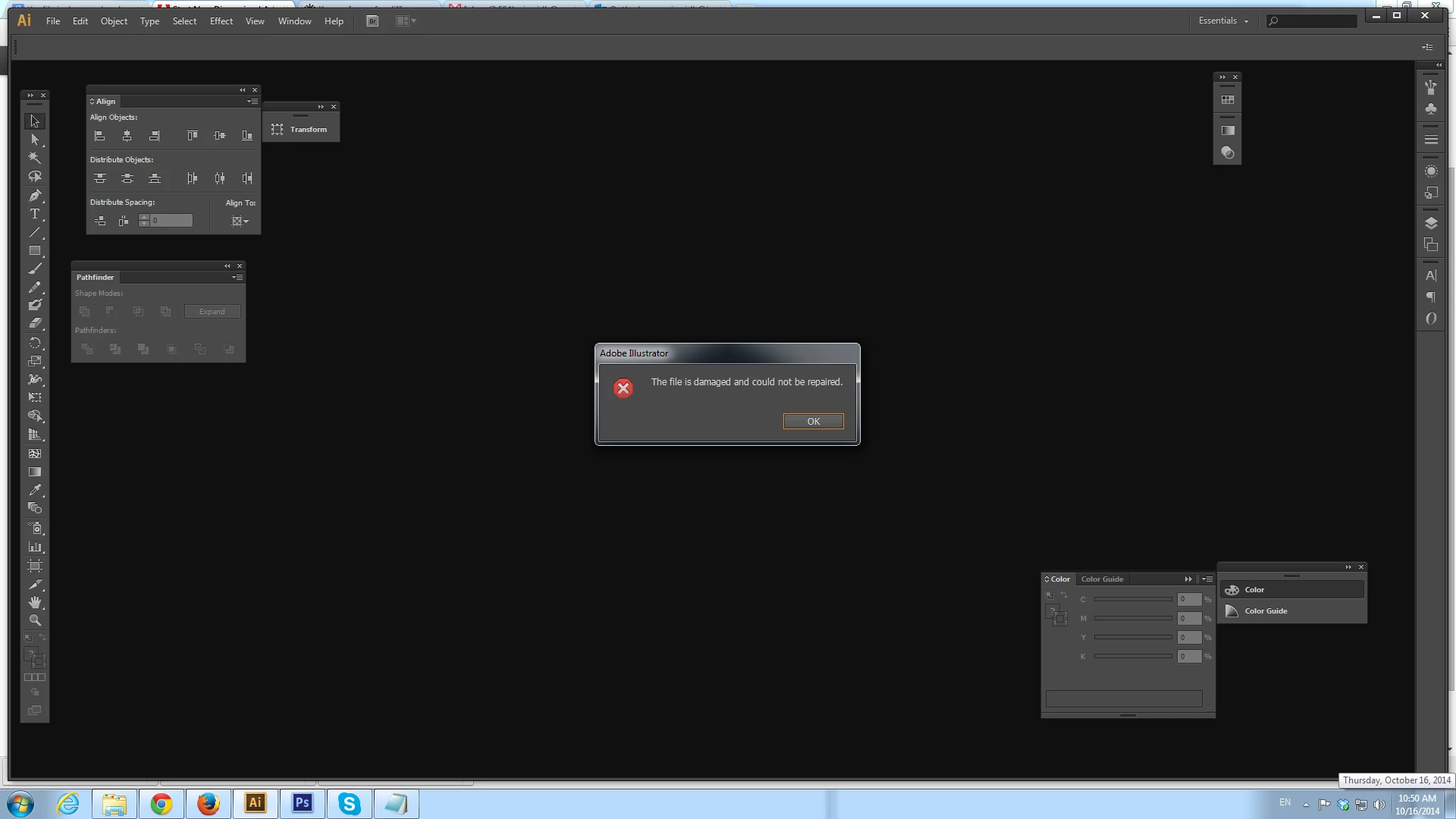
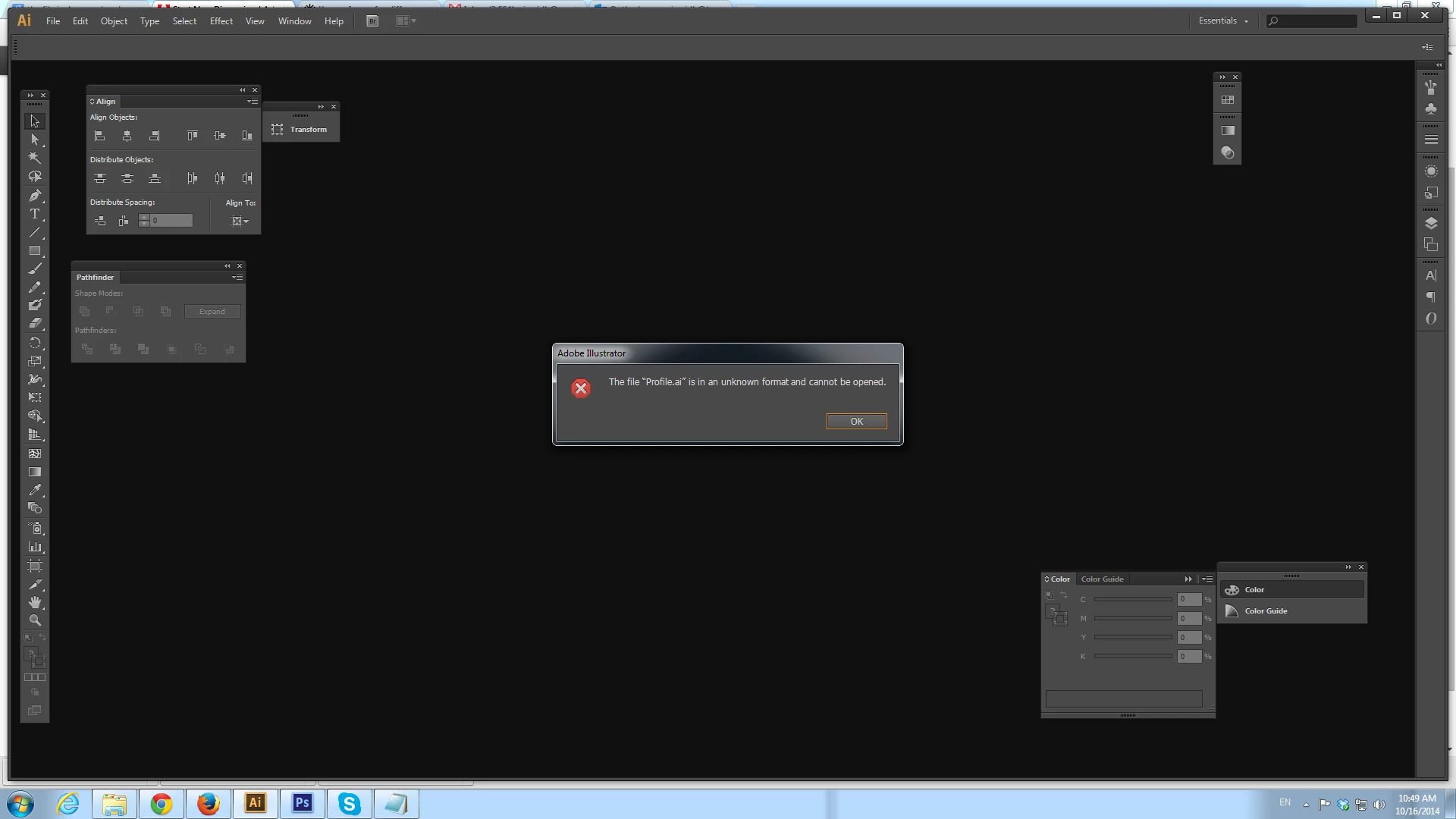
I am using CS6 and I saved many Artworks. Suddenly when i check the file today I can not open the file. Some file says "the file is damaged and could not be repaired in illustrator" and some says "The file "Profile.ai" is in an unknown format and cannot be opened". I open these files in Illustrator.

I tried with some software, Since I don't have the original version , SO I couldn't fix the problem.

The files are very important, I worked for several days.

PLEASE HELP SOMEONE....

the file is damaged and could not be repaired in illustrator
The file "Profile.ai" is in an unknown format and cannot be opened
Please Help.

Correct answer rama_ai11751598

In my case, I moved only the illustrator file to somewhere else and could open, because corruption was not due to illustrator file but a pdf placed in.

In your case, it can be an eps, jpeg, pdf or whatever you used in your document linked. Try to move only the illustrator and open there by ignoring the dependencies.

hope, it helps.


Please send such files to ShareWithAi@adobe.com for investigation.

It would be helpful if you can provide details such as

  1. Whether the file is open from network location / saved to network location
  2. Which version .ai file was saved originally
  3. Are there any backup utility / time machine running on your machine.
  4. We have seen this problem reported particularly with placed images, if you have used images are these images placed from local drive or network drive?
  5. List of steps you did just before last save

-Rama

Illustrator Team

6 replies

Participant
July 8, 2025

Hi

I send a email to help me for repair it.

This file is damaged.

Thank You

Participant
September 3, 2020

I do save my work at regular intervals, but lately my laptop got shut down abrubty, after restarting it when i tried to open my adobe illustrator file, it showed this error.


This was a quite important file for me. It included lot of important content. I tried searching for all possibe solutions on the net, including converting the file into other extensions like psd, jpeg, pdf etc but nothing worked. I even tried to move it into other disks yet no solution to this problem.


Please help me, it is quite urgent!

A great humble request

Monika Gause
Community Expert
Community Expert
September 3, 2020

Do you have a backup?

If the computer crashed while saving your file, then it might be gone for good.


Time Machine running perhaps?

Participant
May 23, 2020

I had this problem when I put my computer to sleep before the file finished saving.

my fix was:

right click on file

hit 'properties' 

'previous versions' 

There you should be able to open a previous save and then "save as" under a different name.

I lost a little bit of work, but not too bad since I save frequently.


Monika Gause
Community Expert
Community Expert
May 23, 2020

"right click on file

hit 'properties'

'previous versions'"


That will only work if you saved to a Cloud, such as OneDrive.

Participant
May 19, 2017

Please try this one trick.

1. Create a new file in Illustrator with just a simple square and save this file.

2. Now open the file in Text Edit/Notepad.

3. Copy the last couple of lines from that file, as an example:

30 0 obj

<>

endobj

xref

0 31

0000000000 65535 f

0000000016 00000 n

0000000144 00000 n

0000060545 00000 n

0000000000 00000 f

0000061918 00000 n

0001014586 00000 n

0000060596 00000 n

0000060956 00000 n

0000452085 00000 n

0000062217 00000 n

0000062104 00000 n

0000061124 00000 n

0000061357 00000 n

0000061405 00000 n

0000061988 00000 n

0000062019 00000 n

0000062252 00000 n

0000452158 00000 n

0000452510 00000 n

0000453481 00000 n

0000456985 00000 n

0000489882 00000 n

0000555470 00000 n

0000621058 00000 n

0000686646 00000 n

0000752234 00000 n

0000817822 00000 n

0000883410 00000 n

0000948998 00000 n

0001014609 00000 n

trailer

<]>>

startxref

1014777

%%EOF

4. Now open your corrupted file in TextEdit or Notepad.

5. Paste the previous code that you had coppied to the end of your corrupted file and save it.

6. Change the extension of corrupted/damaged file to .ai and you should be able to open up your file in Adobe Illustrator.

Participant
August 27, 2017

I've Tried this trick and opened the file on Ps not on Ai and it's worked, Thank you.

Monika Gause
Community Expert
Community Expert
August 28, 2017

asbedoo  schrieb

I've Tried this trick and opened the file on Ps not on Ai and it's worked, Thank you.

What did work?

You converted your file to raster. Which kind of problem would that solve?

Participant
July 17, 2016

As of today for the first ever time in 10 years of using Illustrator I have the same problem, I have just finished 2 weeks commissioned artwork - went to open to check things and message - could not open - file damaged and could not be repaired. I am using CS 6, it is a bought and paid for version registered to myself, never had any problems before. Artwork only ever done on this Pc, not saved elsewhere. And 'Contact us' tech support only extends to a phone call or this forum - which I am grateful for but hoped I might be able to email the damaged file to tech support and it be fixed for me somehow. Anyway tried all the above and like my friend same message every time - any help offered is appreciated

Monika Gause
Community Expert
Community Expert
July 17, 2016

JohnMac1971 schrieb:

As of today for the first ever time in 10 years of using Illustrator I have the same problem, I have just finished 2 weeks commissioned artwork - went to open to check things and message - could not open - file damaged and could not be repaired. I am using CS 6, it is a bought and paid for version registered to myself, never had any problems before. Artwork only ever done on this Pc, not saved elsewhere. And 'Contact us' tech support only extends to a phone call or this forum - which I am grateful for but hoped I might be able to email the damaged file to tech support and it be fixed for me somehow. Anyway tried all the above and like my friend same message every time - any help offered is appreciated

Do you have a backup?

Participant
July 17, 2016

As I wrote 'not saved elsewhere'

TREX8905603
Participating Frequently
October 16, 2014

Try this.

If you have Adobe Acrobat / Pro.

Open Adobe Acrobat, navigate to your Ai file to open, save as a new pdf, then open that pdf using Illustrator, not sure how much of the editing features will remain, but may you some time in recreating your artwork.

Someone else may have another solution.

Good luck

The file is damaged
Participant
October 16, 2014

Thank you for the response. unfortunately I couldn't open the both files.Is there any other way?

TREX8905603
Participating Frequently
October 16, 2014

Not sure if the flollowing will be of use, but worth a try?…

Try changing the .ai to .eps or .pdf to see if anything happens to see if it makes a difference to importing or exporting as a pdf?

If you have Indesign, try importing the file into Indesign then saving that file as a pdf or/and export as a Indesign eps file.

Sorry I cannot be of any more assistance.

Good luck!