

Participant
September 12, 2025
Question

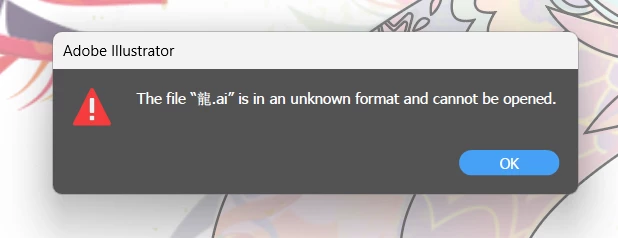
The file is in unknown format and cannot be found

  • September 12, 2025
  • 2 replies
  • 126 views

Anyone know why my Ai file show up this?? i saved this 2 days ago, but today i opened it show this to me, i did not deleted my file but whyy. Is there any solution ??? 
2 replies

Abhishek Rao
Community Manager
Community Manager
September 15, 2025

Hi @TREXS_JASON9329,


Thank you for sharing the screenshot. In addition to the suggestions shared by the expert, could you please confirm whether the file was saved locally or to a cloud or network drive? Also, which version of Illustrator and which operating system are you using?

If the file was saved to the cloud, try checking if an earlier version is available using the steps here: https://adobe.ly/3K5au0L

You can also try opening Illustrator and checking the Home screen under Recents to see if your file appears there. If you've recently renamed or moved the file, that may also affect access, so do let me know.


Looking forward to your update

Abhishek

barbara_a7746676
Community Expert
Community Expert
September 12, 2025

Here are some things to try:

  • Move the file to a different location on your computer. If it is a file on a network, move it to your computer.
  • Restarting Illustrator may solve the problem
  • Try changing the file extention to EPS or SVG and see if the file opens in Illustrator.
  • Look in Illustrator's auto-save or data reovery folders for a backup version of the file.
