January 4, 2026
Question

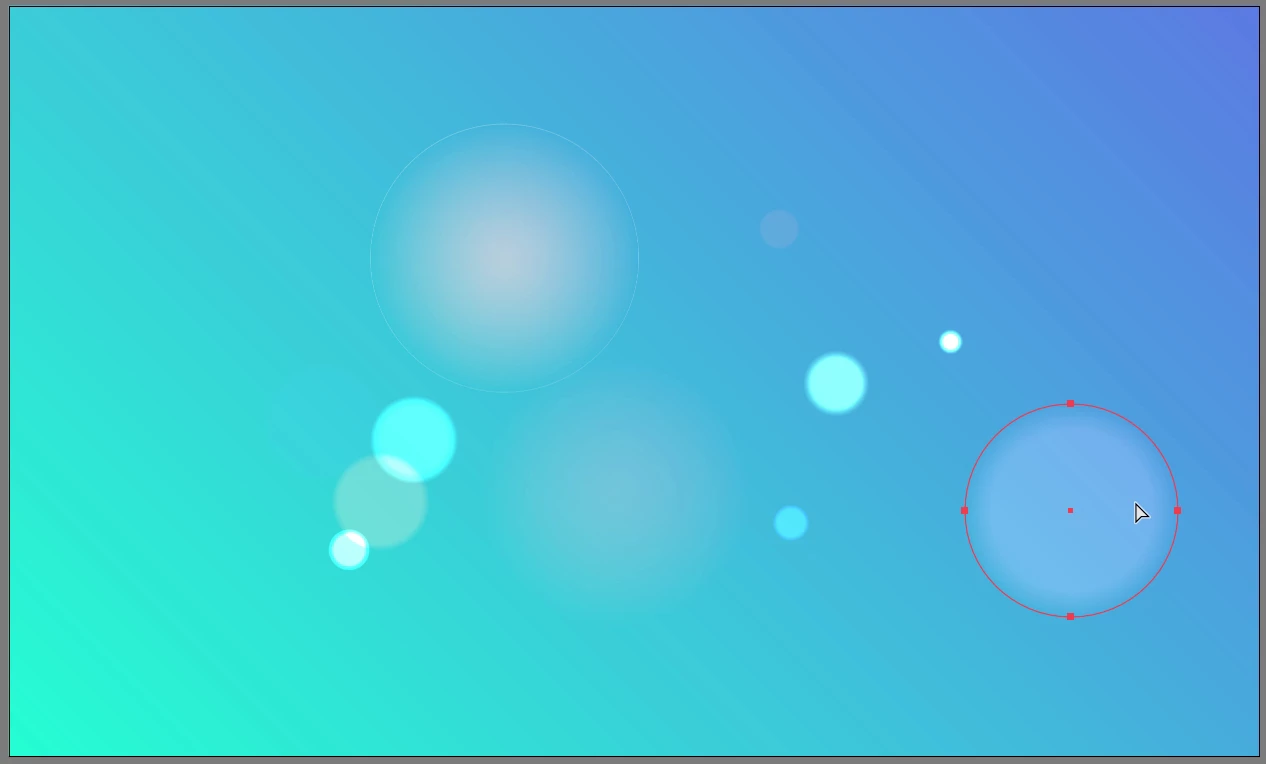
The gradient is not displayed correctly when moving the shape in any blending mode (e.g. screen).

  • January 4, 2026
  • 3 replies
  • 482 views

Illustrator 30.1.

When I move an object with a gradient in blend mode, the gradient seems to stay in place while I move it, and only applies after I release the cursor. As you can see from the screenshots, I am not moving the gradient, but rather moving the object itself.


This is very annoying; I've never had this happen before. I'm very disappointed that I updated to the new version.

Is there any solution?


1.png2.png

3 replies

Ton Frederiks
Community Expert
Community Expert
January 5, 2026

Could it be an Illustrator Windows problem?

Kurt Gold
Community Expert
Community Expert
January 5, 2026

Ton,


below you can download a sample file that was created in the latest Windows version of Illustrator (30.1).


Are the gradients displayed as expected when you move (or scale) them with the Selection tool in your Mac version of Illustrator (while Real Time drawing / GPU preview is turned on)?


Transparent Gradients 1

Ton Frederiks
Community Expert
Community Expert
January 5, 2026

Yes, Kurt, reproducible on Mac too.

Now I have a hard time not to reproduce it.

Kurt Gold
Community Expert
Community Expert
January 4, 2026

I can reproduce the issue as soon as at least one gradient stop has less than 100 % opacity and the entire object has any blending mode other than "Normal".


If all gradient stops are then set to 100 % opacity again, the issue still persists.


I'd say it's a bug.

Kateryna_Author
January 4, 2026

I also noticed that if I enable the new "dithering" function, the problem is solved and the gradient moves correctly along with the object, but there is no way to set dithering for all gradients by default.

Anubhav M
Community Manager
Community Manager
January 5, 2026

Hello @Kateryna_,

I'm sorry to hear about your experience. I tried replicating this on my end, but could not. Could you please share a link to a sample file, along with a small screen recording of your workflow and the issue, so we can review it with the team? Also, kindly share the link to the UserVoice, so we can investigate further.

Looking forward to hearing from you.

Anubhav

Ton Frederiks
Community Expert
Community Expert
January 4, 2026

I cannot replicate your issue, perhaps you could try resetting Preferences?

https://helpx.adobe.com/illustrator/kb/troubleshoot-preference-issues.html

Kateryna_Author
January 4, 2026

Thanks for the advice!

I simply uninstalled 30.1. I also tested it on 30.0, and the same problem occurred.

I eventually reverted to version 29.8.4, and everything works perfectly.

Ton Frederiks
Community Expert
Community Expert
January 4, 2026

@Kateryna_ good to hear you found a workaround.

It would be usefull to post this problem with an example file at UserVoice:

https://illustrator.uservoice.com/