Participant
September 27, 2023
Question

The presets from Illustrator do not save

  • September 27, 2023
  • 2 replies
  • 171 views

Hello dear community,

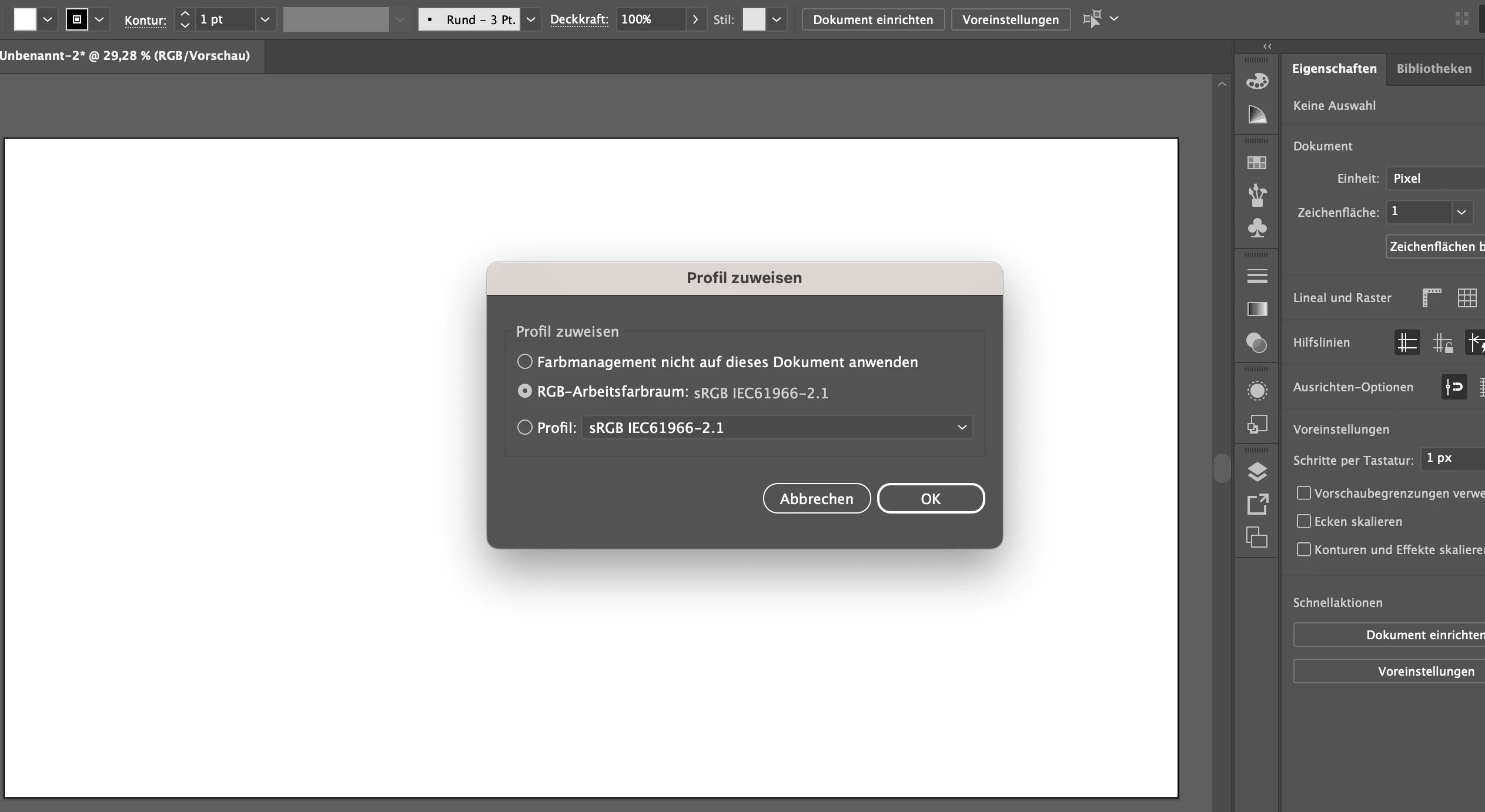
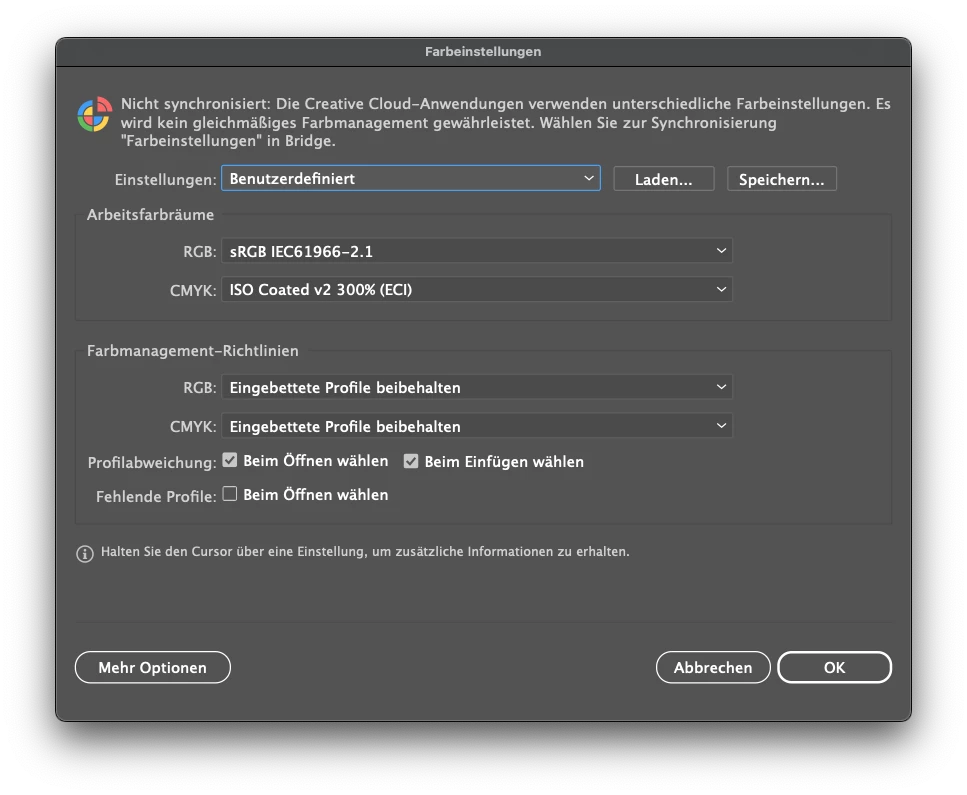
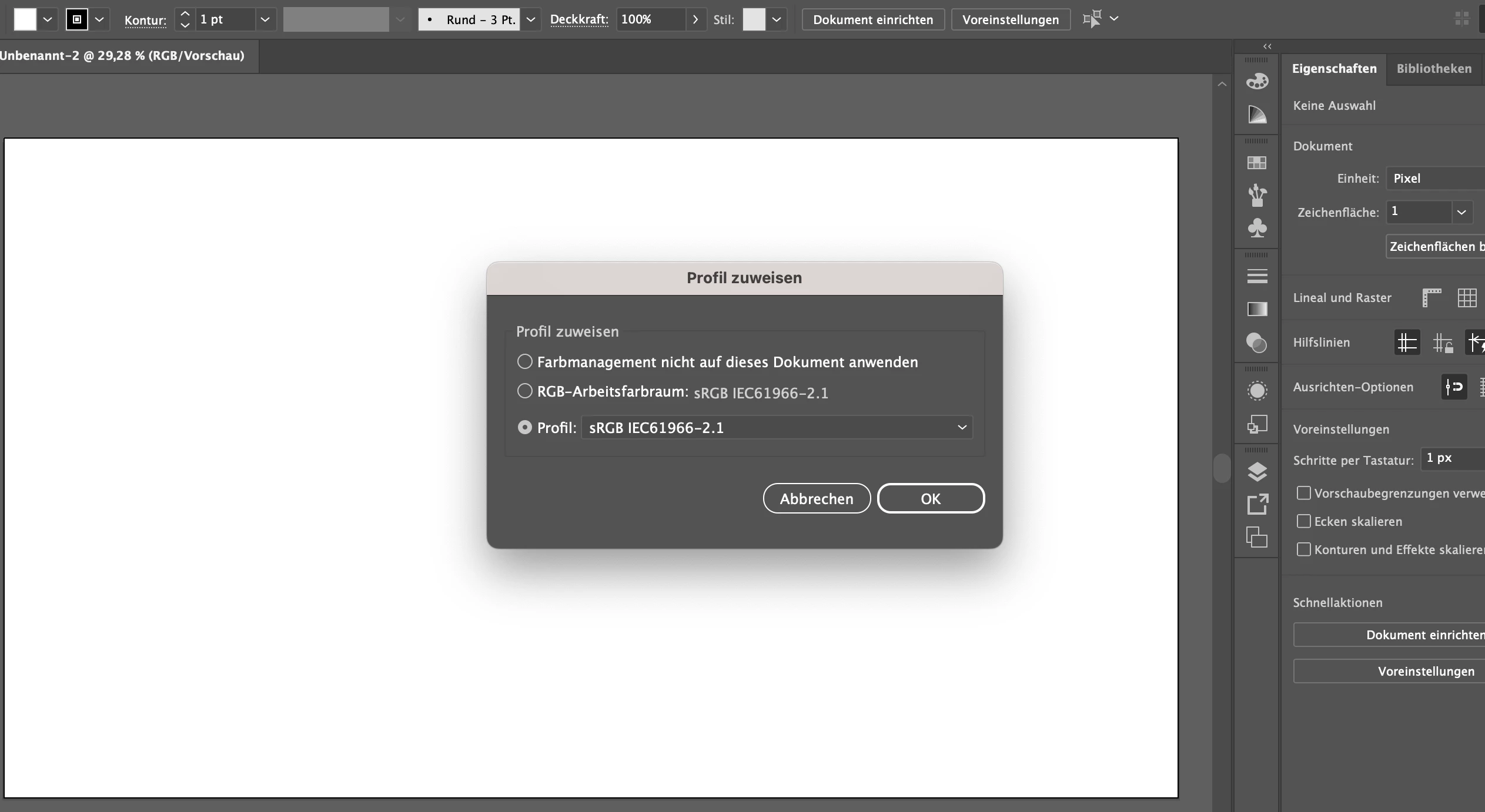
a short while ago I had to download Adobe Illustrator again because I got a new license. Since we use the program for work, we have certain preferences that must be met. Unfortunately, the presets do not save for me. I tried "assigning a profile", however the setting does not save properly, but keeps jumping back to another profile that I did not select. Furthermore, I cannot find the CMYK profile that I need in the color settings, because it is not available for selection (see image). Can you help me further?


Many greetings


Leoni
This topic has been closed for replies.

2 replies

Ton Frederiks
Community Expert
Community Expert
September 27, 2023

To see more installed profiles, click Mehr Optionen

Monika Gause
Community Expert
Community Expert
September 27, 2023

Open Edit > Color settings and put your profiles in there.

They have to be installed in the system. Are they?


You might want to synchronize all the apps by setting up color management in Bridge.

And if you are working with document templates, then the profiles need to be set correctly as per your needs inside of those as well.