Question
The toolbar color thumbnail doesn't match the color in the Artboard
Hello there,
I've been experiencing some issues with colors and color setting in Illustrator. For example, even though I have apply the same color settings in Illustrator and Photoshop they don't show the same results.
But what worries me more now, is that there's a huge difference in the colors from the swatches and thumbnails compared to that very same color applied to any object in the artboard.
To be more clear I have attached a screenshot of this situation.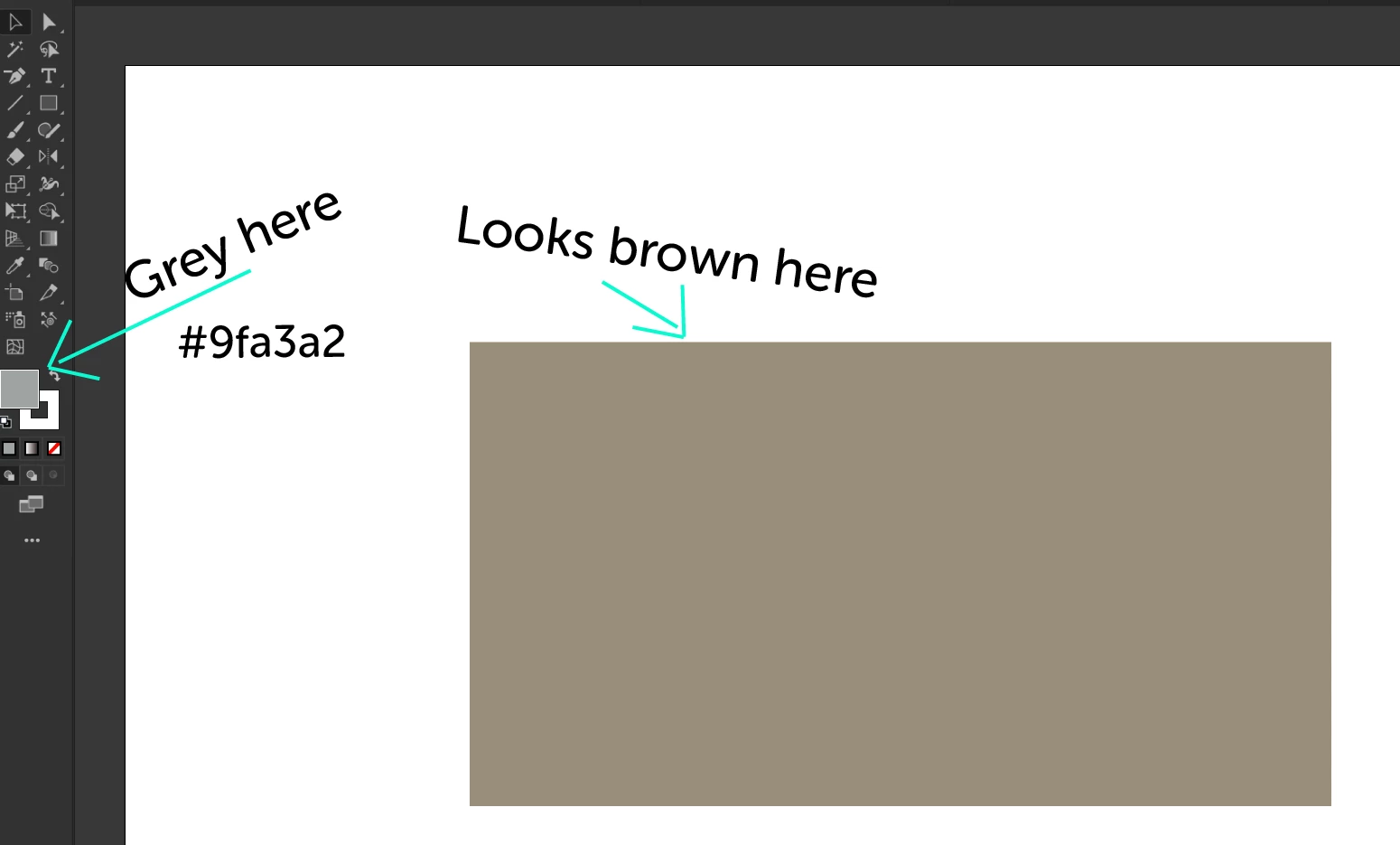
I hope there is an easy fix for this.
Thank you in advance.
Juan Manuel
 AdChoices