
Participating Frequently
November 3, 2022
Answered

Thin white line bewteen green and red

  • November 3, 2022
  • 3 replies
  • 565 views

Hello,


Would you mind helping me with the white line glitch at AI?


As an example, I made two shapes using green (R:0 G:161 B:81) and red (R:227 G:30 B:34).
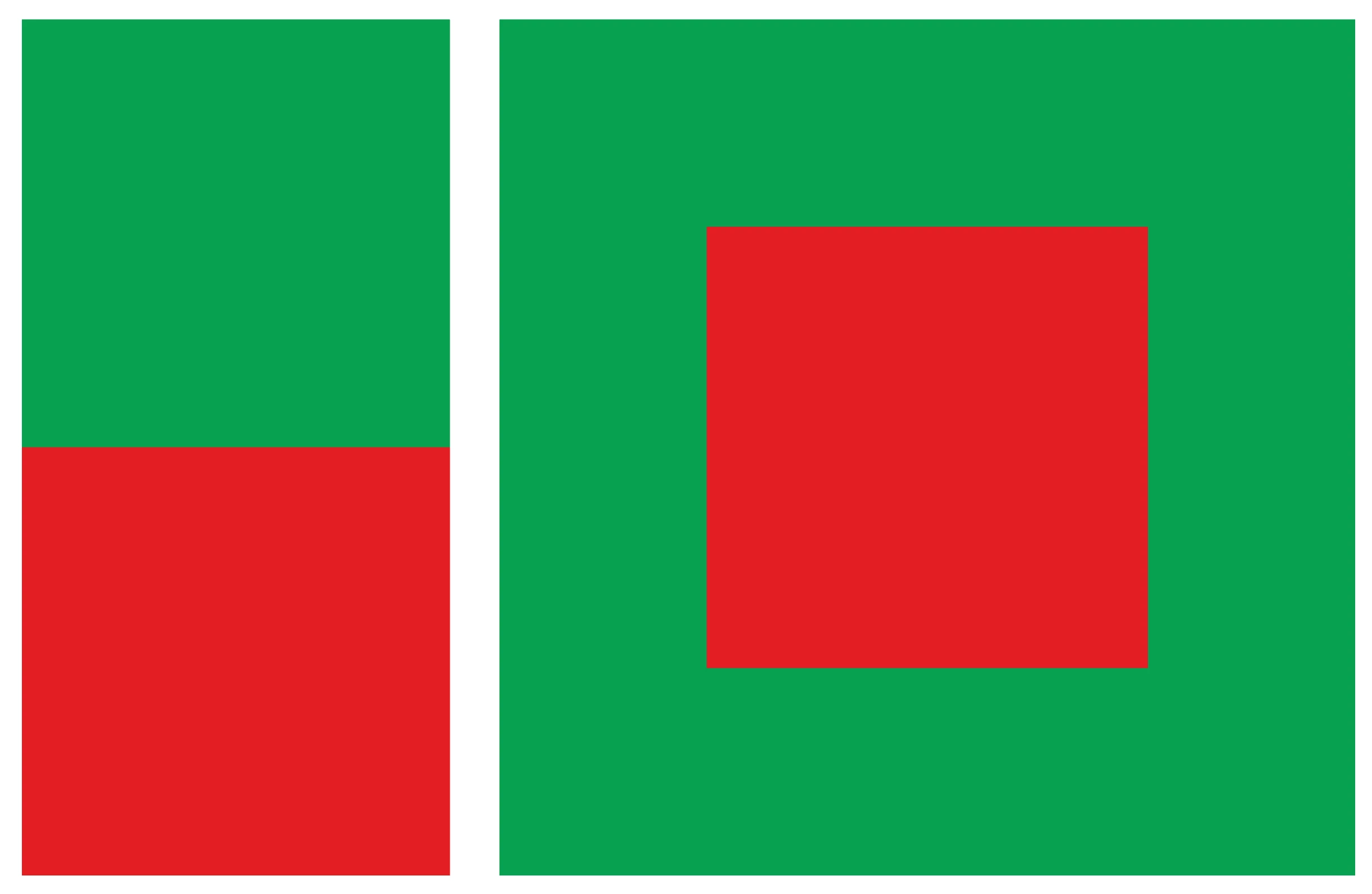
In the image above, you can see a thin white line between two colors.
Both colors do not fill the line, and I am certain that there is no gap between them.

(*I used outline view and zoom in to 64000% to check.)


On the right side, you can see two thin lines: a black line at the bottom and a white line at the top.

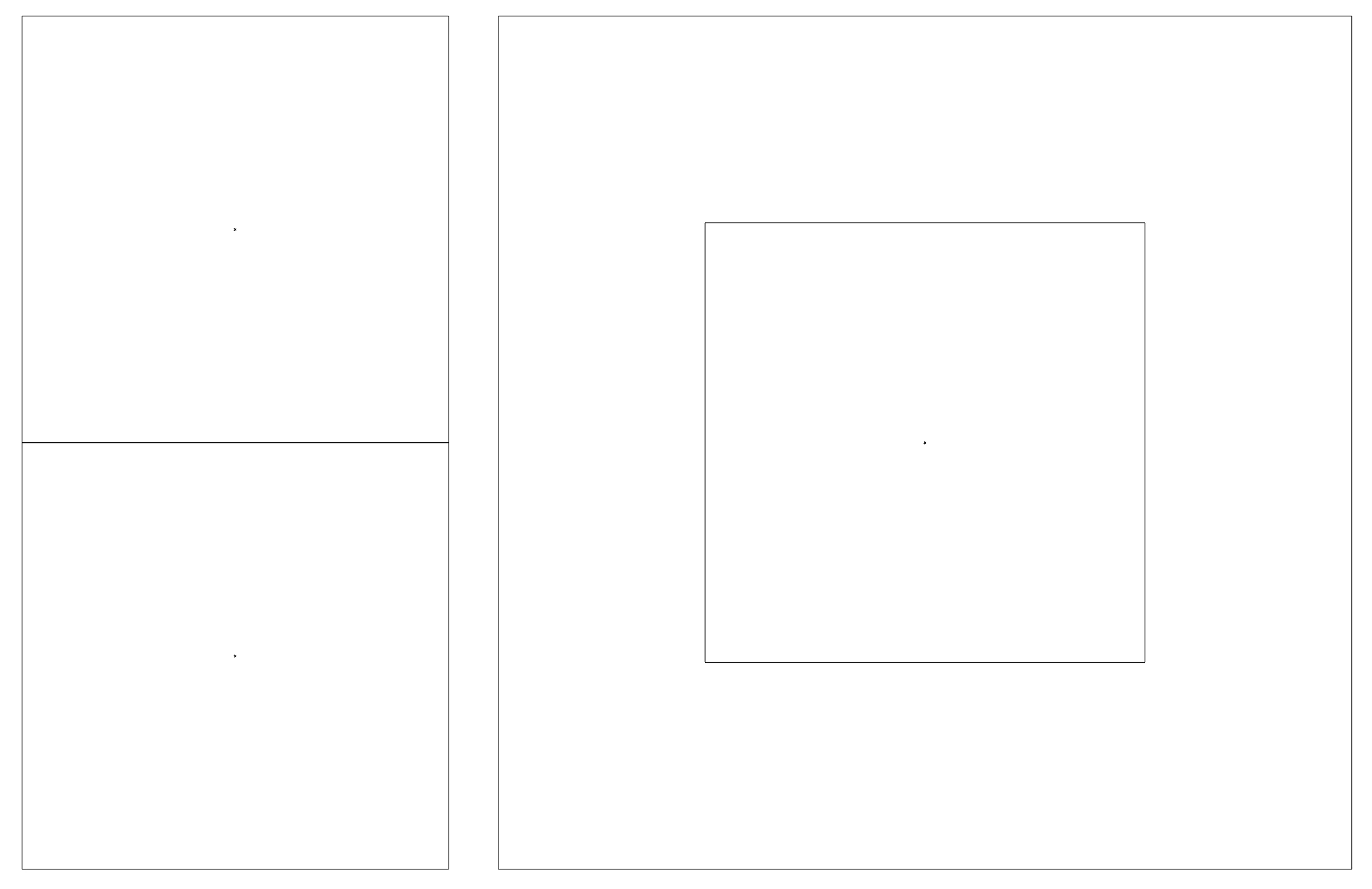
 

It would be greatly appreciated if you could give me this help, thanks.

This topic has been closed for replies.
Correct answer Doug A Roberts

The contrast of complementary colours can do odd things to our retinas when placed side-by-side. Orange and red have much less of a contrast.

3 replies

Mike_Gondek10189183
Community Expert
Community Expert
November 3, 2022

I do not see a white line, and neither did Doug. That means this issue is with your monitor.  You will need to go into the menu on your monitor and calibrate the alignment of your colors. There are buttons on your monitor to enter the tools.


Afterwards you additionally may wish to use the software in your OSto color calibrate. On windows click on the gear icon to enter windows settings and type calibrate. On mac, I believe it was in the control panel for color

raybinlamAuthor
Participating Frequently
November 3, 2022

Hi,


Thanks for your help.

My device is a MacBook Air 13" (M1 2020), default monitor settings.

Perhaps the color calibrate on my monitor is incorrect or perhaps my eyes aren't working properly XD

Jacob Bugge
Community Expert
Community Expert
November 3, 2022

Ray,


What happens if you ensure that the outer edges of both the red and the green objects have X and Y values that are whole numbers?


Hi Doug.


raybinlamAuthor
Participating Frequently
November 3, 2022

Thanks for your help.

As you suggested, I adjusted both shapes to whole numbers, and it seems to have the same result...

Meanwhile, I do another experiment using orange and red, and the white line has disappeared....


Doug A Roberts
Community Expert
Doug A RobertsCommunity ExpertCorrect answer
Community Expert
November 3, 2022

The contrast of complementary colours can do odd things to our retinas when placed side-by-side. Orange and red have much less of a contrast.

Doug A Roberts
Community Expert
Community Expert
November 3, 2022

Here are the top left and bottom right of your image, zoomed to 12800% in Photoshop:

There is what i'd expect for antialiasing between red and green, but no black or white lines.


raybinlamAuthor
Participating Frequently
November 3, 2022

Thanks for your reply. : )

There appears to be a very thin white line there.....could that be an illusion?@@


Doug A Roberts
Community Expert
Community Expert
November 3, 2022

I can only see a slightly darker line, which I would put down to either my eyes adjusting to abutting complementary colours or my monitor pixels anti-aliasing.