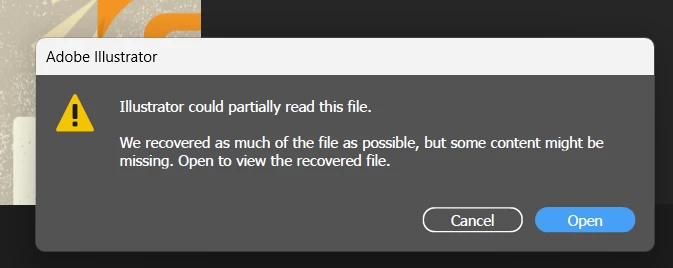
Sorry to hear about your experience. Would you mind providing some details about the circumstances under which these files were saved or edited and the location of the files where they were stored? For example, were there any unexpected Illustrator crashes, sudden app closures, system shutdowns, or power cuts during editing?
Also, kindly confirm if the file was saved on a network, removable drive, or a cloud-synced folder like Google Drive or Dropbox. Storing files in such locations can sometimes lead to corruption issues. To prevent this from happening in the future, we recommend saving your work locally first and then manually copying it to your desired backup location or saving it as cloud documents.



 AdChoices