
meganchi
Legend
March 9, 2023
Question

Threaded text bug?

  • March 9, 2023
  • 1 reply
  • 596 views

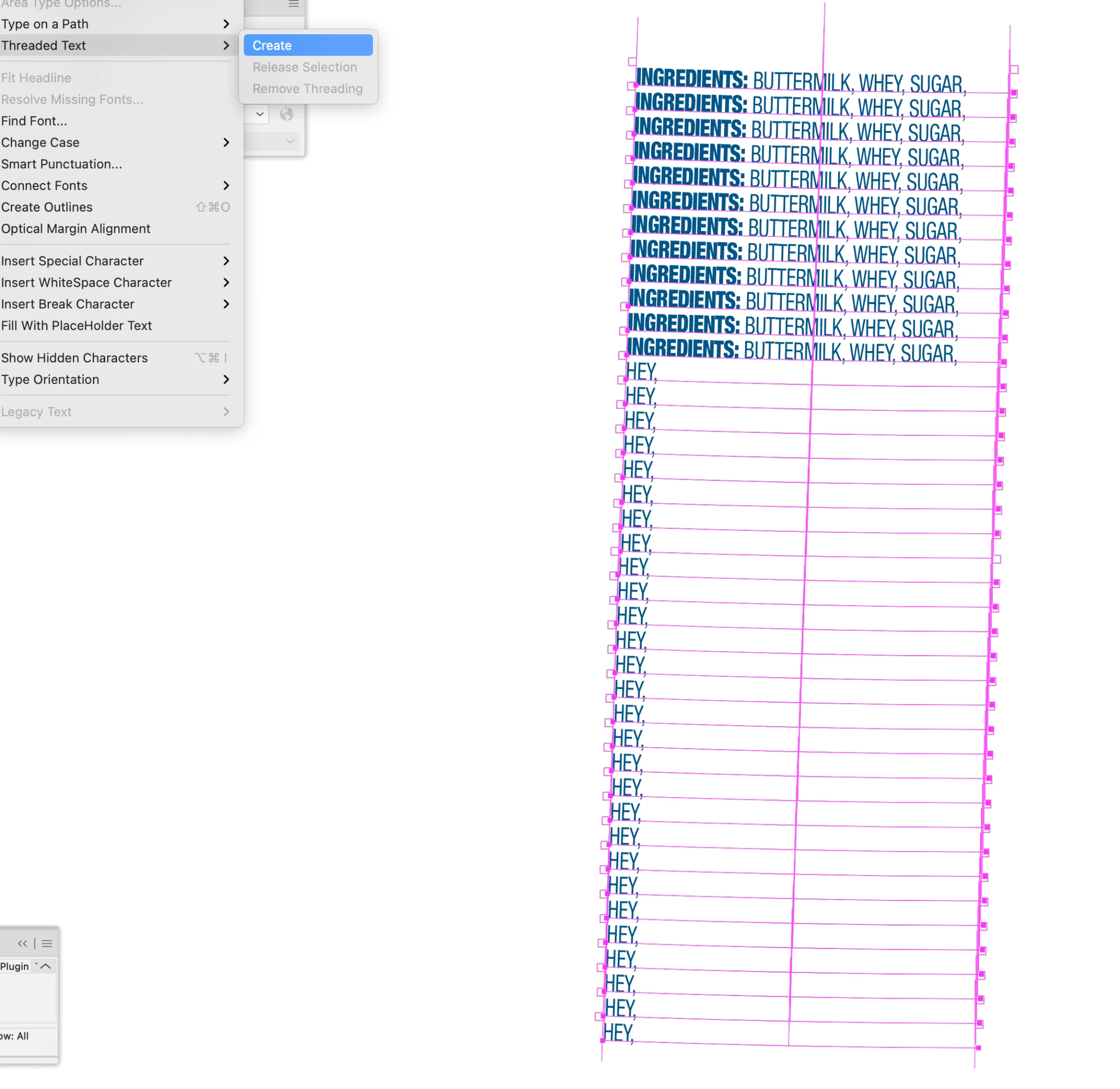
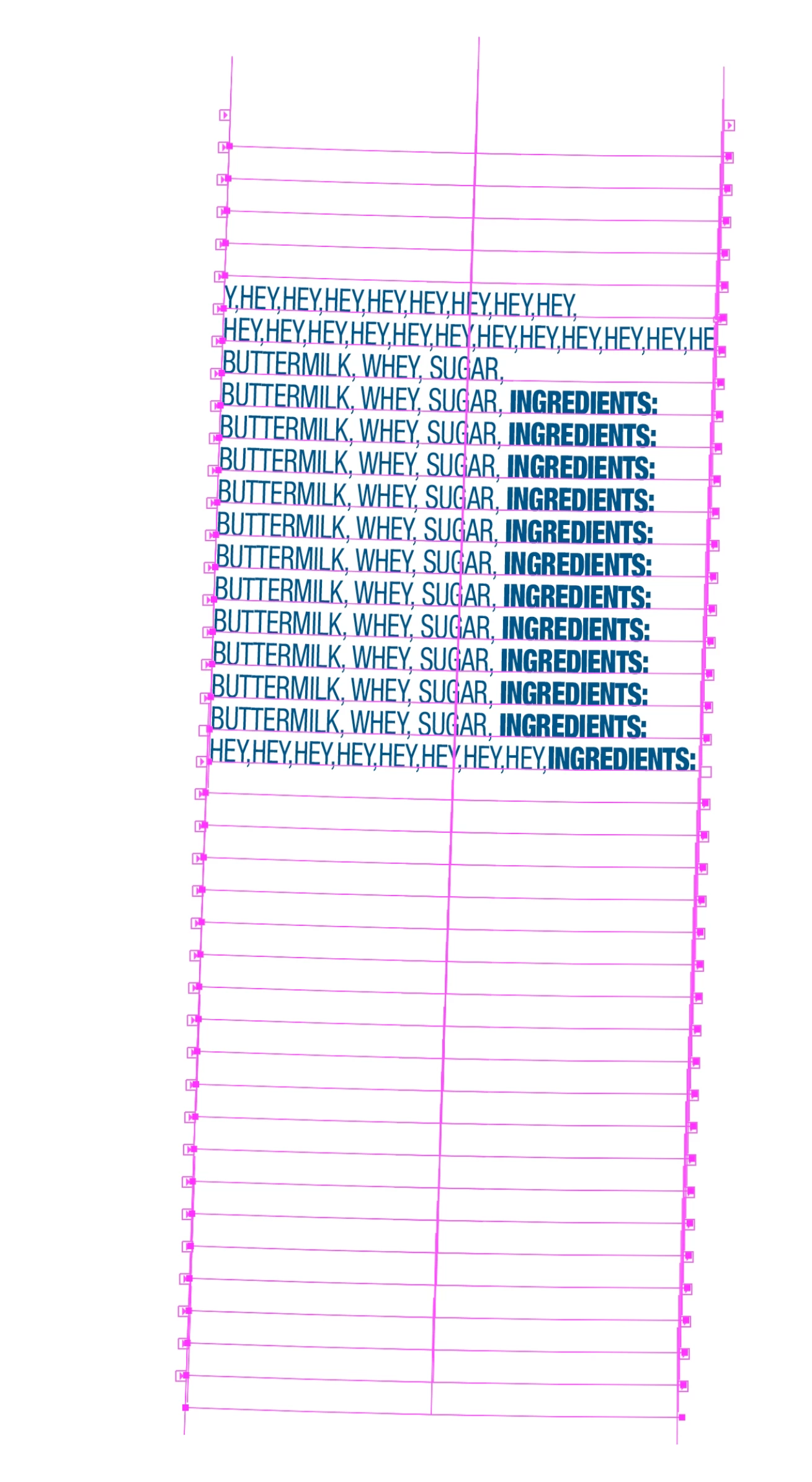
I am trying to thread text on multiple curved lines for an ingredient listing for packaging. Due to the package structure, 23 lines of text have to individually be applied using type on path. I wanted to thread all of these lines so that I can seamlessly type ingredient listings for other flavors. However, when I select the curved lines that already have text applied to them and thread them, the thread jumps around instead of going in order. I tried individually selecting each out port to link to the next text line, but it isn't working. Is this a bug?
This topic has been closed for replies.

1 reply

Monika Gause
Community Expert
Community Expert
March 9, 2023

The thread will be applied in the stacking order of the objects. Unless you use the text tool to thread them one by one.

meganchi
meganchiAuthor
Legend
March 9, 2023

Monika,

I selected each line one by one going in order from top to bottom, is this what you mean by stacking order? If so, the result still looks jumbled.

Monika Gause
Community Expert
Community Expert
March 9, 2023

The stacking order is the order in which they are lying on top of each other which is reflected in the layers panel. How did you create the threaded text? If you just select them all (and it doesn't matter how you do that) and then go to Type > Threaded text > Make, then the stacking order will determine the order in which they are threaded.