

Three point circle using AG
I want to use AG to draw circle like this. How to do this? It does not come.
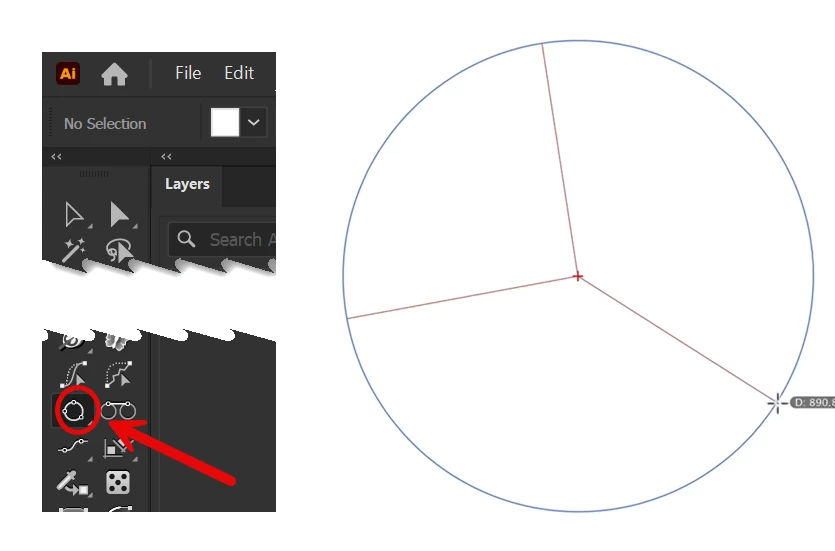

The key thing to remember is not letting up on the left mouse button when making the second click. The second click has to be held down and dragged to create the third point.
This default behavior can be changed in the Circle by Points Preferences. Double-click on the Circle by Points tool in the toolbar to open its preferences dialog box. Uncheck the "third point must be dragged option." If the option is not checked the Circle by Points tool will want to make all circles it draws using 3 points.
Already have an account? Login
No account yet? Create an account
Enter your E-mail address. We'll send you an e-mail with instructions to reset your password.