
Participant
May 31, 2022
Answered
Tiffs won't open in Photoshop or Illustrator
- May 31, 2022
- 12 replies
- 6491 views
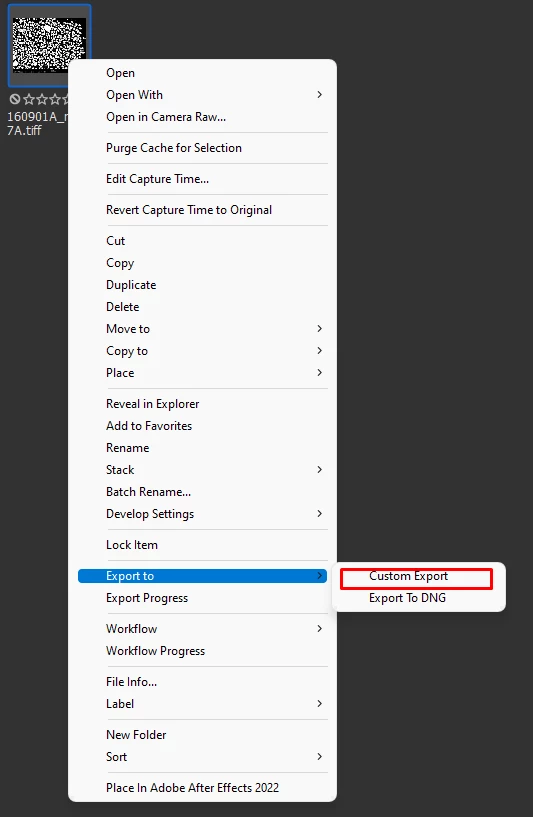
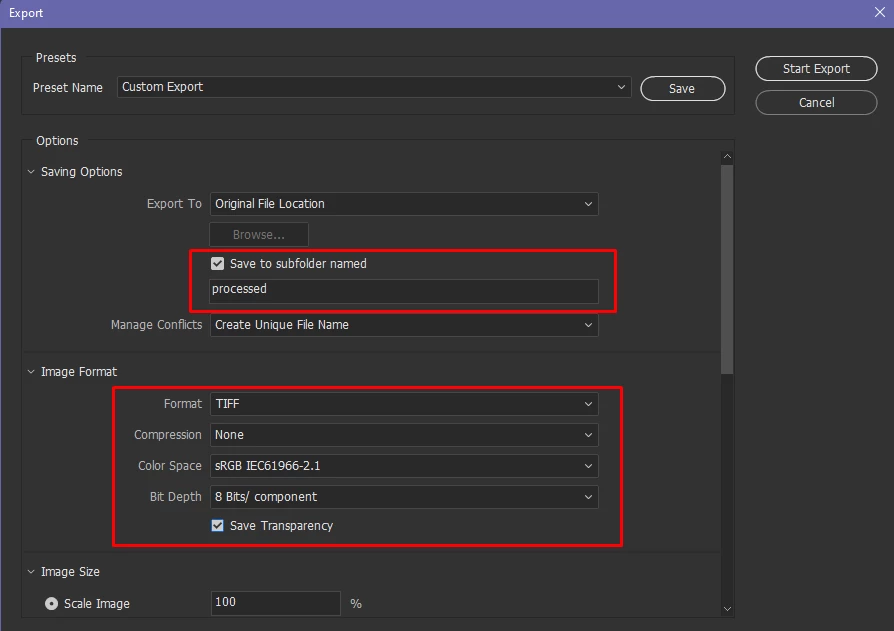
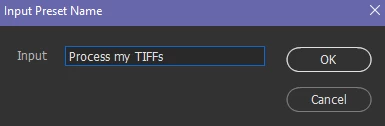
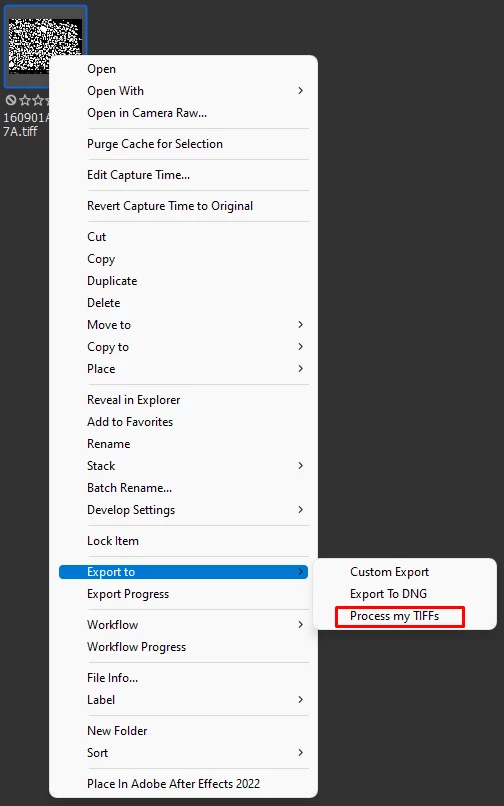
I'm trying to drag grayscale tiff files into Illustrator and I get an error ("The file is not readable"). I also tried opening the same files in Photoshop and it says that they use an unsupported color space. This is using Illustrator 26.3.1 and Photoshop 23.3.2 desktop versions in Windows 10. There is a trick I found on YouTube where if you open an image file in Paint and immediately re-save, it will suddenly work in Illustrator/Photoshop but I've got 100s of these files so this isn't exactly practical! Attached is an example of one of the tiffs.


 AdChoices