Participant
January 27, 2020
Question

Too many lines - how to reduce?

  • January 27, 2020
  • 3 replies
  • 1462 views

Hi,

I started using Illustrator and try to draw flowers using watercolor brushes. 

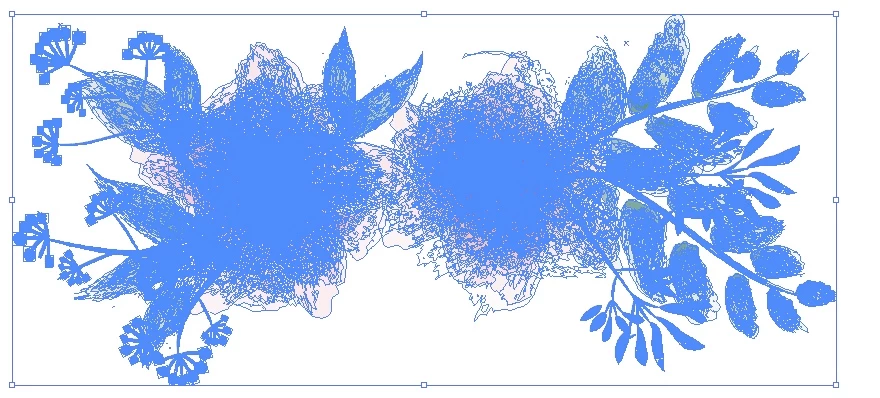
This worked fine but when I expanded the appearance, so that I can change the size of my image, the program works very slow. Furthermore, I cannot copy the object, I think due to the size of the data?


So how can I reduce the amount of all these lines. I mean, I always paint several layers onto each other so I think this is why I get so many of these blue lines when I select the image, but is there a possibility to reduce them, so my computer can work faster again and I can also copy the drawing?

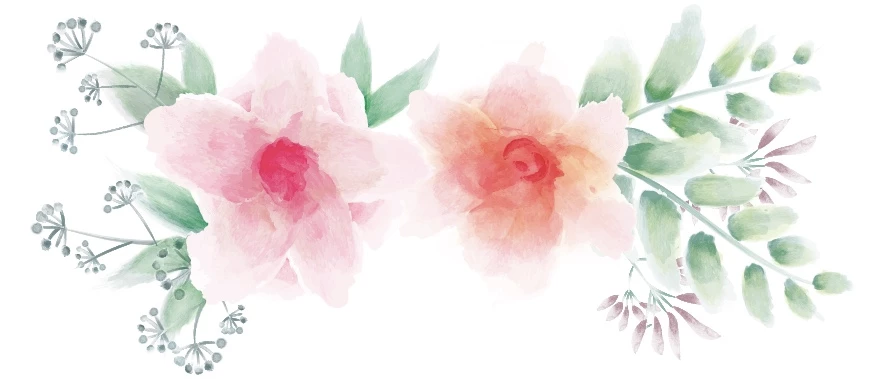
I have a photo as an example what I mean. 

Thanks for any help!
This topic has been closed for replies.

3 replies

meganchi
Legend
January 27, 2020

You could select it in Illustrator, then go to Object menu and select "rasterize". This will turn it into a pixelated/embedded image.

Anna Lander
Inspiring
January 27, 2020

if you still did not make too many steps after expanding, undone it. To change the image size keeping its appearance without expanding, turn On "Scale Strokes and Effects" option in Transform panel. If you plane to create finally a raster image, you don't need to expand it at all. Printing or animation are more exigent.
But Kurt is right: creating such images is much better in Photoshop.

Kurt Gold
Community Expert
Community Expert
January 27, 2020

There are ways to appease your issue a bit, but in general: Why don't you do this kind of illustration in a dedicated raster image application such as Photoshop or Painter?


One may say that Vector artwork becomes perverted by doing it this way.