
Answered
Tool for dividing a circle into slices?
Is there a tool on Illustrator that can EASILY divided a circle into 52 equal slices?
I have been struggling with this matter for some time now and I have a dead line coming.

Is there a tool on Illustrator that can EASILY divided a circle into 52 equal slices?
I have been struggling with this matter for some time now and I have a dead line coming.
i'm pretty sure this is what the video describes, but I can't watch it here, so just in case.
draw a path from the centre of your circle to the outside. use smart guides to align it to the centre.
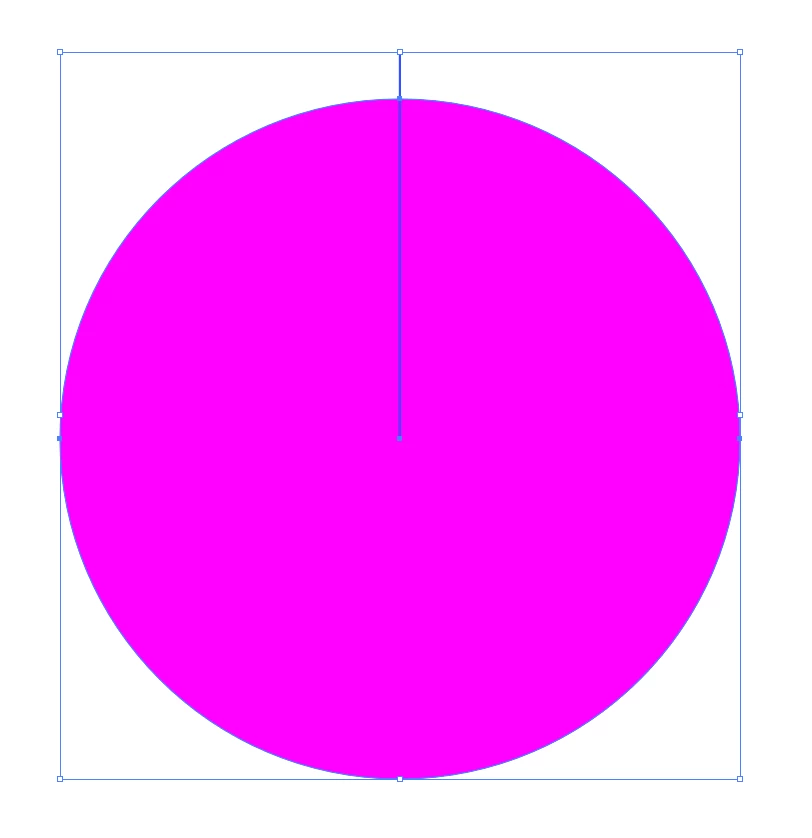
use the rotate tool. with just the line selected, alt-click on the endpoint at the centre. type 360/52 into the box and tab out. this should give you 6.92 degrees:
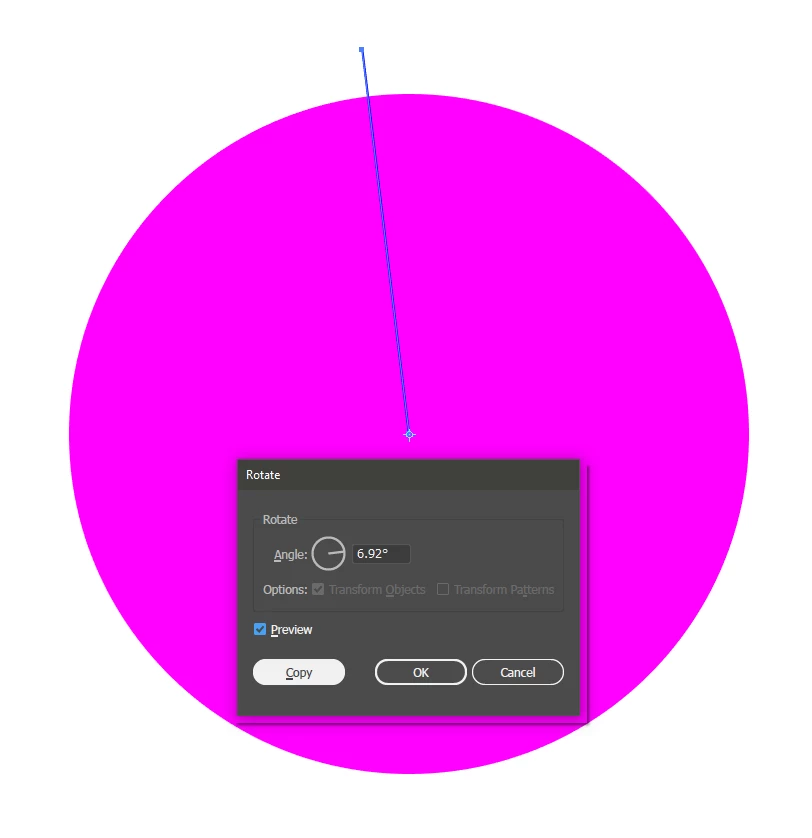
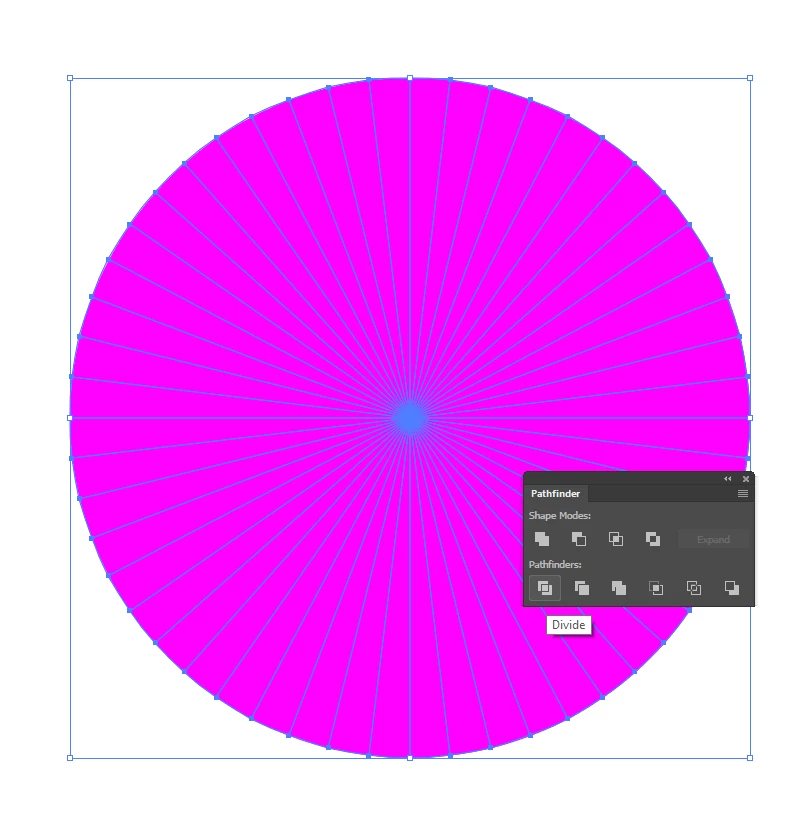
click 'copy'. hold down ctrl+D (transform again) until you have lines going all the way round:

select both lines and circle. use pathfinder - divide.
Already have an account? Login
No account yet? Create an account
Enter your E-mail address. We'll send you an e-mail with instructions to reset your password.


 AdChoices